

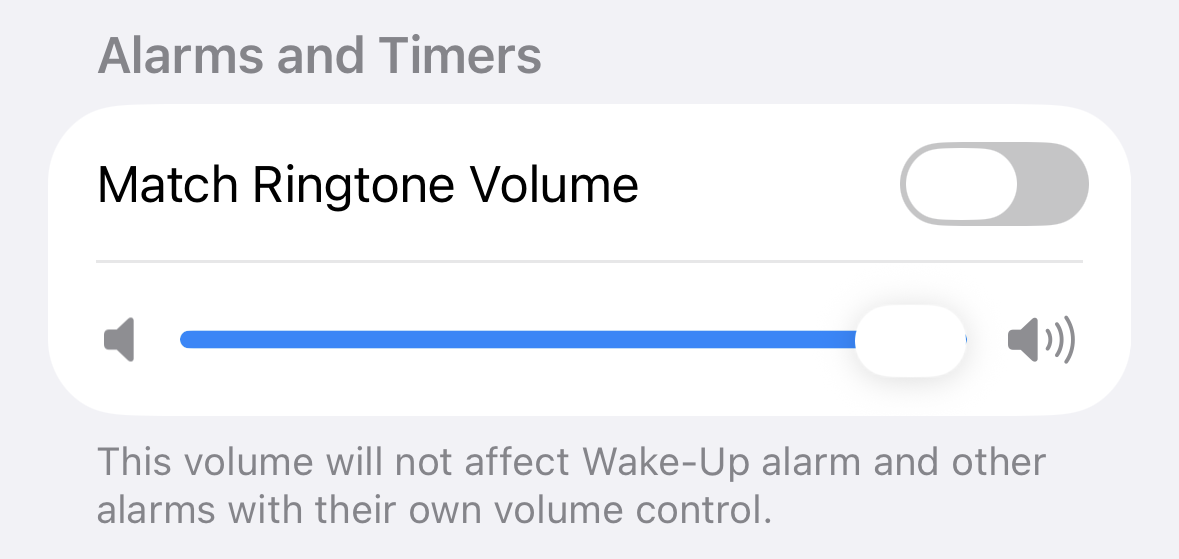
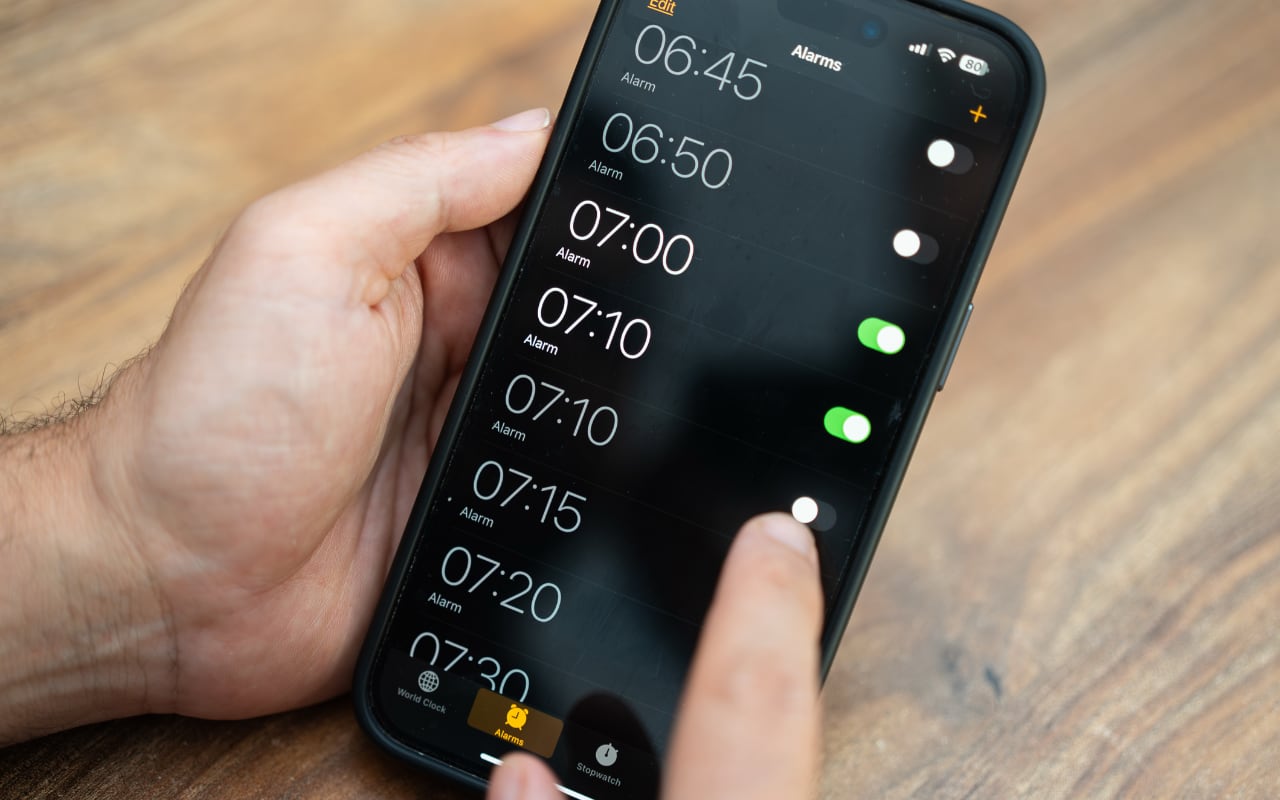
Want a quiet ringtone without making your kitchen timer easy to miss? In iOS 27, you can set alarm and timer volume separately from ringtone volume. By default, they’re still linked, so you’ll need to change a setting. Go to Settings > Sounds & Haptics, find Alarms and Timers, and turn off Match Ringtone Volume. Drag the slider below it to your preferred volume, then adjust the Ringtone slider for incoming calls. Alarms and timers share their own volume setting, so you can keep them loud without making every phone call announce itself across the room. Once you’ve adjusted the sliders, set a short timer in the Clock app to check that the volume suits your surroundings.
(Featured image by iStock.com/Olga Demina)
Social Media: Your ringtone can be discreet without making your timers hard to hear. iOS 27 lets you set alarms and timers to their own volume. Here’s where to find it.
Recent Posts

Oct. 28, 2026
Apple Makes Its First Touchscreen Mac, Plus an M6 MacBook Pro and iMac

Oct. 28, 2026
New iPad mini Costs More: Which Model Should You Buy?
Oct. 21, 2026
Critical PHP Flaws Put Business Websites at Risk—Check Yours Now
Oct. 19, 2026
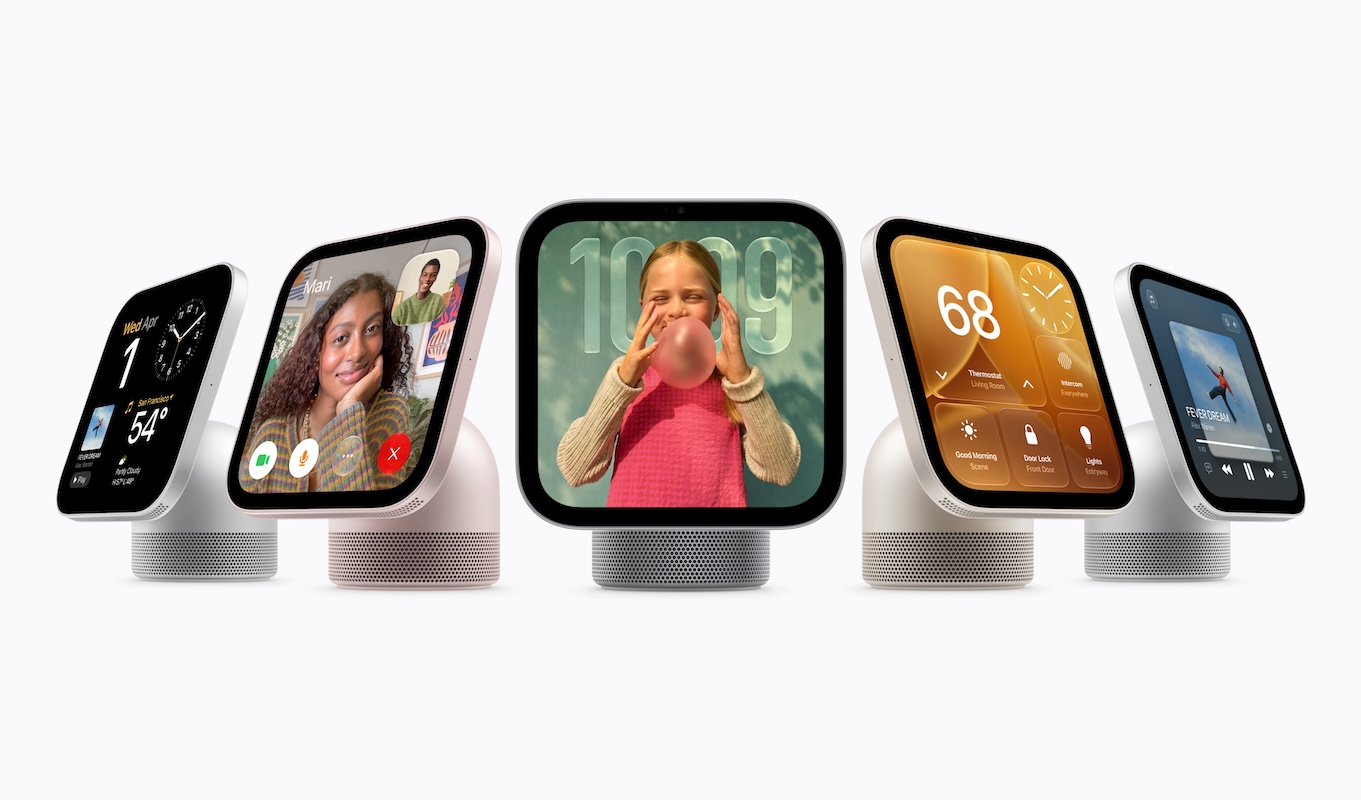
Apple’s New Home Lineup: What to Buy, What to Skip, and What to Wait For
Oct. 02, 2026
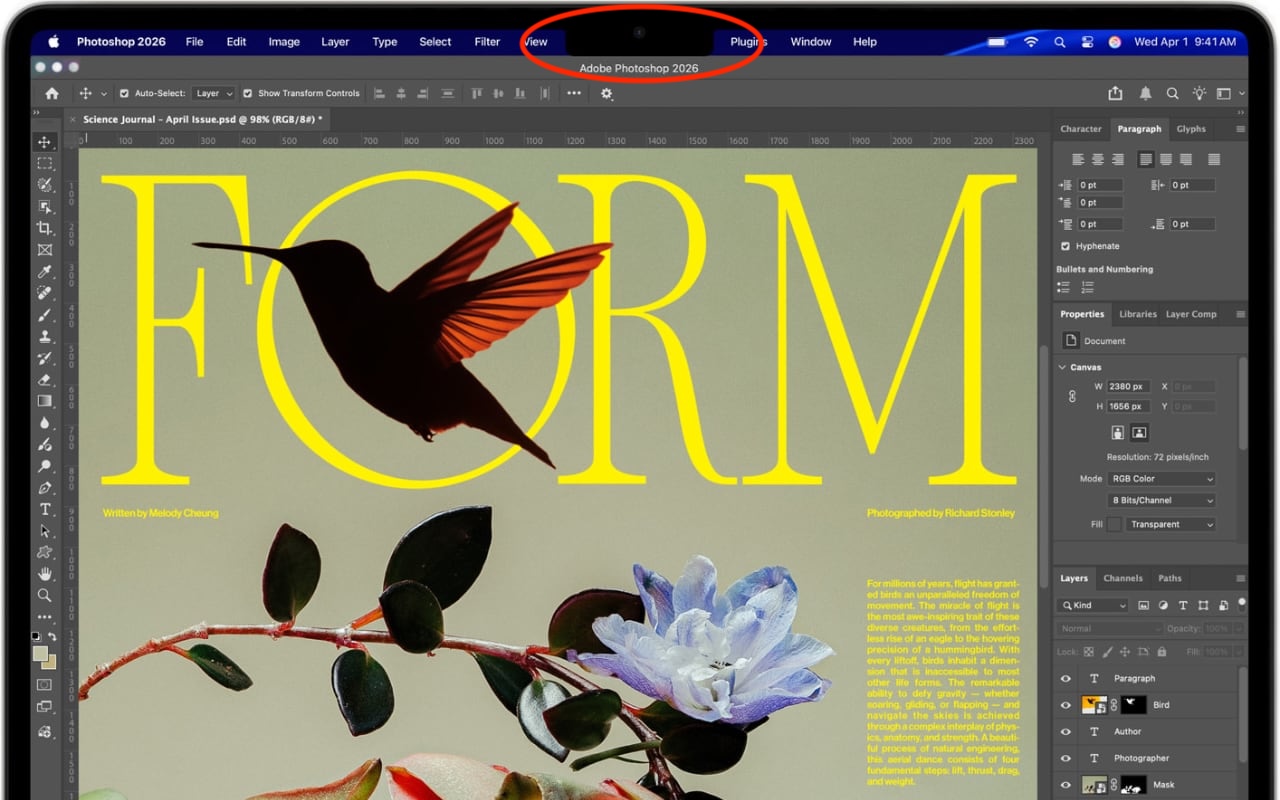
Dealing With the MacBook Notch in macOS 27 Golden Gate
Oct. 02, 2026
Check Rosetta After Upgrading to macOS 27 Golden Gate
Oct. 02, 2026
Keep Your Ringer Quiet and Your Alarms Loud in iOS 27
Oct. 02, 2026
You Quit the App. Why Is It Still Running?
Oct. 02, 2026
Set Workplace Rules Before Your Apple Watch Starts Taking Notes

Oct. 02, 2026
Still Using Legacy Outlook for Mac? Plan Your Switch Now
View All Posts