

The MacBook Air and MacBook Pro have a notch at the top of the screen that contains the Center Stage camera, camera indicator LED, and True Tone and ambient light sensors. Unfortunately, that notch obscures menu bar icons as they pile up. Utilities such as Bartender and Ice offered solutions, but in macOS 27 Golden Gate, Apple provides a built-in answer. When icons overflow the menu bar, click the left-pointing double arrow《 to the right of the notch (top). The hidden icons appear on the left (bottom), temporarily covering other menu items if necessary.

(Featured image by Apple)
Social Media: Menu bar icons hidden behind your MacBook’s notch? macOS 27 Golden Gate finally adds a built-in fix: arrows that reveal the missing items. It’s not a replacement for Bartender or Ice, but it solves the core problem.
Recent Posts

Oct. 28, 2026
Apple Makes Its First Touchscreen Mac, Plus an M6 MacBook Pro and iMac

Oct. 28, 2026
New iPad mini Costs More: Which Model Should You Buy?

Oct. 21, 2026
Critical PHP Flaws Put Business Websites at Risk—Check Yours Now
Oct. 19, 2026
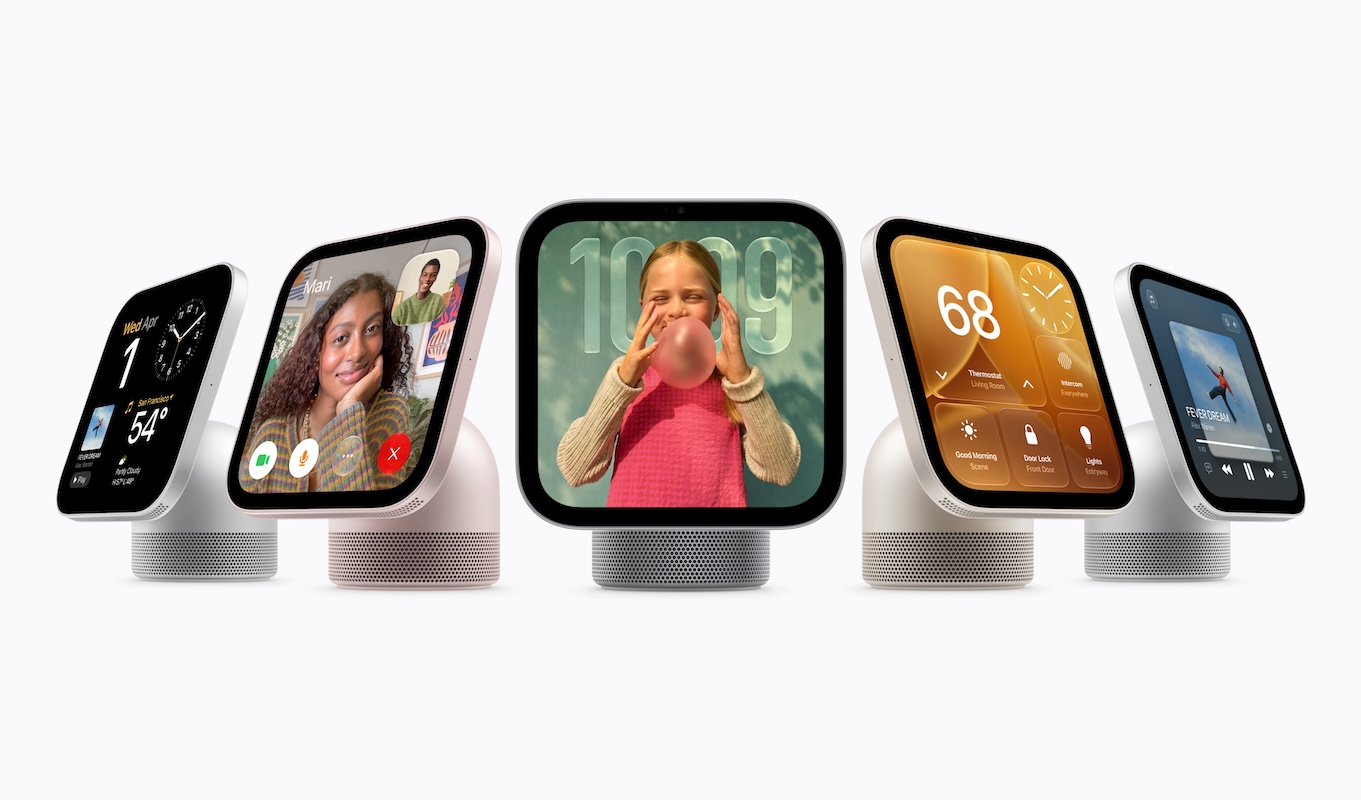
Apple’s New Home Lineup: What to Buy, What to Skip, and What to Wait For
Oct. 02, 2026
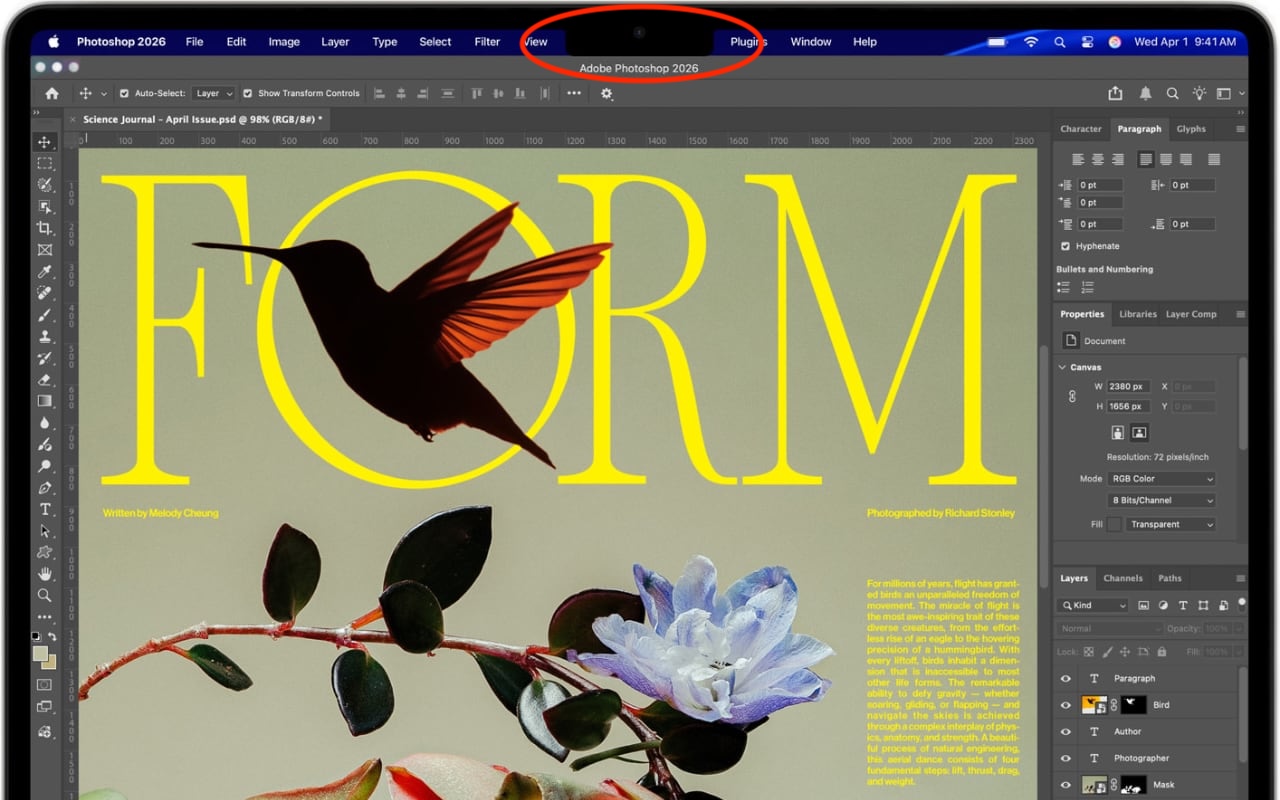
Dealing With the MacBook Notch in macOS 27 Golden Gate
Oct. 02, 2026
Check Rosetta After Upgrading to macOS 27 Golden Gate
Oct. 02, 2026
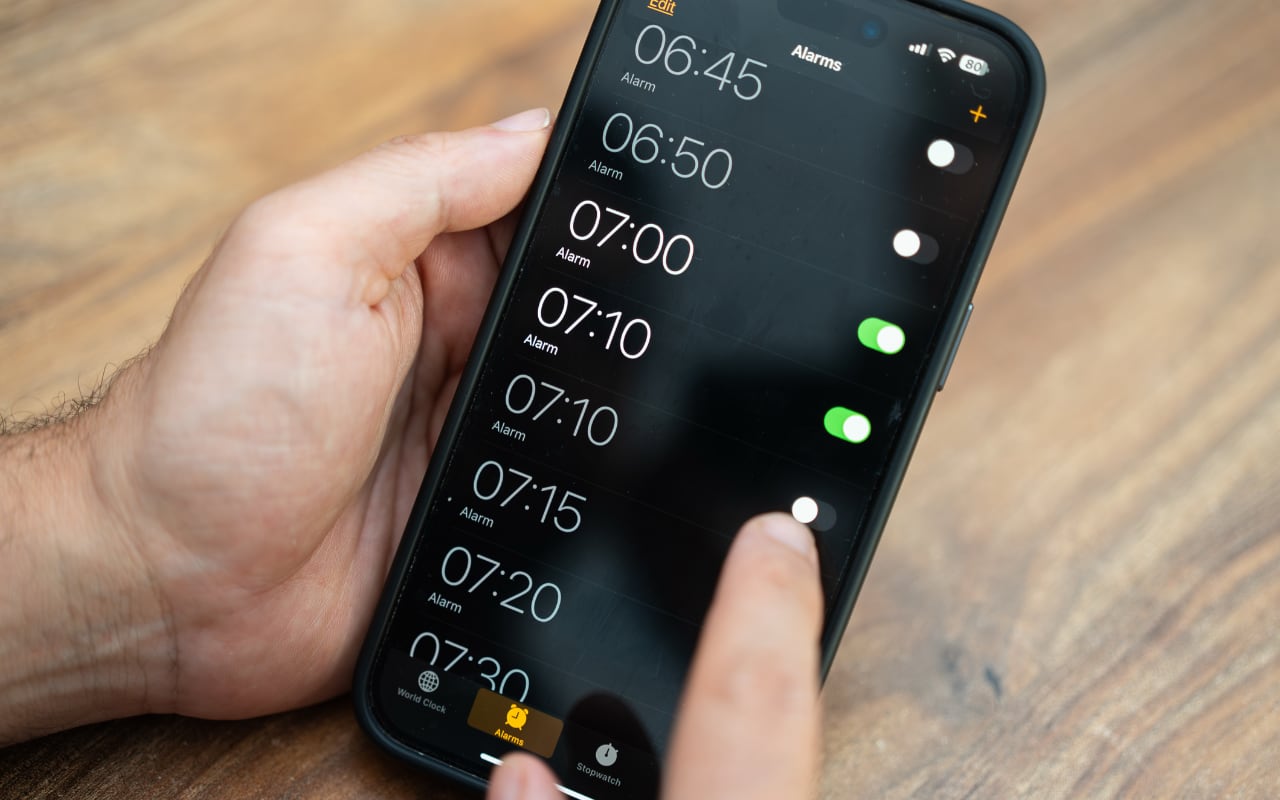
Keep Your Ringer Quiet and Your Alarms Loud in iOS 27
Oct. 02, 2026
You Quit the App. Why Is It Still Running?
Oct. 02, 2026
Set Workplace Rules Before Your Apple Watch Starts Taking Notes

Oct. 02, 2026
Still Using Legacy Outlook for Mac? Plan Your Switch Now
View All Posts