

The latest scam making the rounds preys on your trust and sociability. You receive what appears to be a party invite from a friend via an invitation service like Paperless Post or Punchbowl. The email legitimately comes from your friend’s account, which has been compromised, but clicking any link in it takes you to a fake site that asks for your email credentials. (You have to love the “SAFE TO OPEN” line in the example below.) If you supply your email password, your account becomes the next one hijacked, and the scammer can then use email-based password resets to access your financial and other sensitive accounts. To protect yourself, be suspicious of invitations that lack basic details like date and location, preview links before clicking (hover on a Mac, touch and hold on an iPhone or iPad), and never enter your email password on any site other than your email provider’s own login page. Most importantly, enable two-factor authentication on your email accounts—it stops these takeovers in their tracks.

(Featured image generated by Adam Engst with ChatGPT)
Social Media: A convincing party invite scam uses hijacked email accounts to send you fake invitations from people you know. Learn how to spot the red flags—and why enabling two-factor authentication on your email is the best defense.
Recent Posts

Oct. 28, 2026
Apple Makes Its First Touchscreen Mac, Plus an M6 MacBook Pro and iMac

Oct. 28, 2026
New iPad mini Costs More: Which Model Should You Buy?
Oct. 21, 2026
Critical PHP Flaws Put Business Websites at Risk—Check Yours Now

Oct. 19, 2026
Apple’s New Home Lineup: What to Buy, What to Skip, and What to Wait For
Oct. 02, 2026
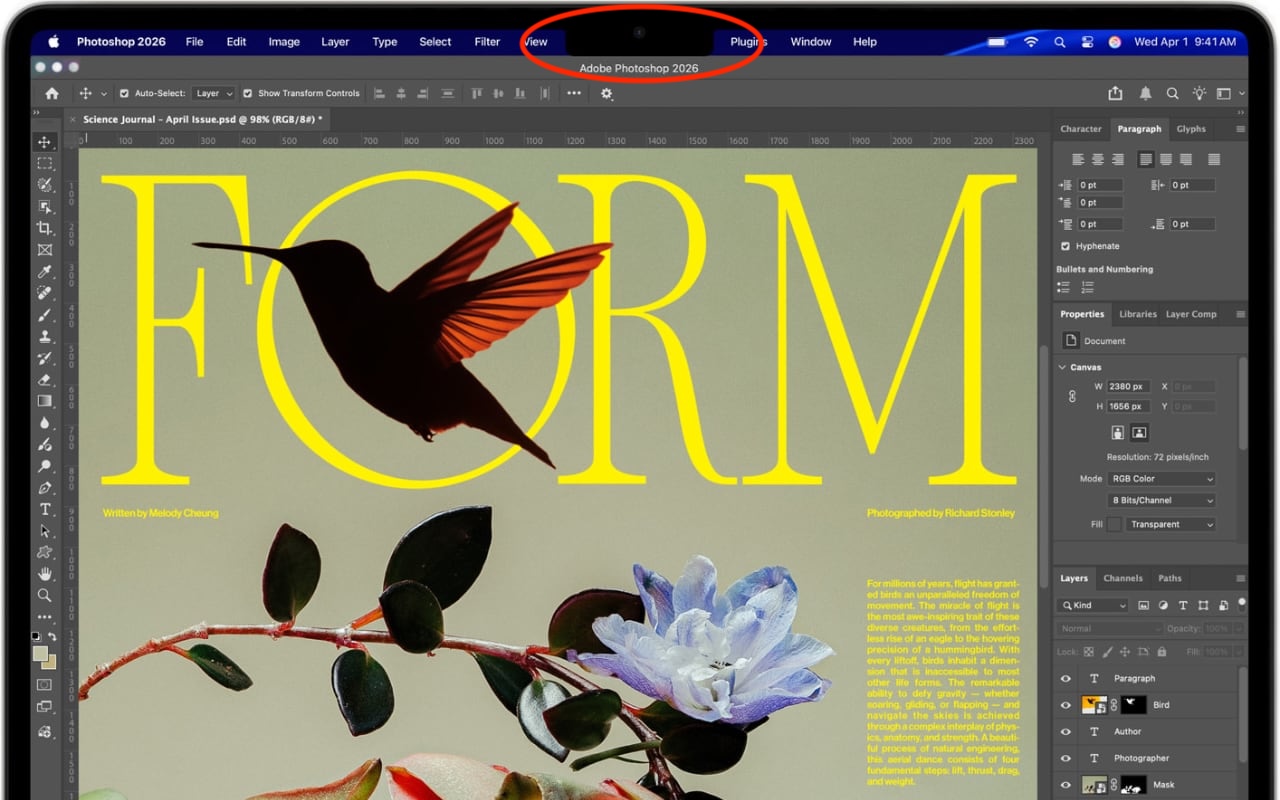
Dealing With the MacBook Notch in macOS 27 Golden Gate
Oct. 02, 2026
Check Rosetta After Upgrading to macOS 27 Golden Gate
Oct. 02, 2026
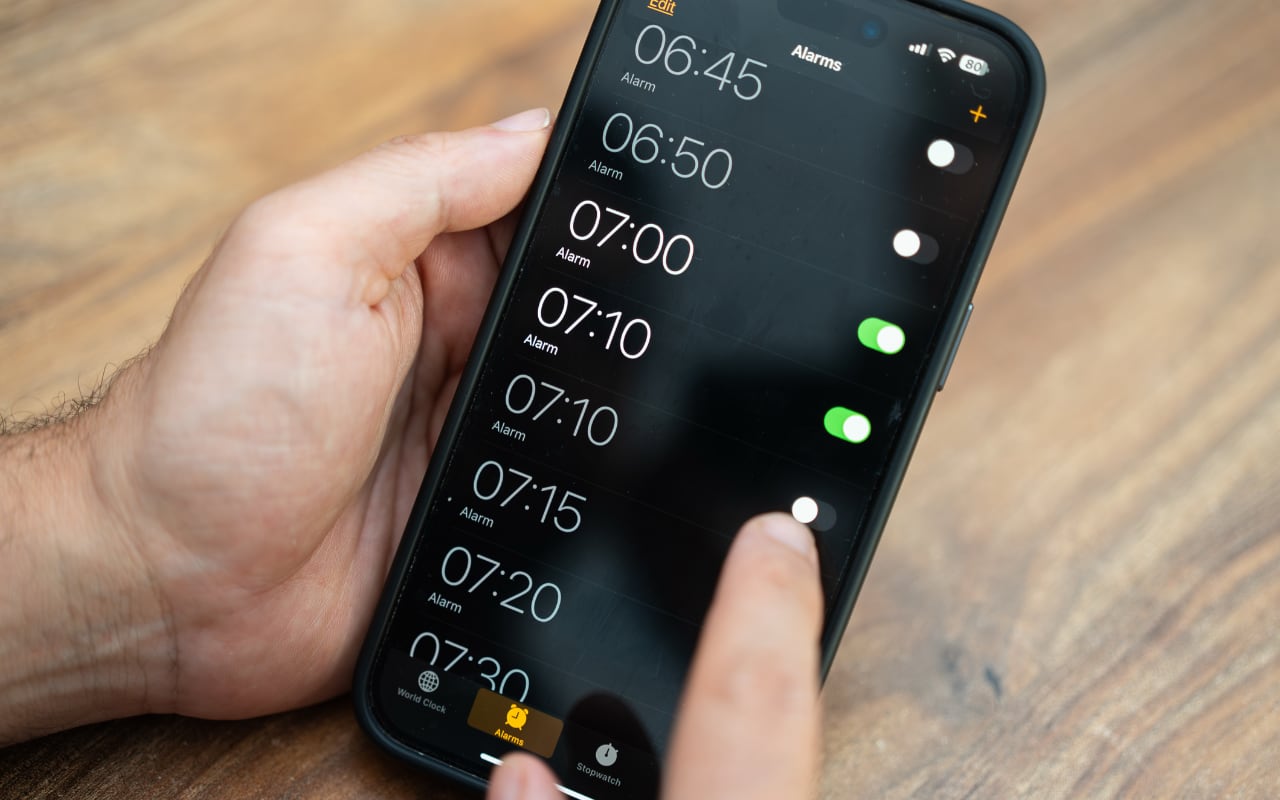
Keep Your Ringer Quiet and Your Alarms Loud in iOS 27

Oct. 02, 2026
You Quit the App. Why Is It Still Running?
Oct. 02, 2026
Set Workplace Rules Before Your Apple Watch Starts Taking Notes
Oct. 02, 2026
Still Using Legacy Outlook for Mac? Plan Your Switch Now
View All Posts