

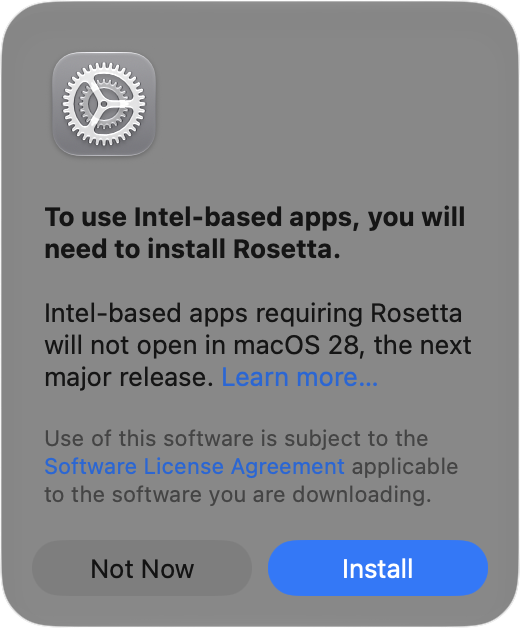
Has an older app stopped opening after you upgraded to macOS 27 Golden Gate? The missing piece may be Rosetta, Apple’s software that lets Intel-based apps run on Macs with Apple silicon. Even if you installed Rosetta years ago, Apple’s release notes say it isn’t automatically restored after the upgrade. Fortunately, macOS 27 still supports it. With your Mac connected to the Internet, open the affected app. If you’re prompted to install Rosetta, click Install and enter your Mac login credentials when requested. You can also install Rosetta using Terminal: open Terminal from Applications > Utilities, enter softwareupdate –install-rosetta, press Return, and follow the on-screen instructions. Then try the app again. Installing from Terminal lets you set it up before you need it. Reinstalling Rosetta won’t resolve every compatibility problem, but it’s worth checking before replacing software you rely on. Also check whether the developer offers an Apple silicon or Universal version, since general Rosetta support ends after macOS 27.
(Featured image by iStock.com/Claudio Caridi)
Social Media: An Intel-based app that worked before your macOS 27 upgrade may need Rosetta reinstalled. Here’s how to restore Apple’s translation software.
Recent Posts

Oct. 28, 2026
Apple Makes Its First Touchscreen Mac, Plus an M6 MacBook Pro and iMac

Oct. 28, 2026
New iPad mini Costs More: Which Model Should You Buy?

Oct. 21, 2026
Critical PHP Flaws Put Business Websites at Risk—Check Yours Now

Oct. 19, 2026
Apple’s New Home Lineup: What to Buy, What to Skip, and What to Wait For
Oct. 02, 2026
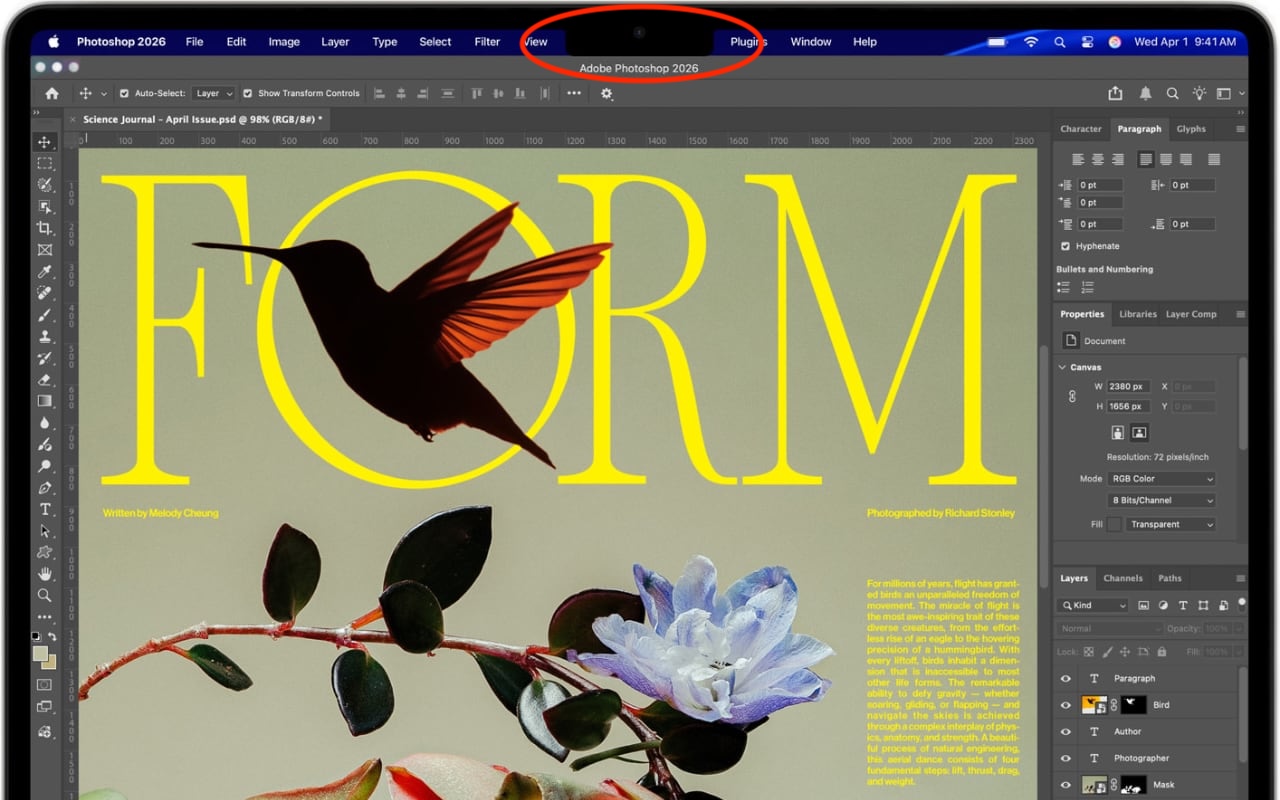
Dealing With the MacBook Notch in macOS 27 Golden Gate

Oct. 02, 2026
Check Rosetta After Upgrading to macOS 27 Golden Gate

Oct. 02, 2026
Keep Your Ringer Quiet and Your Alarms Loud in iOS 27
Oct. 02, 2026
You Quit the App. Why Is It Still Running?
Oct. 02, 2026
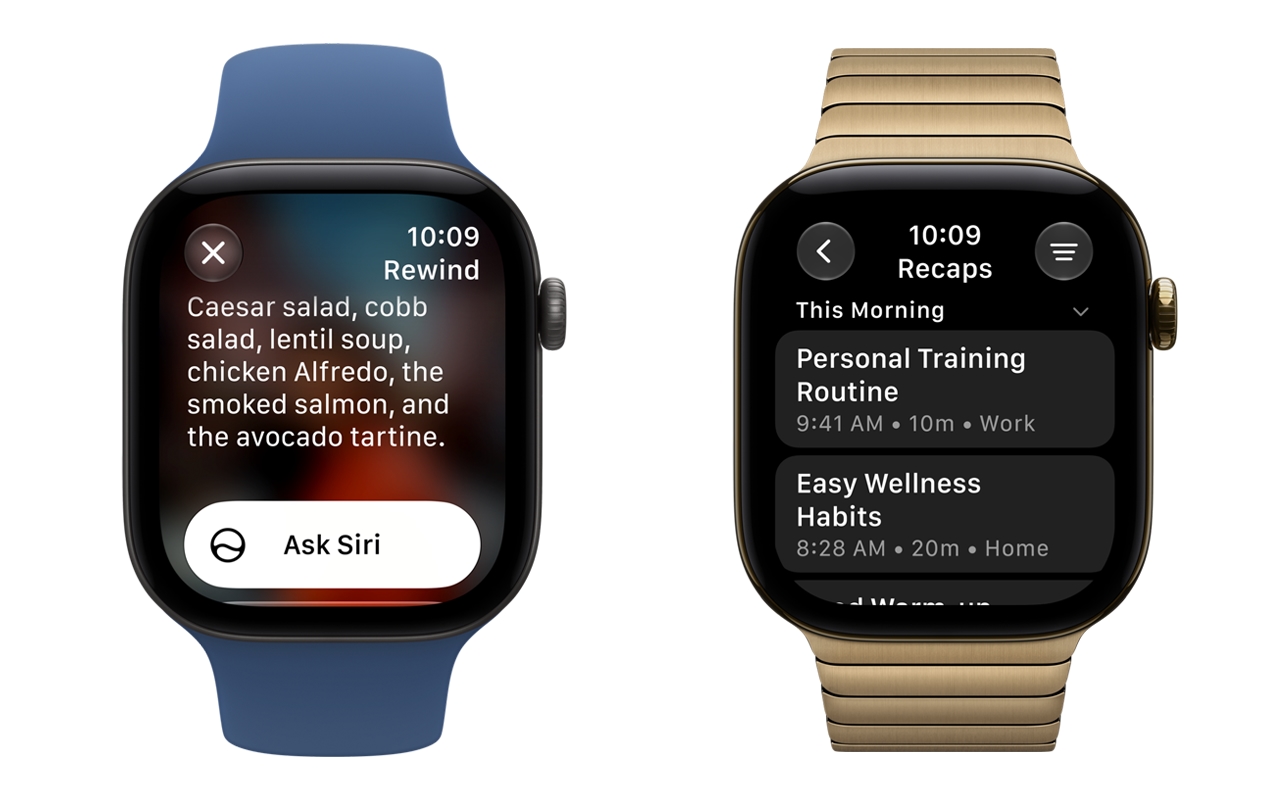
Set Workplace Rules Before Your Apple Watch Starts Taking Notes

Oct. 02, 2026
Still Using Legacy Outlook for Mac? Plan Your Switch Now
View All Posts