

Sometimes you need to start recording video instantly—to document an incident, capture a fleeting moment, or preserve evidence. Apple has provided a shortcut that reduces the effort to just two presses of the Camera Control on the iPhone 16 and later. Press it once to open the Camera app, then press and hold again to start recording a video instantly—it keeps recording as long as you hold the Camera Control down and stops when you let up. If you don’t want to hold the Camera Control the entire time, you’ll need to switch the Camera app to video mode, after which a press of the Camera Control starts recording, and another press stops it.
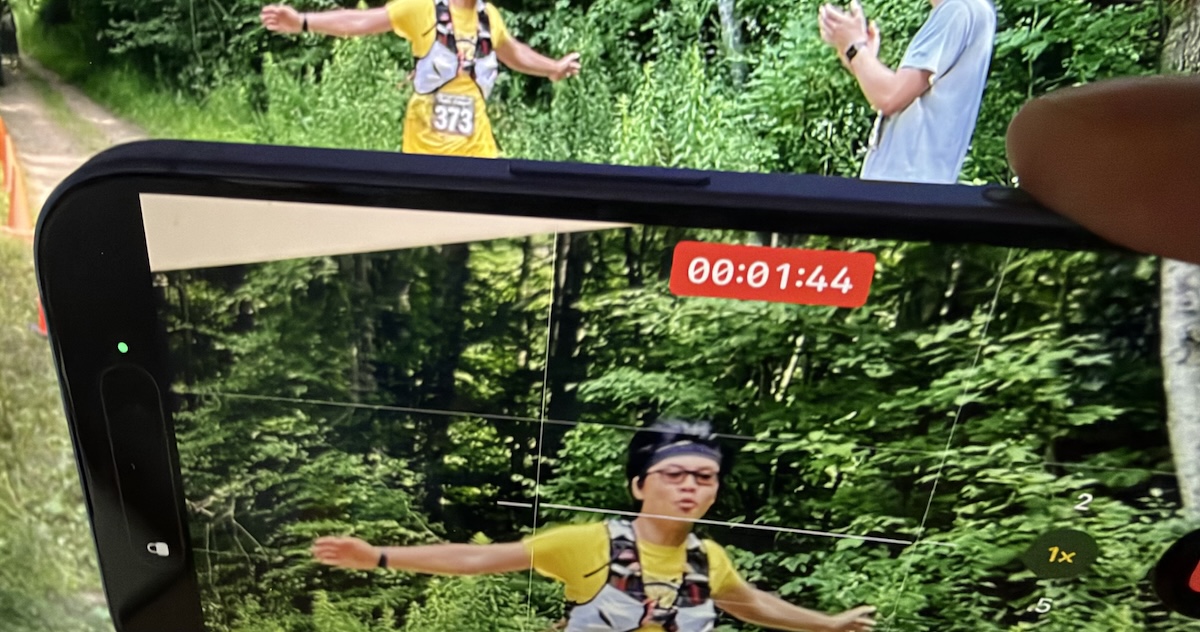
(Images by Adam Engst; heron added by ChatGPT)
Social Media: Need to capture a moment fast? On iPhone 16 and later, press the Camera Control once to open the Camera app, then press and hold to start recording video instantly.
Recent Posts

Oct. 28, 2026
Apple Makes Its First Touchscreen Mac, Plus an M6 MacBook Pro and iMac

Oct. 28, 2026
New iPad mini Costs More: Which Model Should You Buy?

Oct. 21, 2026
Critical PHP Flaws Put Business Websites at Risk—Check Yours Now

Oct. 19, 2026
Apple’s New Home Lineup: What to Buy, What to Skip, and What to Wait For
Oct. 02, 2026
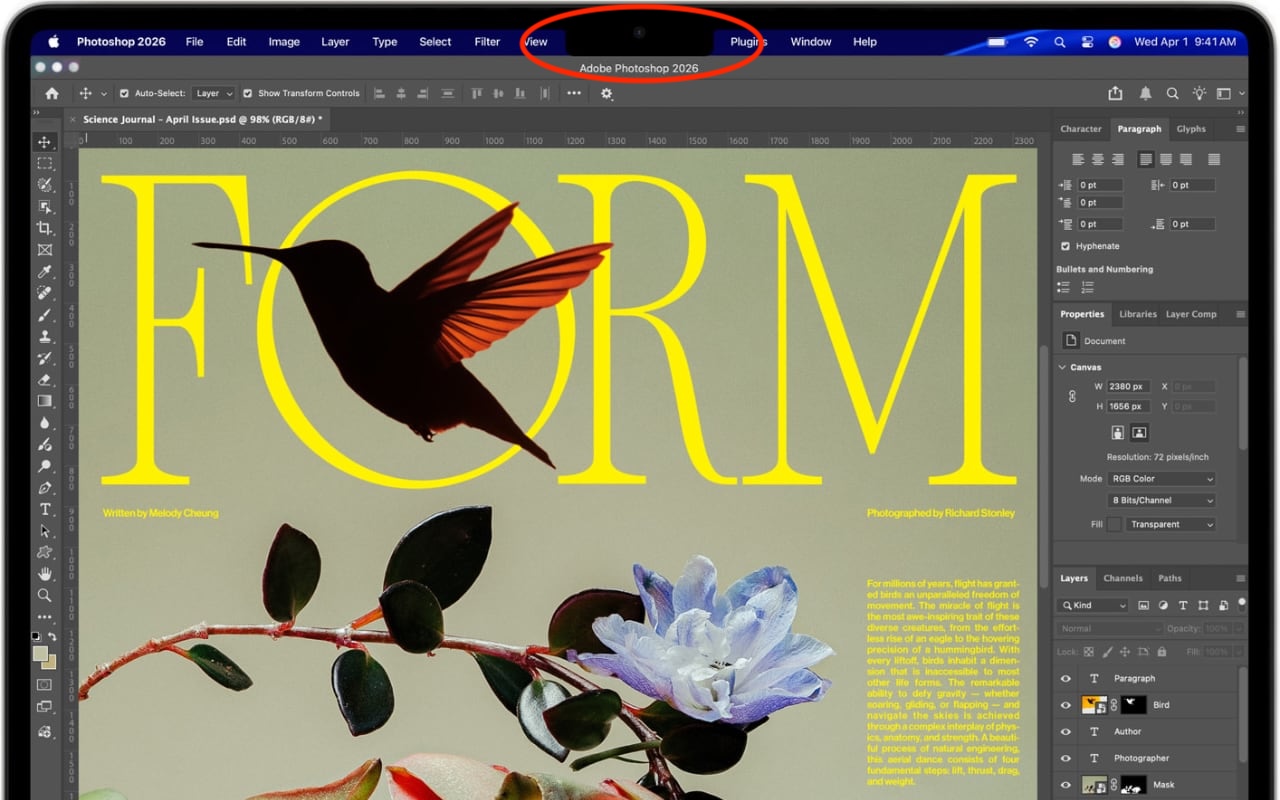
Dealing With the MacBook Notch in macOS 27 Golden Gate
Oct. 02, 2026
Check Rosetta After Upgrading to macOS 27 Golden Gate
Oct. 02, 2026
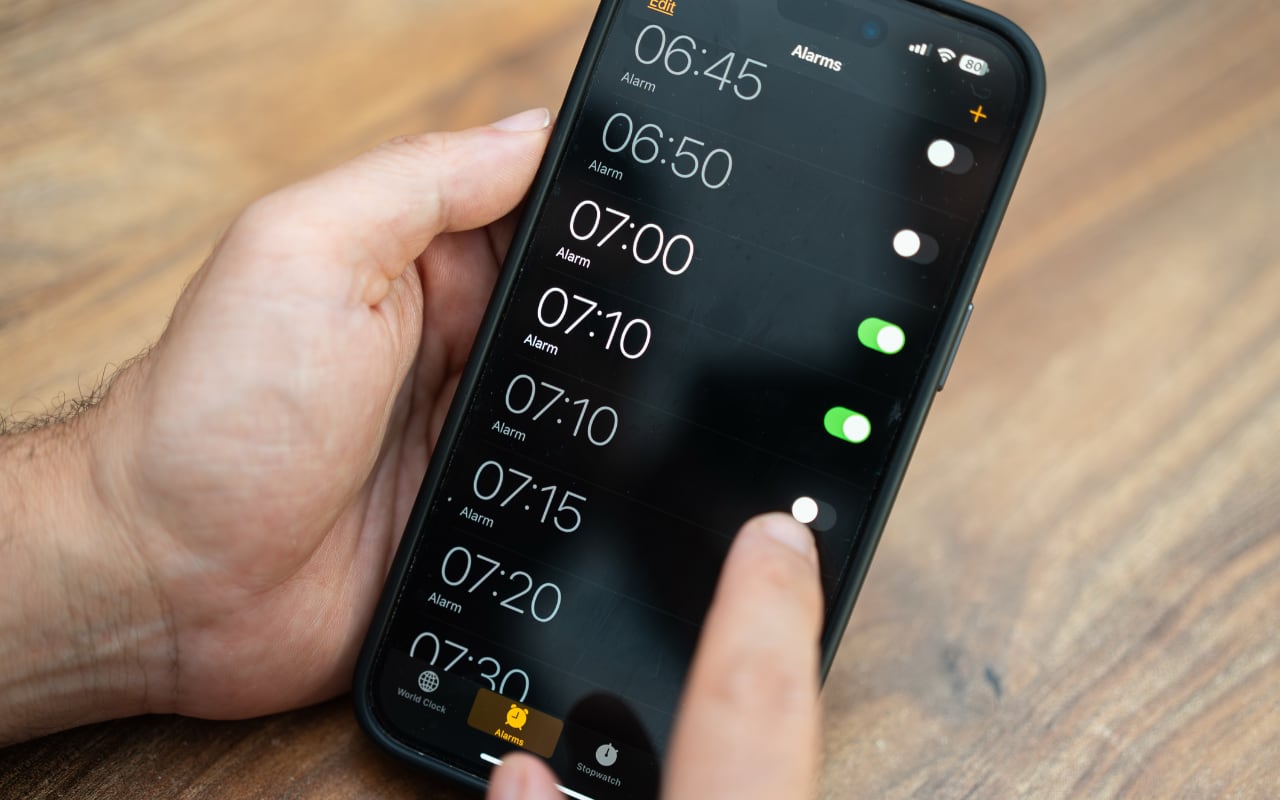
Keep Your Ringer Quiet and Your Alarms Loud in iOS 27
Oct. 02, 2026
You Quit the App. Why Is It Still Running?
Oct. 02, 2026
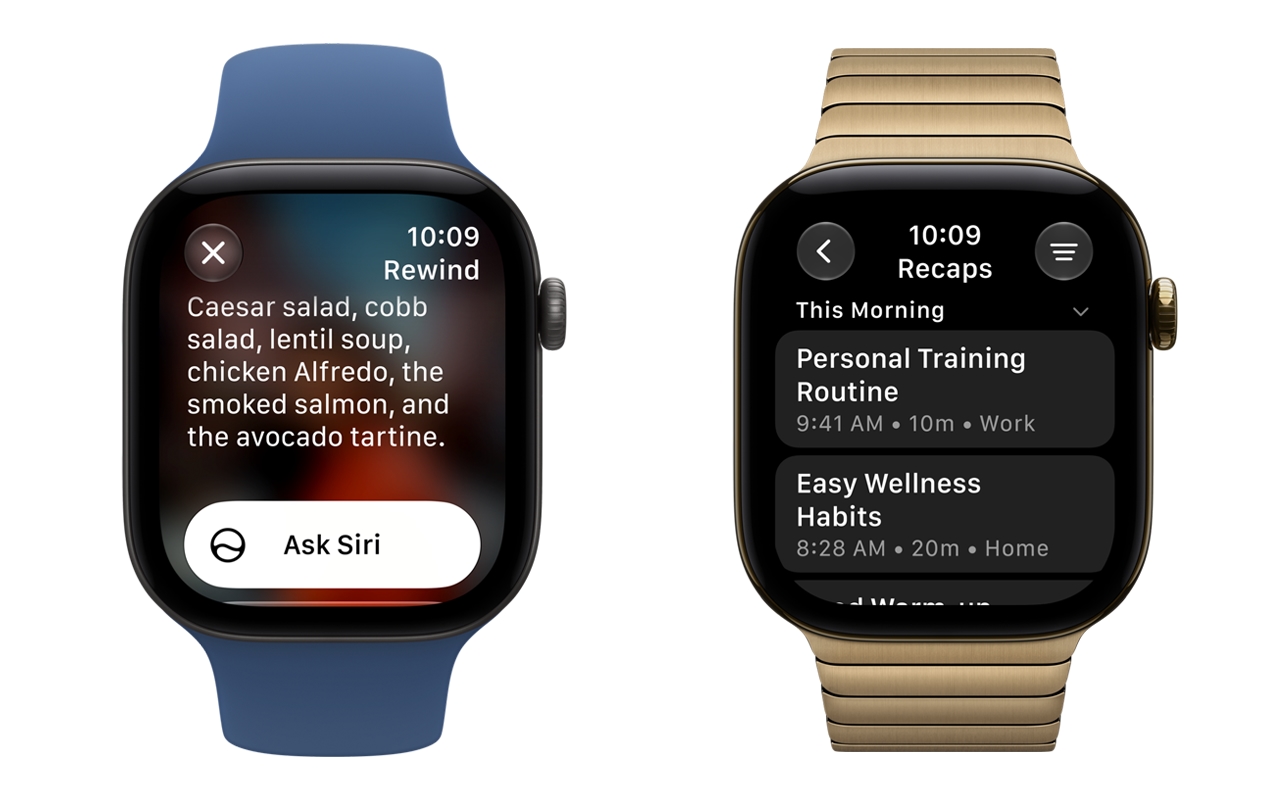
Set Workplace Rules Before Your Apple Watch Starts Taking Notes

Oct. 02, 2026
Still Using Legacy Outlook for Mac? Plan Your Switch Now
View All Posts