

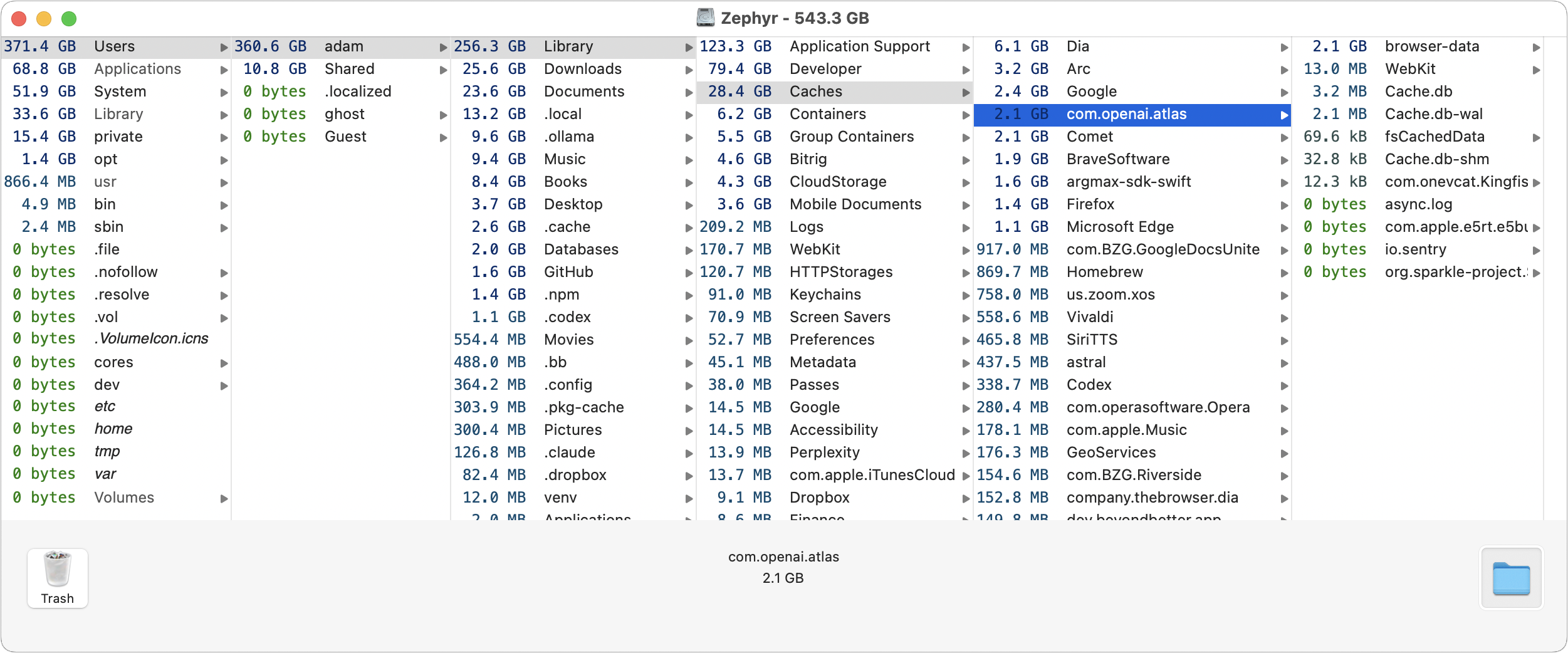
It’s annoying when your Mac tells you you’re low on disk space and you can’t imagine what could be occupying it. Or maybe you know you’re running low—a good rule of thumb is to keep at least 10% of the drive free—but aren’t sure which files or folders are hogging the most space. Visualization tools like GrandPerspective and DaisyDisk can help you see what’s using your disk space, but if all you want is a simple hierarchical browser, the free OmniDiskSweeper is worth a try. It sorts your folders by size, and you can keep drilling down to find and trash the largest items you no longer need. The screenshot shows that the now-discontinued ChatGPT Atlas browser is still consuming several gigabytes of cache space—a good reminder to delete the entire app and its files!
(Featured image generated by Adam Engst with ChatGPT)
Social Media: Running low on Mac disk space? The free OmniDiskSweeper shows which files and folders are hogging your storage, sorted by size so you can quickly find and trash the biggest culprits.
Recent Posts

Oct. 28, 2026
Apple Makes Its First Touchscreen Mac, Plus an M6 MacBook Pro and iMac

Oct. 28, 2026
New iPad mini Costs More: Which Model Should You Buy?

Oct. 21, 2026
Critical PHP Flaws Put Business Websites at Risk—Check Yours Now

Oct. 19, 2026
Apple’s New Home Lineup: What to Buy, What to Skip, and What to Wait For
Oct. 02, 2026
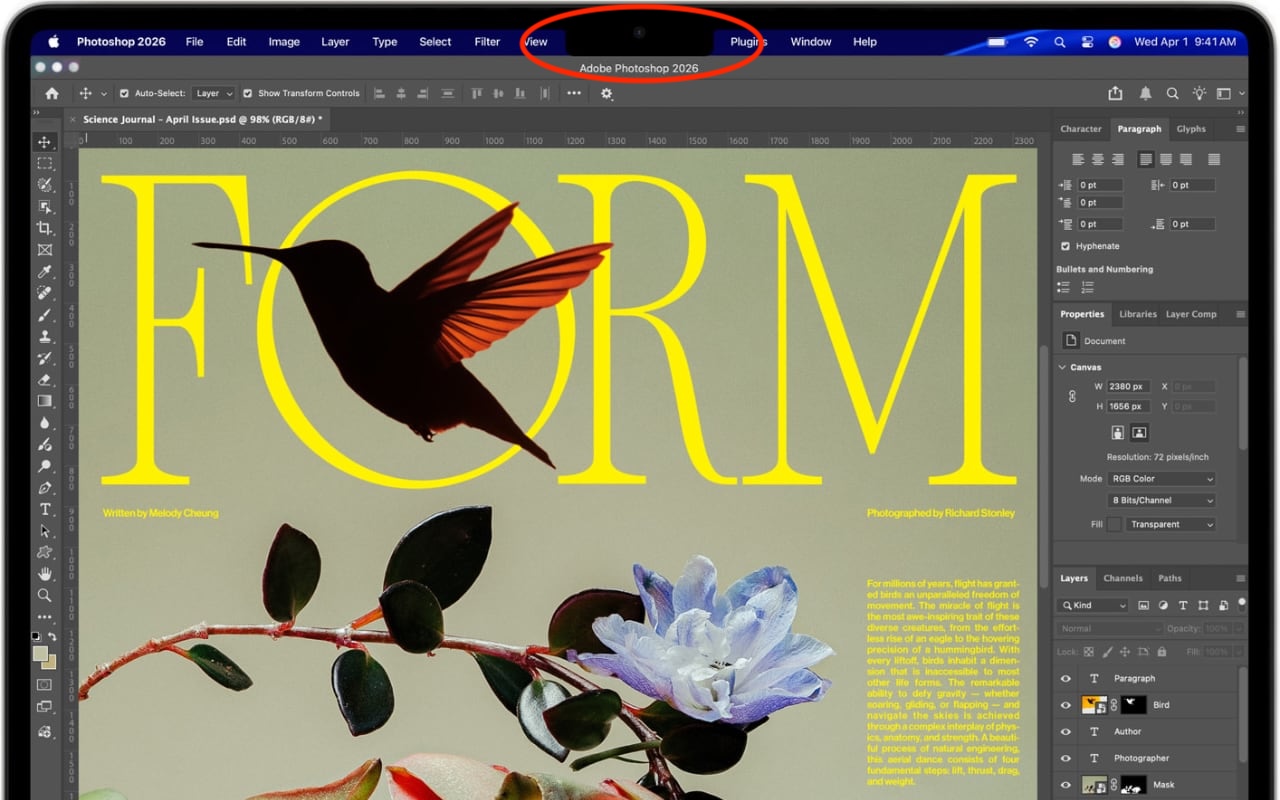
Dealing With the MacBook Notch in macOS 27 Golden Gate
Oct. 02, 2026
Check Rosetta After Upgrading to macOS 27 Golden Gate

Oct. 02, 2026
Keep Your Ringer Quiet and Your Alarms Loud in iOS 27

Oct. 02, 2026
You Quit the App. Why Is It Still Running?

Oct. 02, 2026
Set Workplace Rules Before Your Apple Watch Starts Taking Notes

Oct. 02, 2026
Still Using Legacy Outlook for Mac? Plan Your Switch Now
View All Posts