

By default, the battery icon in your Mac laptop’s menu bar shows how full your battery is. Clicking it reveals the exact percentage, but you can also set macOS to display the battery percentage next to the icon. The setting isn’t where you might expect in System Settings > Battery. Instead, you’ll find it in System Settings > Control Center, where you need to turn on both “Show in Menu Bar” and “Show Percentage.”
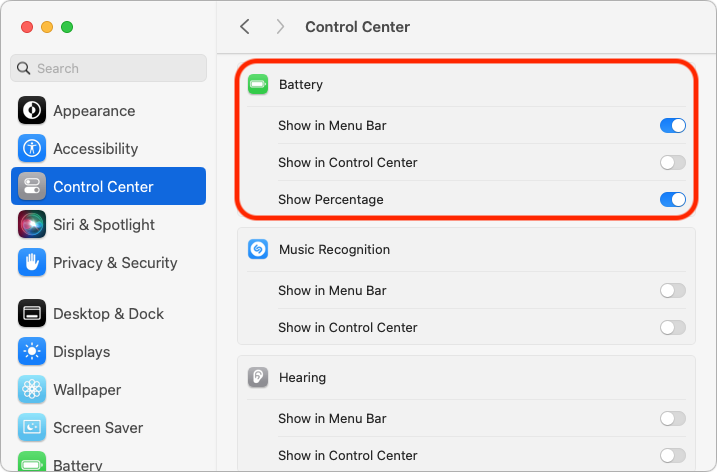
(Featured image by Adam Engst)
Social Media: If you’re tired of trying to interpret how full your MacBook’s battery is from its menu bar icon, here’s how to get it to display a percentage as well.
Recent Posts

Jun. 05, 2026
Use Fake Contacts to Improve Dictation Accuracy
Jun. 05, 2026
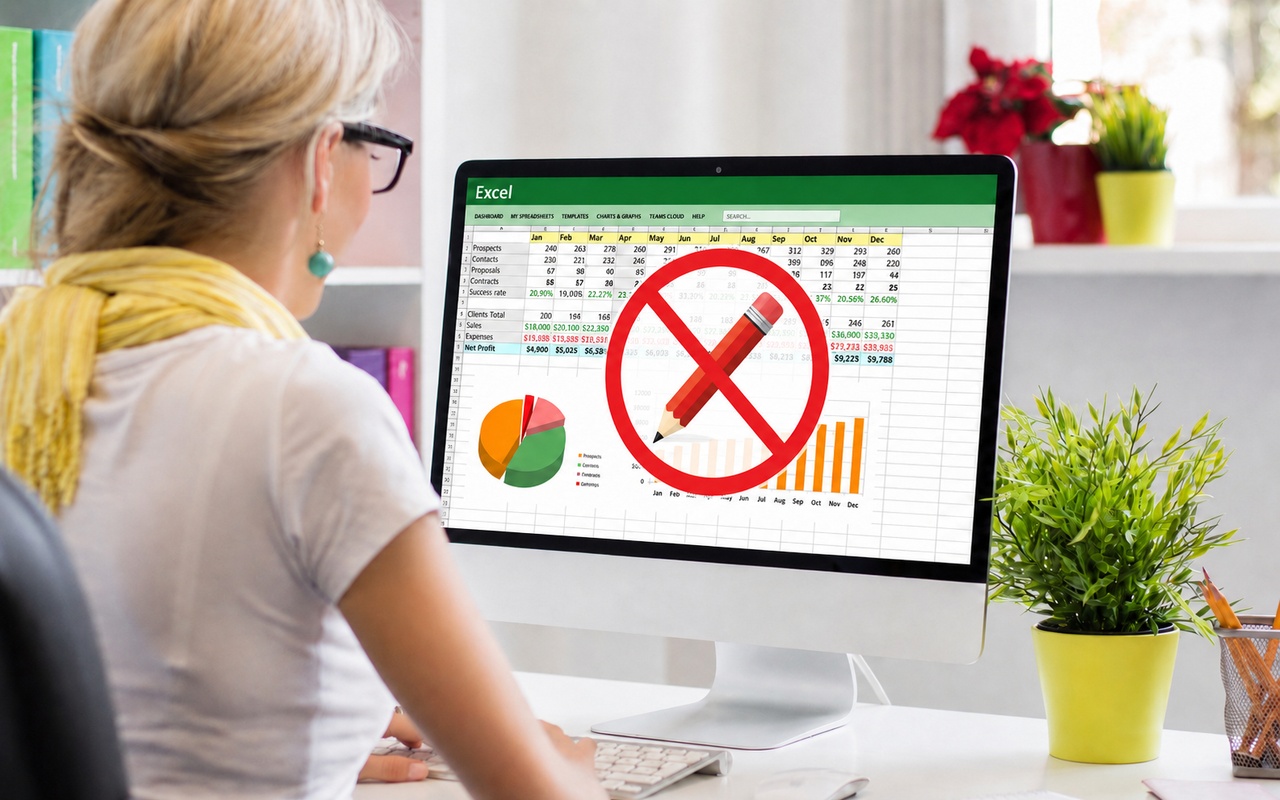
Office 2019 for Mac Goes Read-Only on July 13, 2026

Jun. 05, 2026
Not Sure If You’re Presentable for a Video Call? Try Hand Mirror

Jun. 05, 2026
Use Your AirPods as a Camera Remote
Jun. 05, 2026
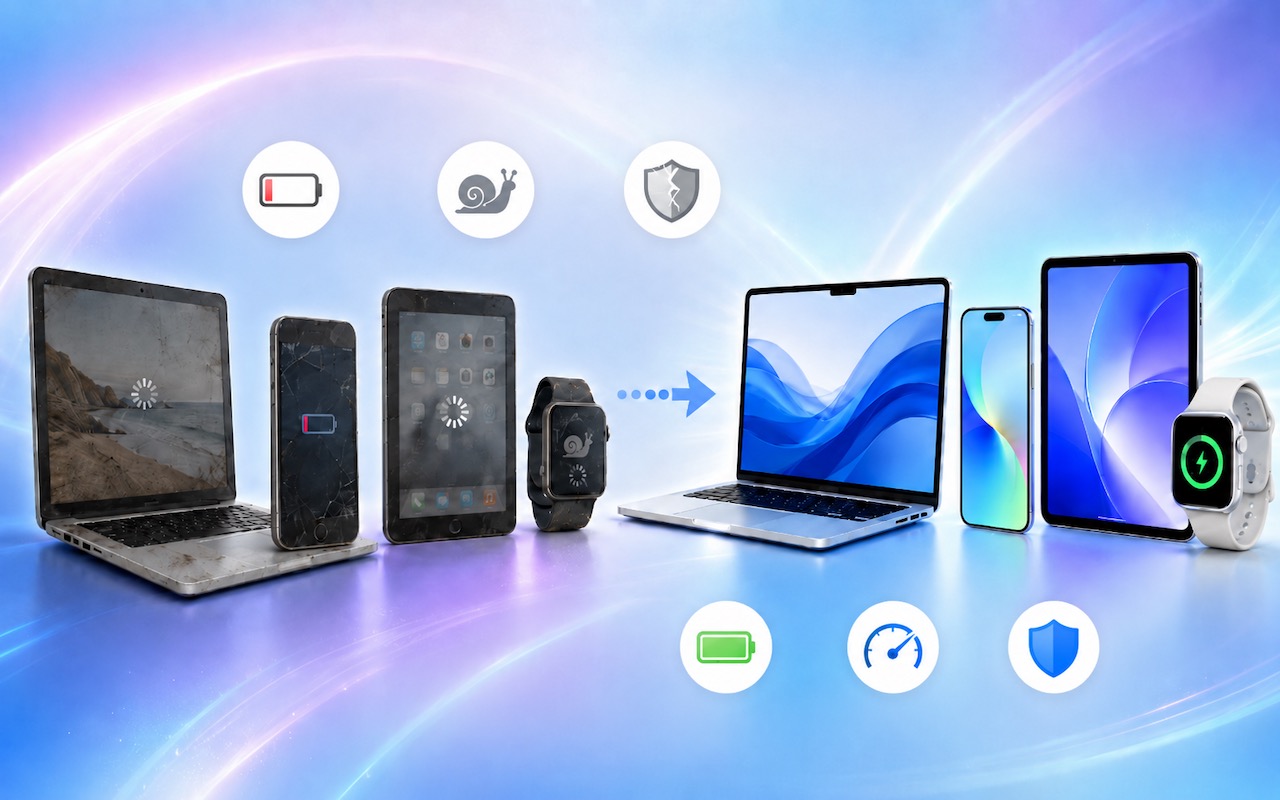
When Should You Upgrade Your Apple Devices?

Jun. 05, 2026
How AI Vulnerability Detection Changes Software Security
Jun. 05, 2026
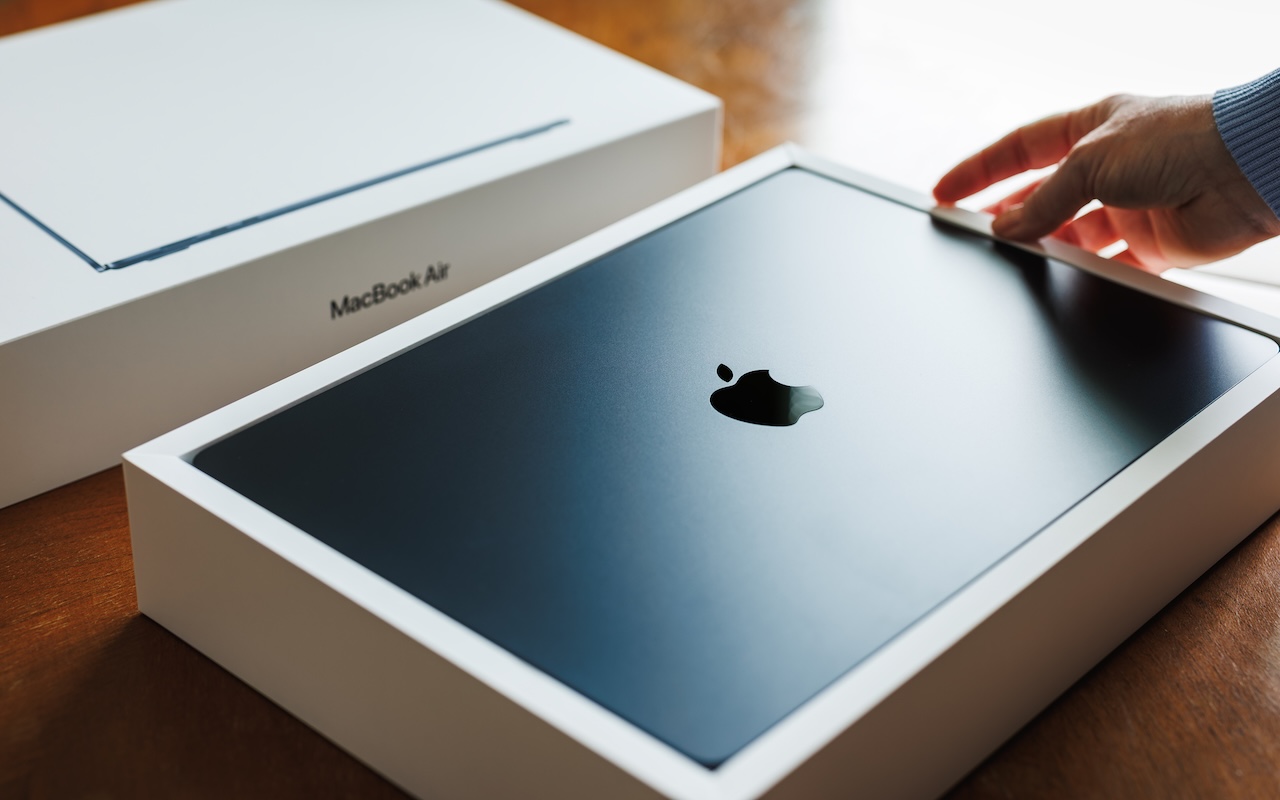
Choosing the Best Mac for a College-Bound Student in 2026
May. 01, 2026
Choose Default Apps for File Types in iOS 26 and iPadOS 26
May. 01, 2026
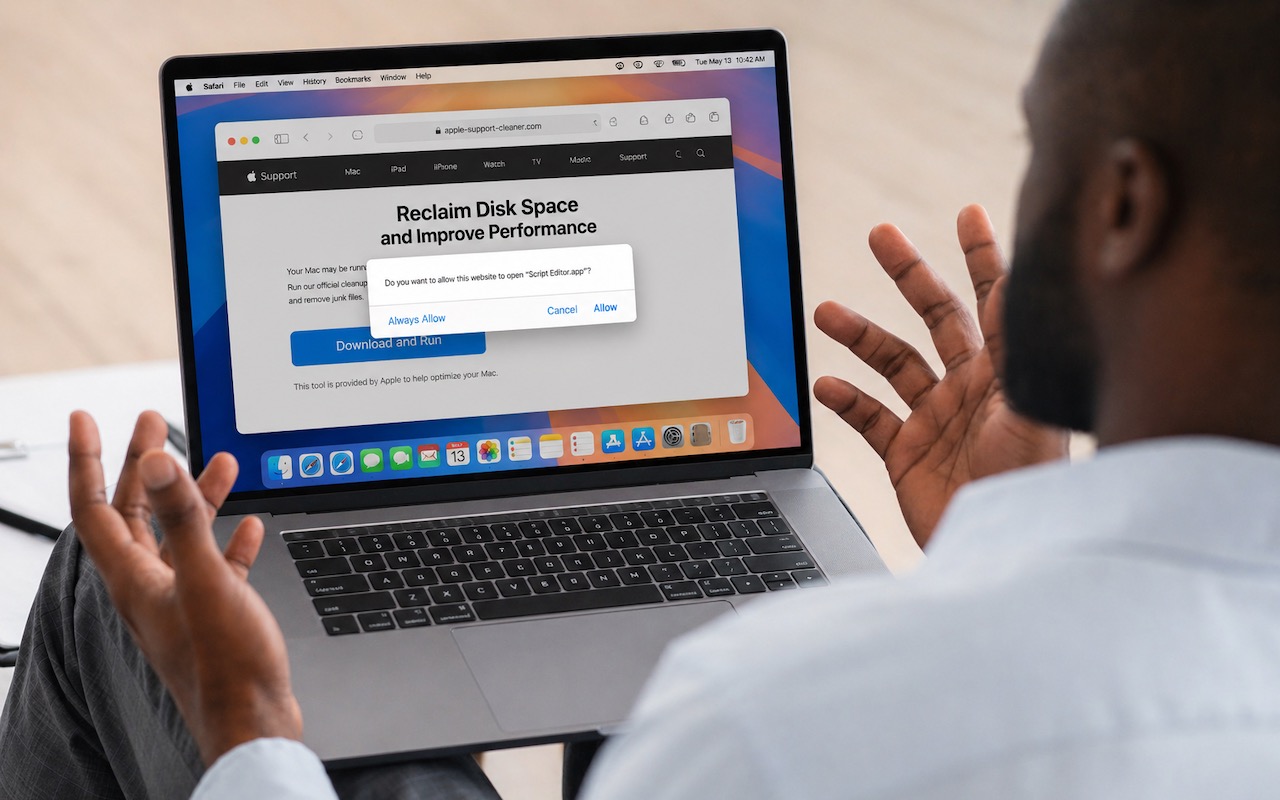
Never Run AppleScripts from Untrusted Sources

May. 01, 2026
Safari’s Compact Tab Bar Returns in macOS 26.4 and iPadOS 26.4
View All Posts