

Since the pandemic, video calls have become a fact of life for many of us, so much so that it’s now possible to sit down for a meeting without thinking about whether you’ve changed out of your pajamas or brushed your hair. (No judgment; we’ve all done it.) To ensure that you’re presentable before you connect, use the Mac app Hand Mirror. It adds an icon to your menu bar that, when clicked, shows you what your webcam sees. Hand Mirror is free, but you can pay $6.99 for Hand Mirror Plus, which adds features like snapshots, a mic check, quick access to reaction icons, different window types, and more.

(Featured image by iStock.com/Tatsiana Volkava)
Social Media: About to join a video call? The free Mac app Hand Mirror adds a menu bar icon that instantly shows your webcam view so you can check your hair before anyone else sees it.
Recent Posts

Jul. 03, 2026
Never Miss a Meeting Again with In Your Face
Jul. 03, 2026
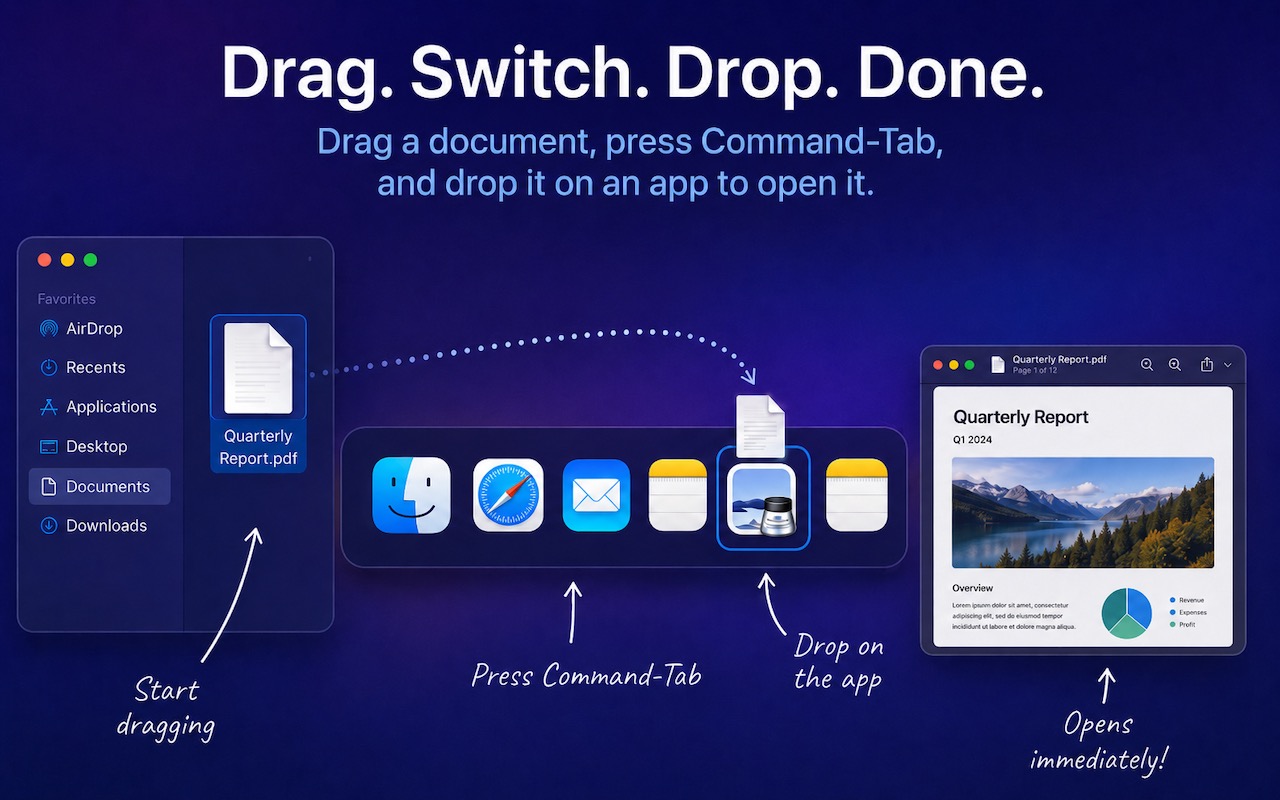
Drag Documents to Apps in the macOS App Switcher

Jul. 03, 2026
Try Swipe Typing with QuickPath on the iPhone

Jul. 03, 2026
Share Your Location Temporarily While Traveling

Jul. 03, 2026
Understanding AI Today: No Longer Just a Chatbot
Jul. 03, 2026
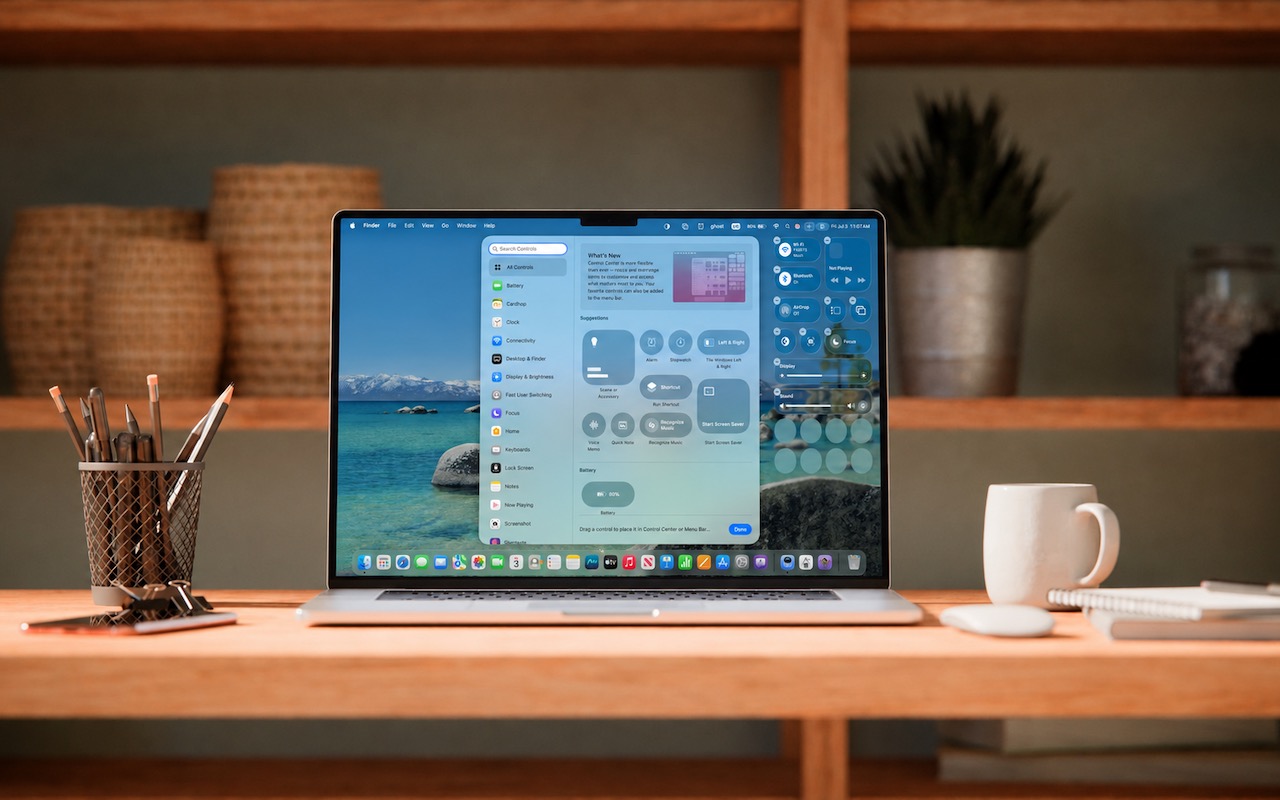
Control Center Is Improved—and Highly Customizable—in macOS 26 Tahoe
Jul. 03, 2026
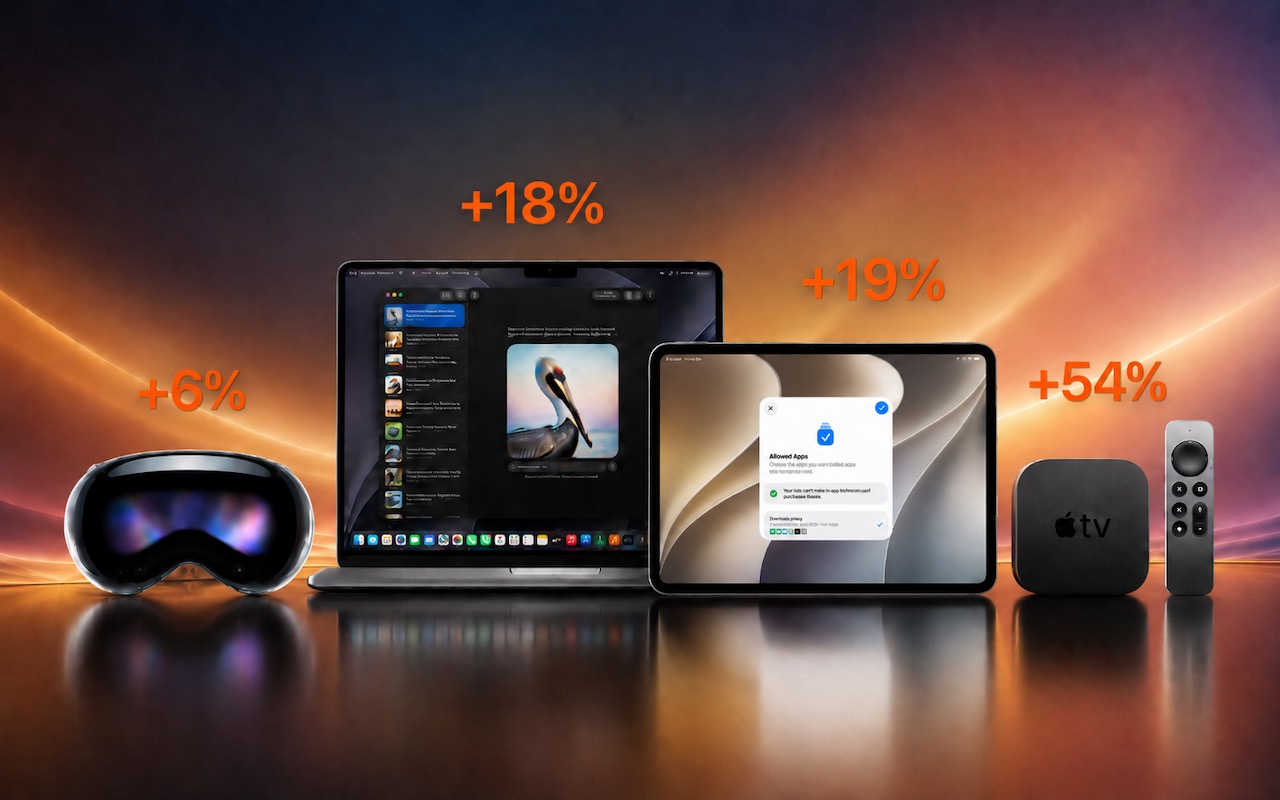
Apple Raises Prices on Macs and iPads, but not iPhones or Apple Watches… Yet

Jul. 03, 2026
How to Share Sensitive Information Securely over the Internet

Jun. 09, 2026
10 Reasons to Upgrade to Apple’s Version 27 Operating Systems This Fall

Jun. 05, 2026
Use Fake Contacts to Improve Dictation Accuracy
View All Posts