
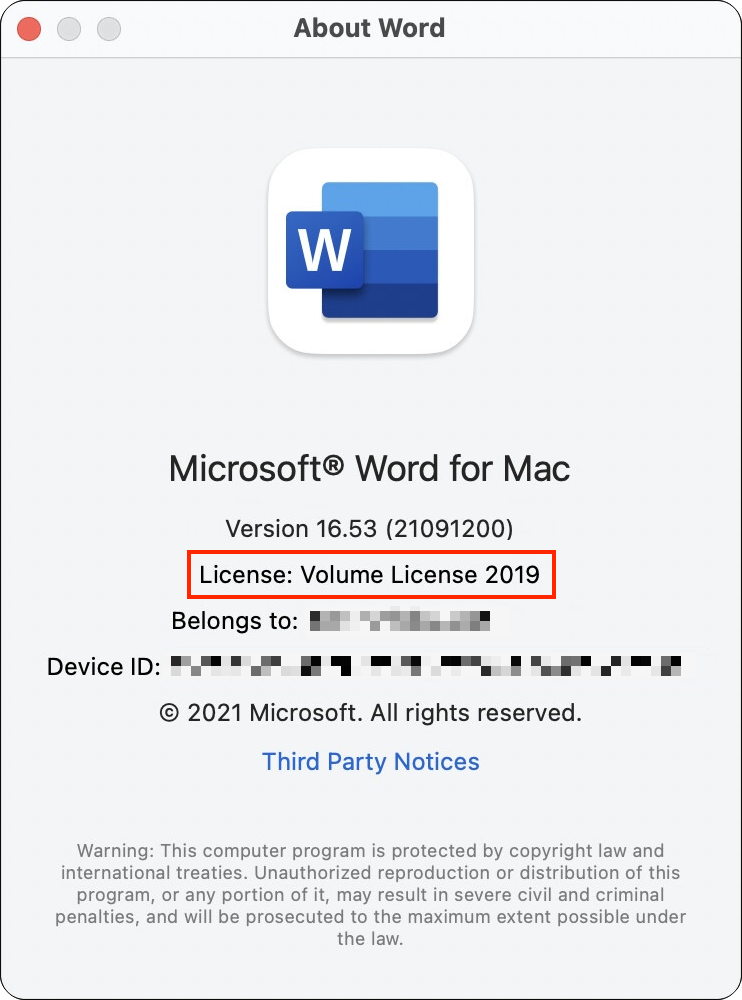
If you’re still using Microsoft Office 2019 for Mac, on July 13, 2026, an expiring certificate will cause your copies of Word, Excel, PowerPoint, and Outlook to enter “reduced functionality mode,” meaning you can view and print documents but cannot edit or create new ones. To check if you’re affected, open Word and choose Word > About Microsoft Word (or the equivalent in any other Office app). If it says you’re using Office 2019, you need to act before July 13. Some newer versions are also affected but can be updated—for Office 2021 and Microsoft 365, an update is required for app versions under 16.83, and macOS 12 Monterey or later is required. For Office 2019 users, options include subscribing to Microsoft 365 ($99.99/year), purchasing a one-time license for Office 2024 for $179.99 (Home) or $249.99 (Home & Business with Outlook), or switching to alternatives like Apple’s iWork apps (Pages, Numbers, and Keynote), LibreOffice, or Google Docs. New purchases of Microsoft 365 or Office 2024 require macOS 14 Sonoma or later, so users whose Macs can’t upgrade must use Microsoft 365 on the Web, consider the alternatives, or upgrade their hardware.
(Featured image based on an original by iStock.com/grinvalds)
Social Media: Microsoft Office 2019 for Mac will become read-only on July 13, 2026. Check your version now and explore your upgrade options before you lose the ability to create and edit documents.
Recent Posts

Jul. 03, 2026
Never Miss a Meeting Again with In Your Face
Jul. 03, 2026
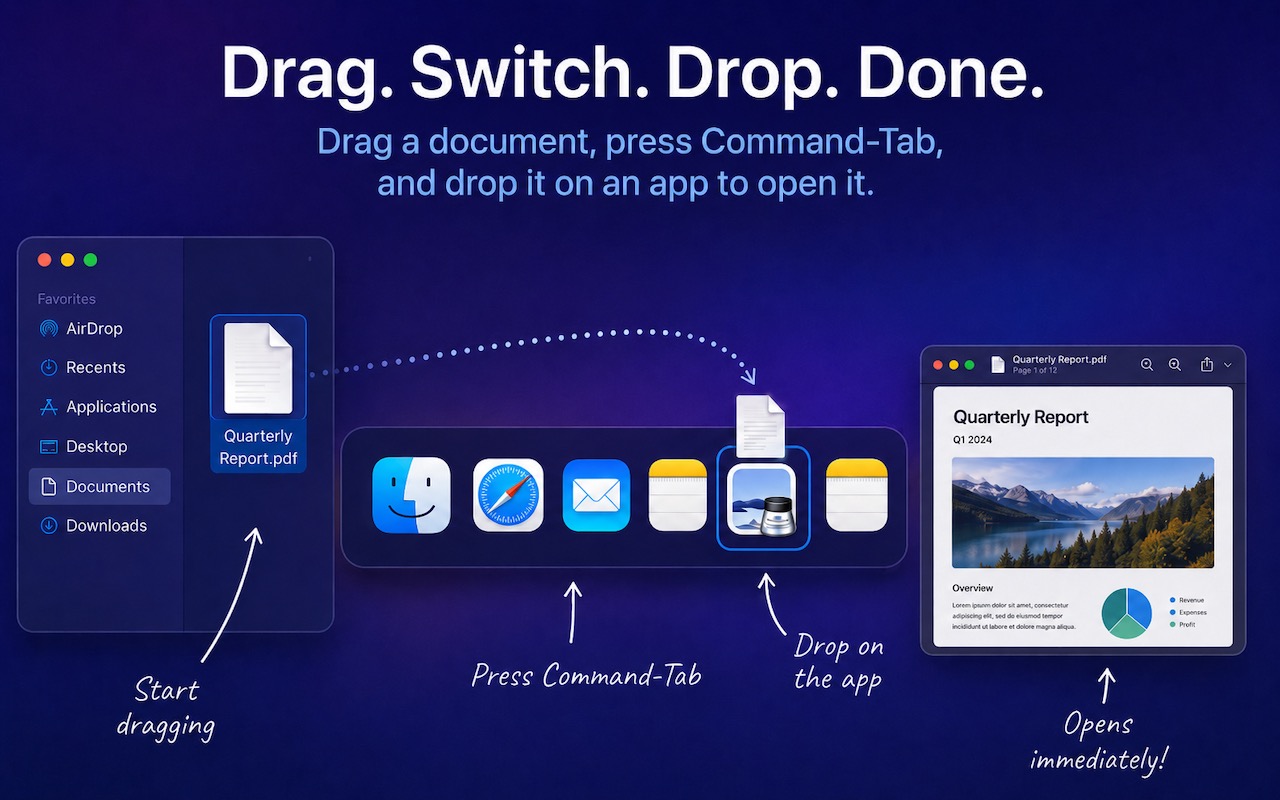
Drag Documents to Apps in the macOS App Switcher
Jul. 03, 2026
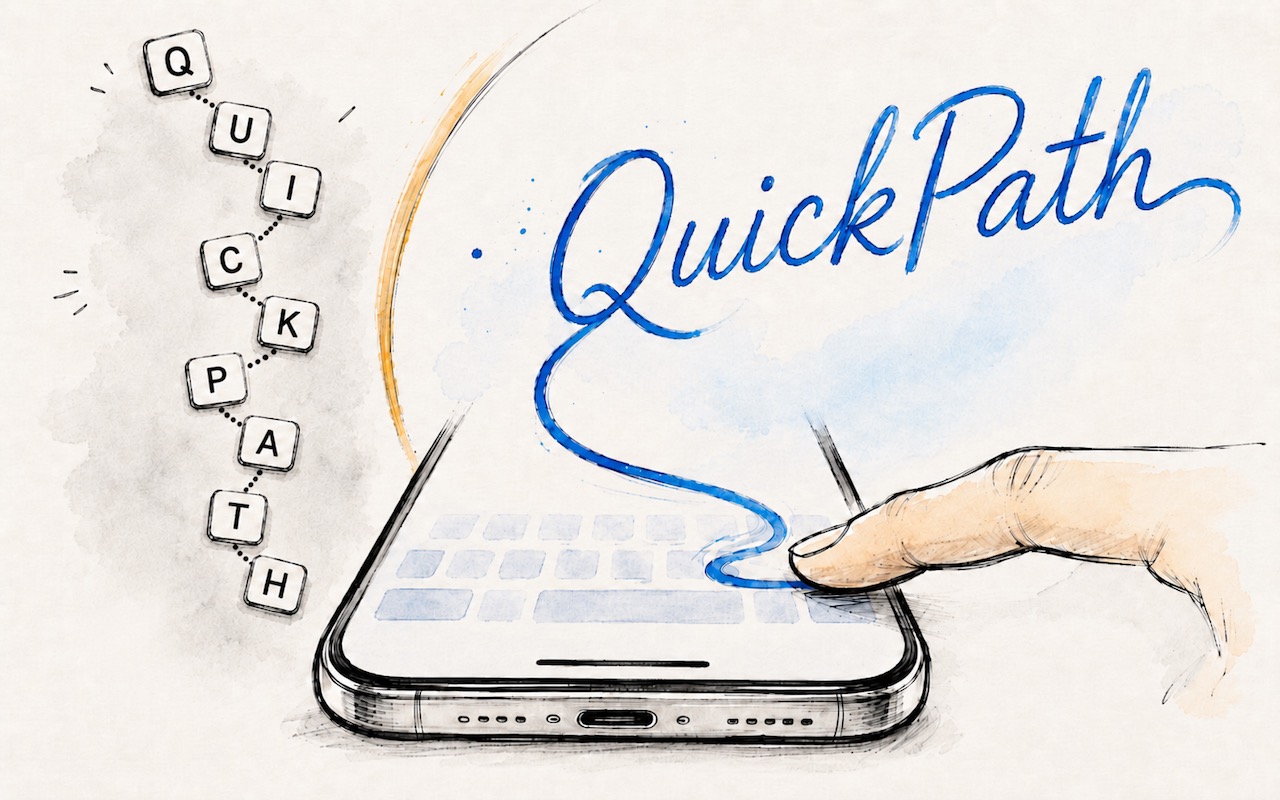
Try Swipe Typing with QuickPath on the iPhone

Jul. 03, 2026
Share Your Location Temporarily While Traveling

Jul. 03, 2026
Understanding AI Today: No Longer Just a Chatbot
Jul. 03, 2026
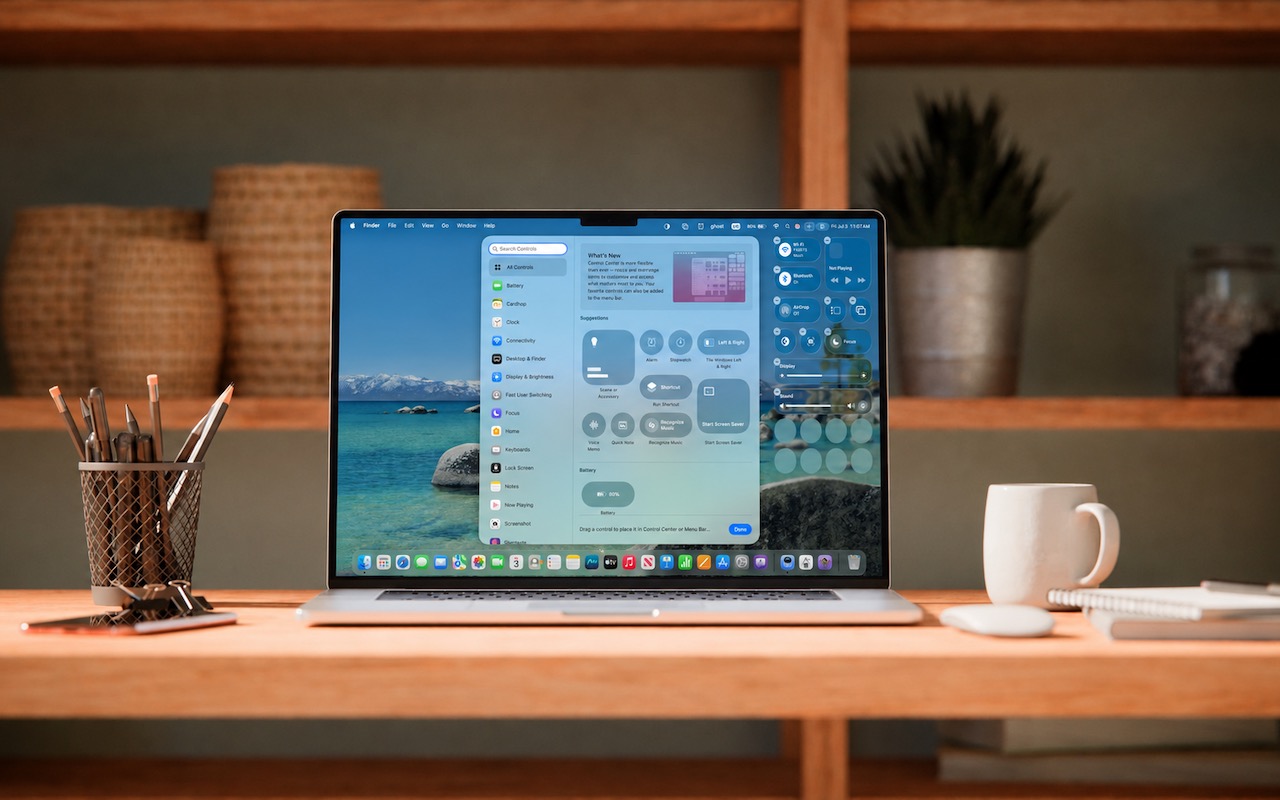
Control Center Is Improved—and Highly Customizable—in macOS 26 Tahoe

Jul. 03, 2026
Apple Raises Prices on Macs and iPads, but not iPhones or Apple Watches… Yet

Jul. 03, 2026
How to Share Sensitive Information Securely over the Internet

Jun. 09, 2026
10 Reasons to Upgrade to Apple’s Version 27 Operating Systems This Fall

Jun. 05, 2026
Use Fake Contacts to Improve Dictation Accuracy
View All Posts