

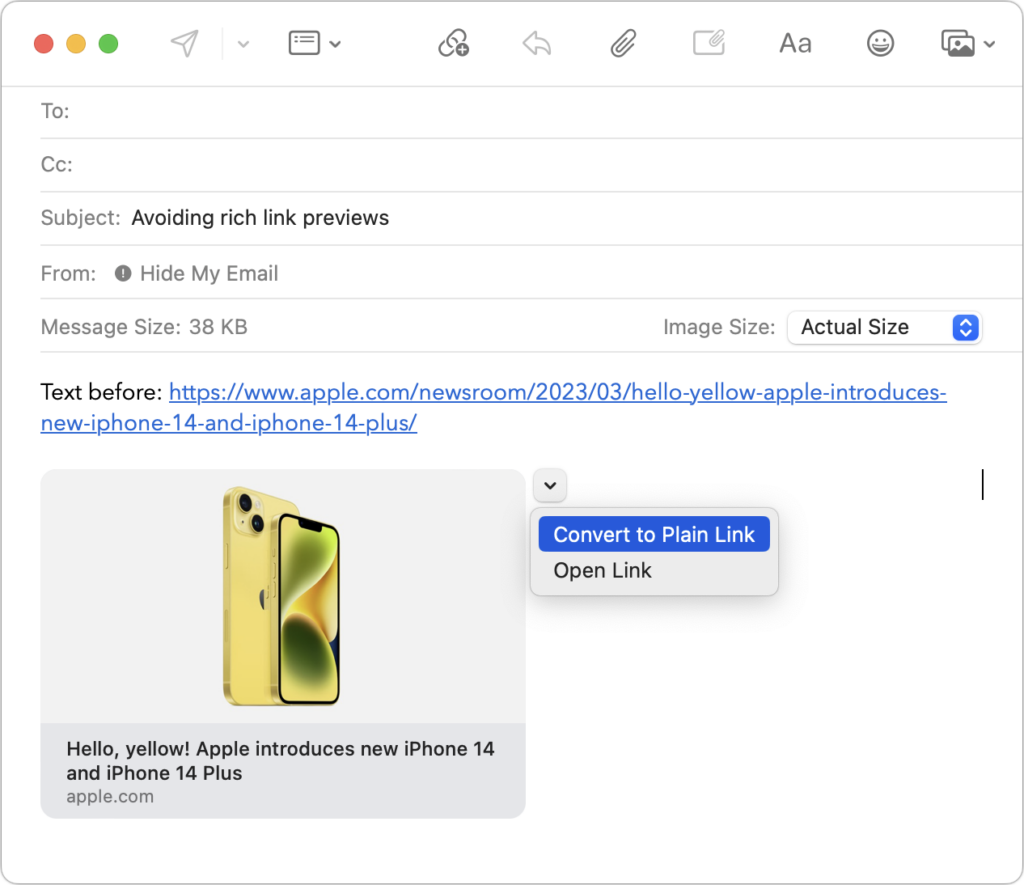
Sometimes apps can be too helpful. Apple’s Mail on the Mac likes to turn pasted URLs into graphically rich previews, and sometimes that’s OK. But other times, the preview is confusing or takes up too much space. Or you may want to send a plain link so the recipient can see its text. There are three ways to avoid rich link previews:
- Before pasting a URL into your message, type a space or any other text. Mail converts URLs to rich previews only when they’re on a line by themselves.
- Hover over the preview, click the down-pointing arrow that appears, and choose Convert to Plain Link from the pop-up menu.
- In Mail > Settings > Composing, change the Message Format pop-up menu to Plain Text. Although this eliminates rich link previews, it also prevents you from including formatting and images.
(Featured image by Adam Engst)
Recent Posts
Jun. 09, 2026
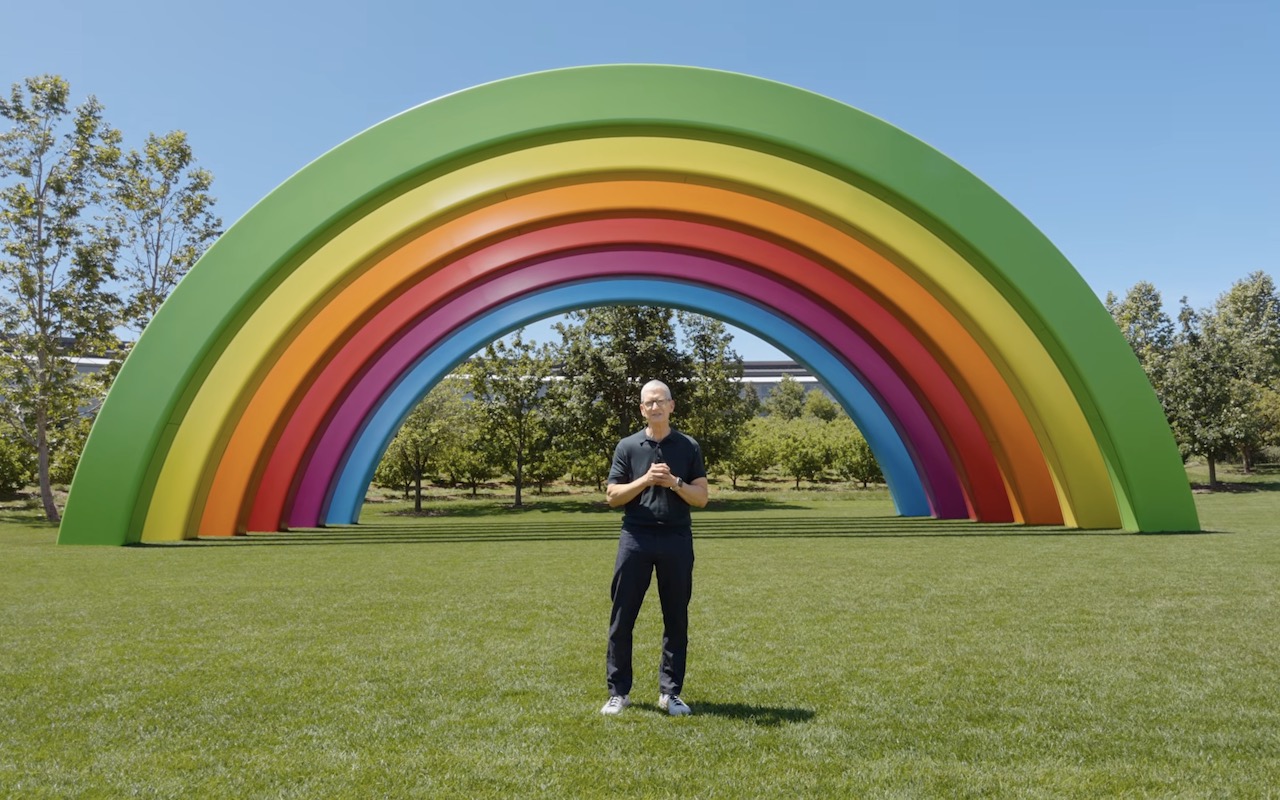
10 Reasons to Upgrade to Apple’s Version 27 Operating Systems This Fall

Jun. 05, 2026
Use Fake Contacts to Improve Dictation Accuracy

Jun. 05, 2026
Office 2019 for Mac Goes Read-Only on July 13, 2026

Jun. 05, 2026
Not Sure If You’re Presentable for a Video Call? Try Hand Mirror

Jun. 05, 2026
Use Your AirPods as a Camera Remote

Jun. 05, 2026
When Should You Upgrade Your Apple Devices?

Jun. 05, 2026
How AI Vulnerability Detection Changes Software Security
Jun. 05, 2026
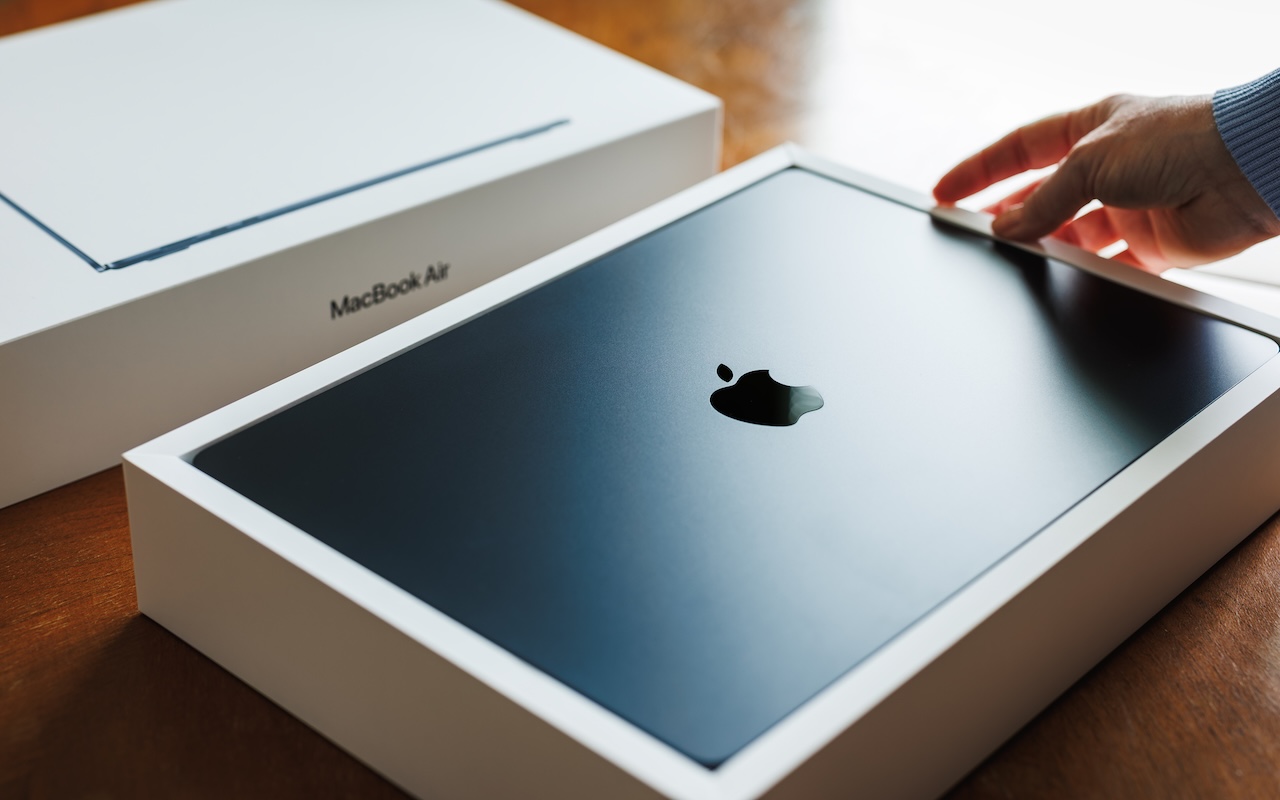
Choosing the Best Mac for a College-Bound Student in 2026
May. 01, 2026
Choose Default Apps for File Types in iOS 26 and iPadOS 26
May. 01, 2026
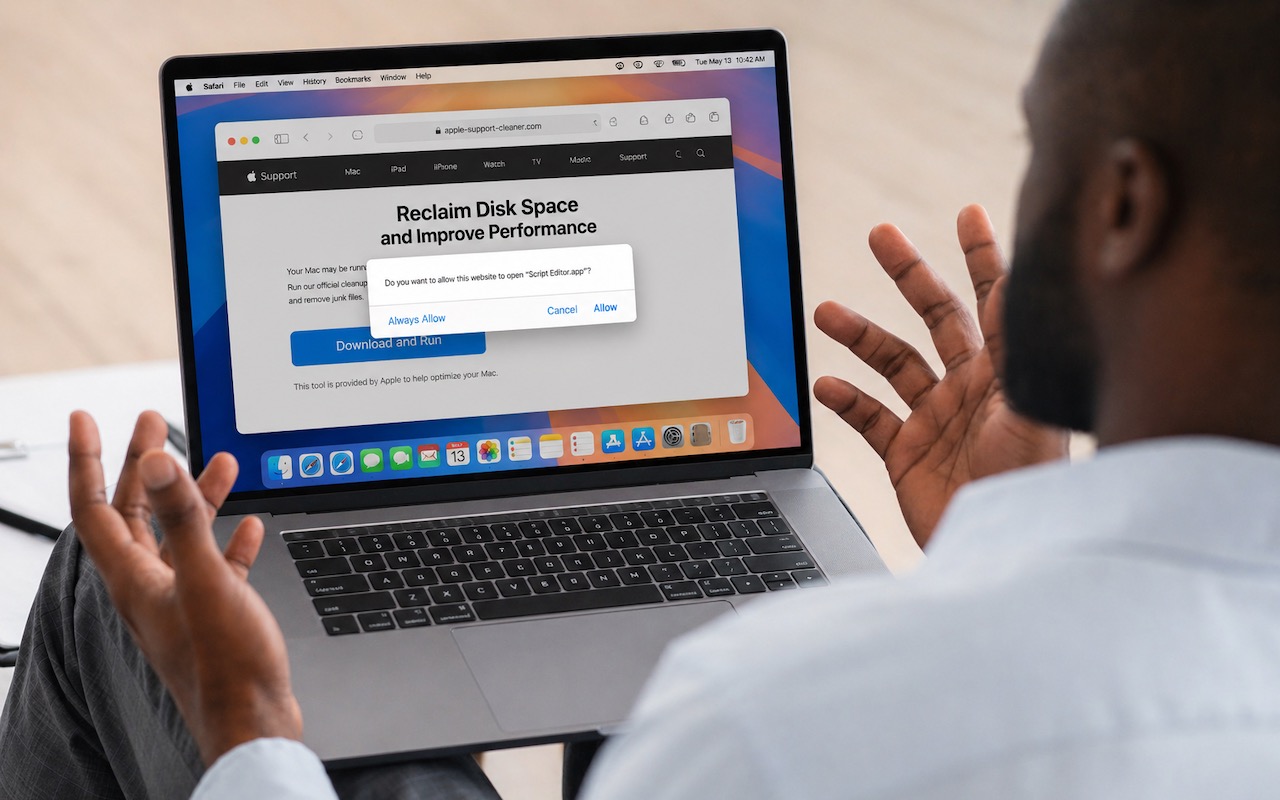
Never Run AppleScripts from Untrusted Sources
View All Posts