

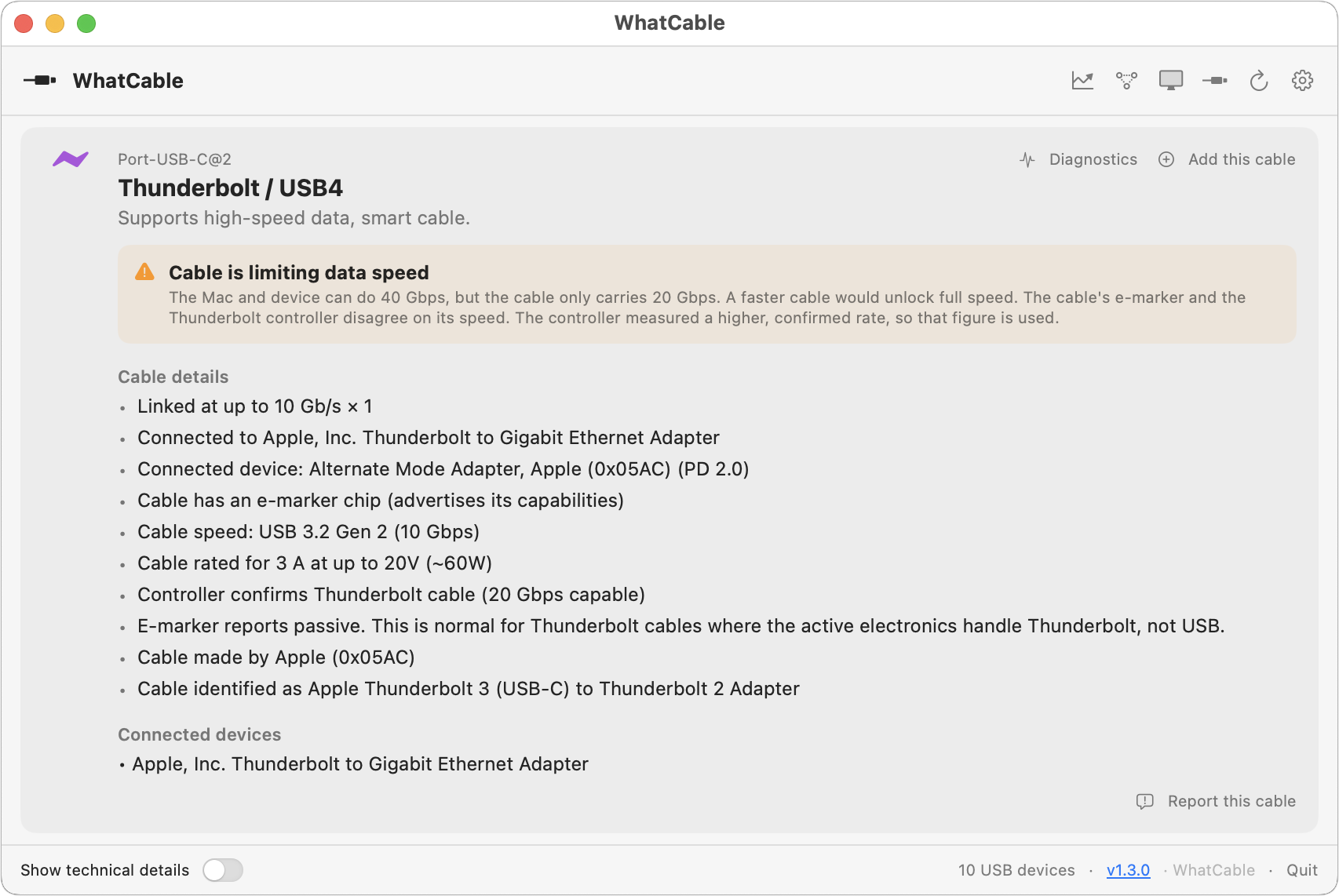
We’ve all ended up with a collection of random USB-C cables that arrived with devices, were purchased while traveling, or were left by visitors. But you can’t look at a cable to determine its data speed, how much power it can carry, or whether it’s hampering display quality. You could buy a hardware tester, but for most people, the free WhatCable is all you need. Just launch it and plug in a cable to learn what the cable can do and whether it might be causing performance or charging problems. If you need even more information, the £9.99 WhatCable Pro lets you name individual cables, troubleshoot flaky cables, and see what each port, cable, dock, adapter, and device supports and what was actually negotiated.
(Featured image by iStock.com/monticelllo)
Social Media: Not sure if your USB-C cable is delivering power and data as it should? USB-C cables look similar but may work differently. Use the free WhatCable app to see what each of your cables supports.
Recent Posts

Aug. 07, 2026
Prepare for macOS, iOS, and iPadOS OS 27 by Updating to 26.6

Aug. 07, 2026
WhatCable Reports on Your USB-C Cables
Aug. 07, 2026
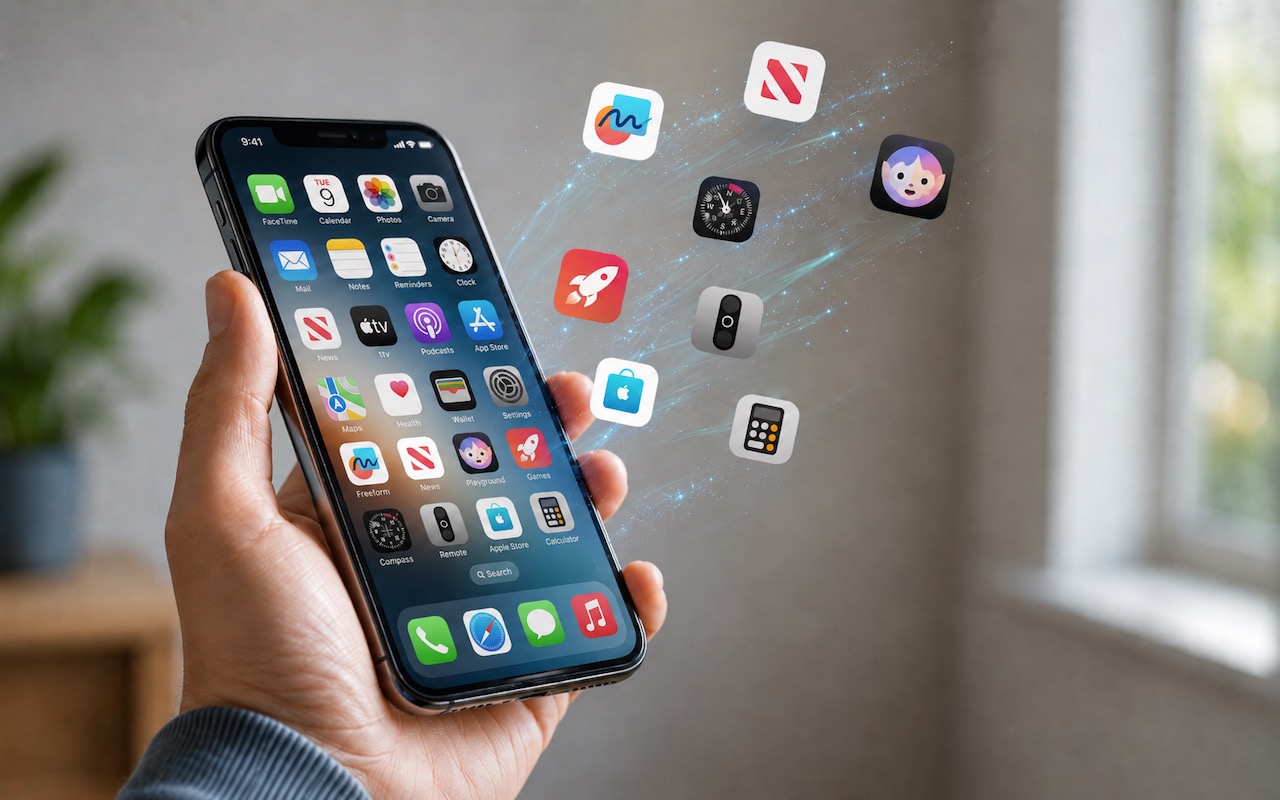
Be Careful When Offloading iPhone Apps
Aug. 07, 2026
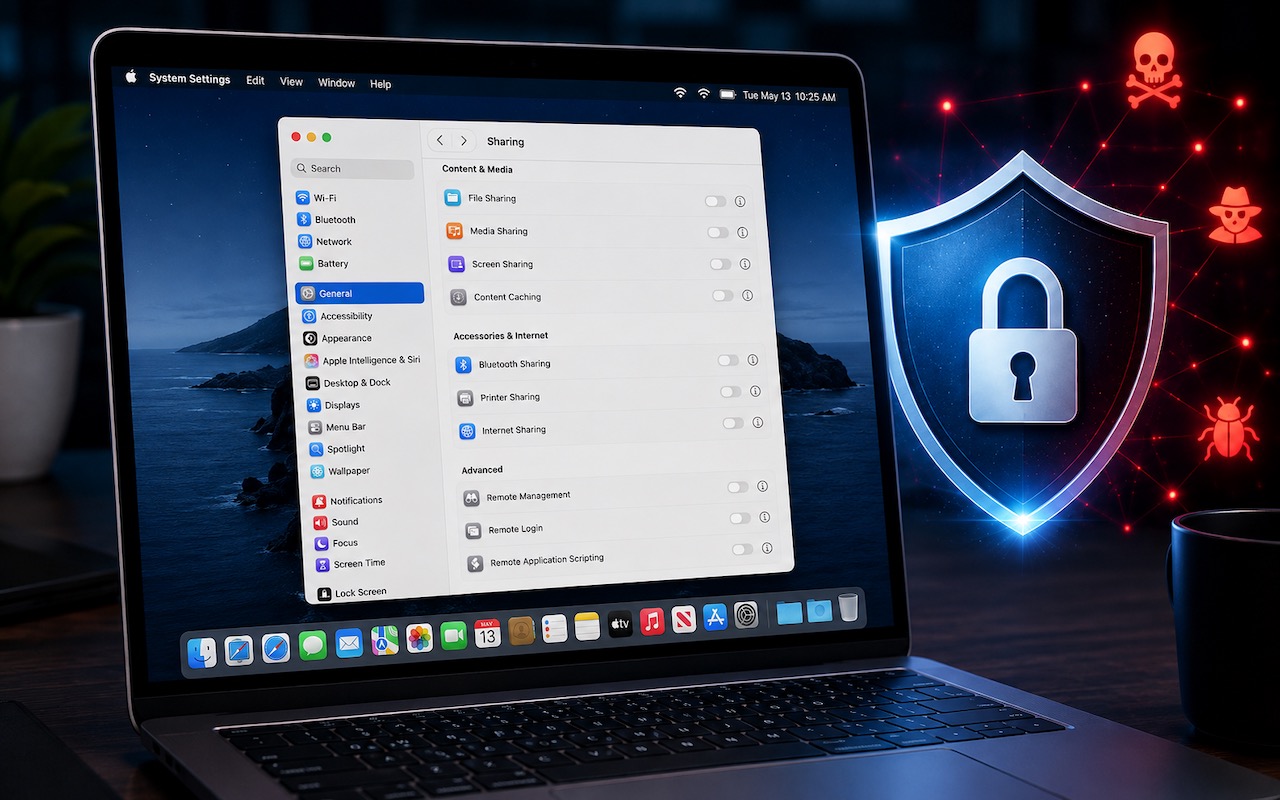
Turn Off Unused Sharing Services on Your Mac

Aug. 07, 2026
AI-Powered Hack Shows Why Updates Are More Important Than Ever

Aug. 07, 2026
Don’t Delay Mac Purchases to the Last Minute

Aug. 07, 2026
How to Develop Safely with AI

Aug. 07, 2026
Eliminate Article Distractions with Safari Reader

Jul. 03, 2026
Never Miss a Meeting Again with In Your Face
Jul. 03, 2026
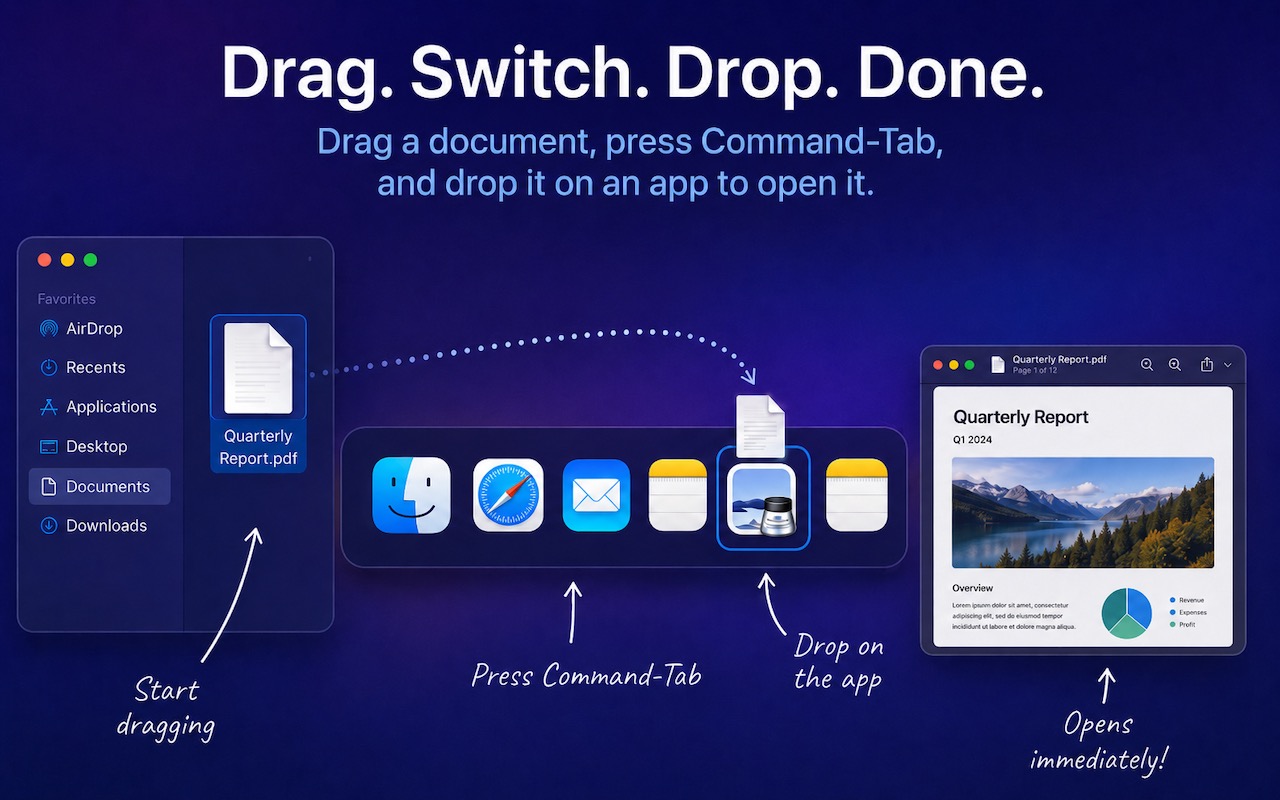
Drag Documents to Apps in the macOS App Switcher
View All Posts