








Volunteer-Friendly Church Tech: How to Build Systems People Feel Confident Using
Volunteers are the heartbeat of church life. They teach children, run soundboards, greet guests, prepare coffee, manage livestreams, and everything in between.
But volunteers shouldn’t be expected to navigate complicated systems or troubleshoot technology they’ve never been trained to use. When church tech is confusing, it doesn’t just create frustration—it creates hesitation, stress, and last-minute scrambles that can distract from ministry.
Technology should serve your volunteers—not confuse them.
At I.T. Worx, we’ve worked with churches long enough to know this truth: the “best” system on paper is useless if the person running it on Sunday doesn’t feel confident. Many IT companies build for ideal conditions. Churches need tech designed for real life—rotating volunteer teams, multiple ministries sharing rooms, and the fact that setup often happens fast, early, and under pressure.
Here’s how churches can build tech setups that volunteers feel confident using.

Why Volunteers Struggle with Tech
Most volunteer issues don’t come from people “not being techy.” They come from systems that aren’t built for volunteers in the first place.
Common causes include:
- Inconsistent processes: If every week is a new routine, volunteers never get to feel competent.
- Equipment that changes every week: Switching devices (or switching how devices are used) creates confusion fast.
- Devices borrowed from multiple sources: When tech is pieced together from donations, personal laptops, and “whatever was in the closet,” reliability suffers—and so does confidence.
- Lack of simple instructions: If knowledge lives only in someone’s head, the system breaks the moment they’re out of town.
- No time for training: Volunteers often arrive ready to serve, not ready for a 30-minute troubleshooting session.
- Overly technical systems: If it takes five steps to do a simple task, it’s not volunteer-friendly—it’s volunteer-hostile.
Volunteers aren’t trying to get it wrong—they’re doing their best with limited tools and limited time. When the system is confusing, the burden lands on the people who are already giving their time generously.
How Churches Can Make Tech Volunteer-Friendly
You don’t need “high-end everything.” You need clarity, consistency, and repeatability. These small changes usually make the biggest difference.
1) Standardize Equipment
The more consistent the devices and setup, the easier the role becomes. When volunteers know “this is the laptop we always use” or “this is the tablet for check-in,” they stop guessing and start serving confidently.
Standardizing doesn’t mean replacing everything at once. It can start with choosing one approved device per role and building from there.
2) Label Everything Clearly
Labeling is underrated ministry magic.
Clear labels for cables, switches, ports, and buttons prevent:
- unplugging the wrong thing
- frantic “where does this go?” moments
- repeated mistakes that make people feel embarrassed
This is especially helpful in shared spaces where gear gets moved or reset between ministries.
3) Use Simple Devices
When possible, choose devices that reduce steps and confusion. Many churches find that iPads and Macs are easier for volunteers because:
- the interface is consistent
- settings are harder to accidentally “break”
- updates and logins can be more manageable when set up correctly
- the learning curve is gentler for new helpers
It’s not about brand loyalty—it’s about volunteer success.
4) Create Step-by-Step Guides
If your system requires a “tech whisperer,” it’s fragile.
Simple guides help make tech repeatable:
- screenshots with arrows (“click this”)
- laminated cards at the station
- a one-page checklist for Sunday setup
- short “if this happens, do this” troubleshooting notes
The goal is to make success possible even when the usual volunteer is absent.
5) Keep Login Access Minimal
Volunteers need access—but they don’t need admin permissions.
A safer, simpler approach:
- give volunteers the exact tools they need
- limit access to settings that can accidentally derail the system
- avoid shared admin accounts whenever possible
- keep passwords organized and controlled (not scattered across sticky notes and group texts)
This protects the church, protects the system, and protects the volunteer from accidentally becoming the person who “broke everything.”
6) Offer Gentle, Repeated Training
Training doesn’t have to be intense. It just has to be consistent.
Because volunteers rotate, the system should be designed so:
- new helpers can learn quickly
- the same steps work every time
- training can be repeated without frustration
- nobody feels “behind” or “stupid” for asking questions
A volunteer-friendly system is one where people feel safe learning.

The Power of Apple Ecosystems in Churches
Apple devices can simplify a lot of common church tech workflows, especially when churches already have iPhones or iPads in the mix.
They can be particularly helpful for:
- Check-in systems (clean interface, easy handoff)
- Giving stations (simple, consistent user experience)
- Worship lyrics/slides (straightforward control and familiarity)
- A/V routing (when properly configured)
- Livestream control (depending on setup)
- Classroom tools (reliable, familiar, easier for volunteers to manage)
Volunteers often feel comfortable with iPads or iPhones because the interface is familiar and consistent—and in ministry, familiarity reduces stress.
How I.T. Worx Supports Volunteer-Friendly Ministry

We’re here to make things easier—not more complicated.
Because we’ve supported churches for years, we don’t walk in expecting your ministry to operate like a corporate office. We understand rotating volunteer teams, shared spaces, Sunday pressure, and the importance of keeping things calm and repeatable.
We help churches by:
- Choosing equipment your volunteers can succeed with (not just what looks impressive)
- Creating simple, consistent systems that work every Sunday—even with different people running them
- Providing calm, friendly training that builds confidence instead of overwhelm
- Helping you set up clear processes so “how we do it” is documented and repeatable
- Offering support when you need it—especially when issues show up at the worst possible time
We don’t overcomplicate.
We don’t overwhelm.
We just help your team feel confident.
Technology Should Support Your Ministry—Not Get in Its Way.
Every church works differently. I.T. Worx starts by listening, then helps create secure, dependable, easy-to-manage systems that fit your staff, volunteers and day-to-day ministry.
Recent Posts
Aug. 13, 2026
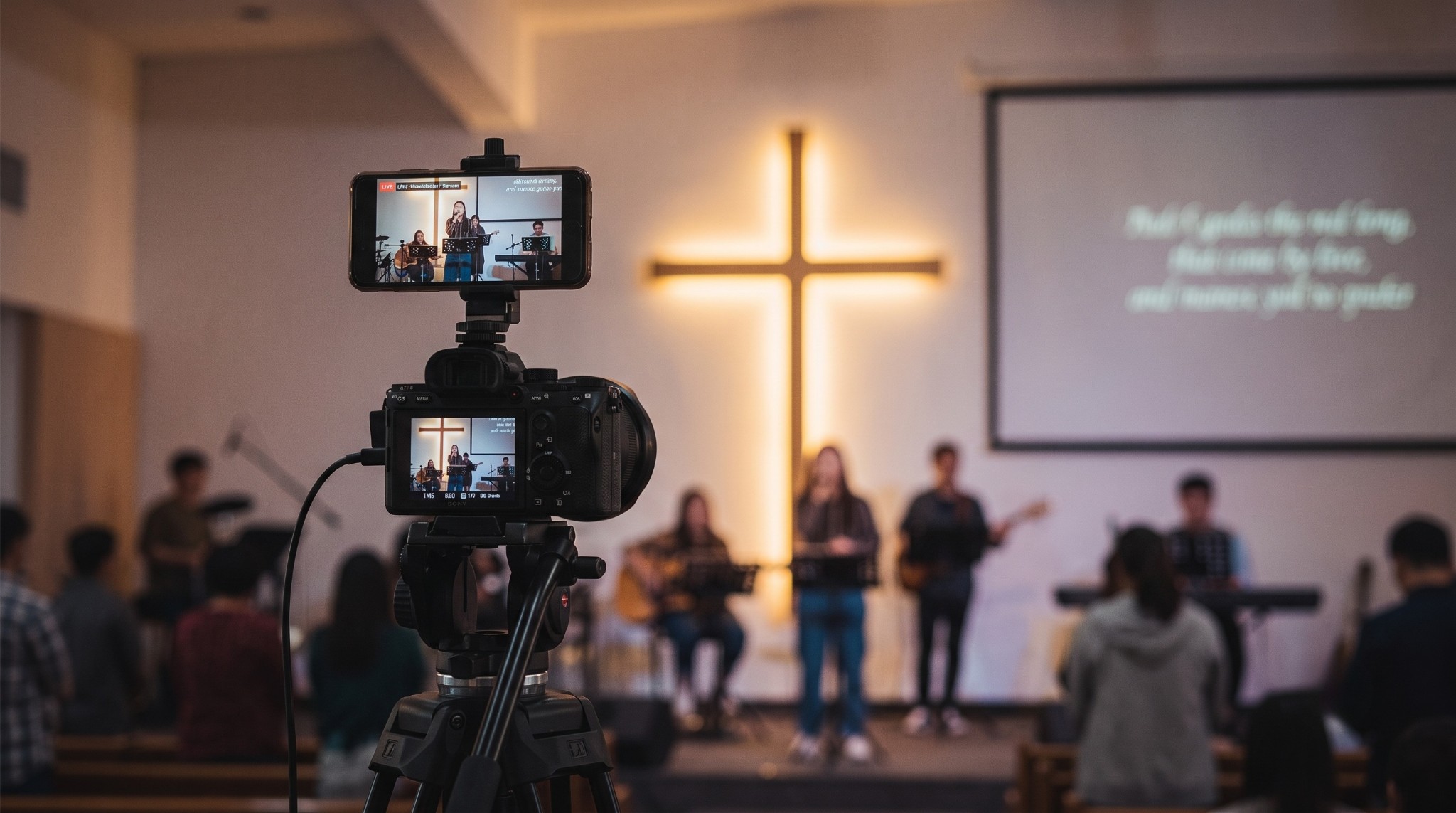
Streaming Without Stress
Aug. 13, 2026
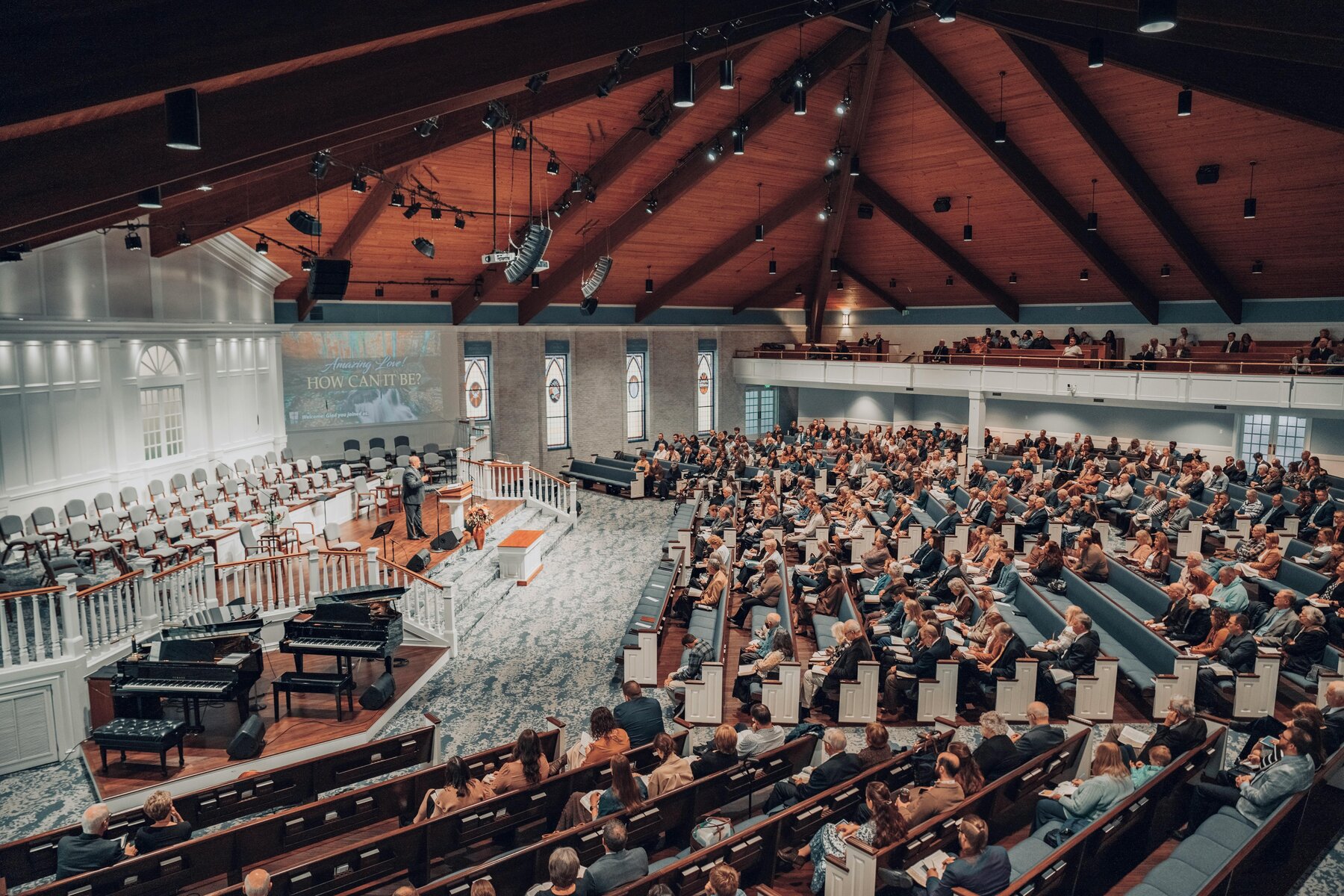
Why Reliable Technology Matters in Worship
Aug. 13, 2026
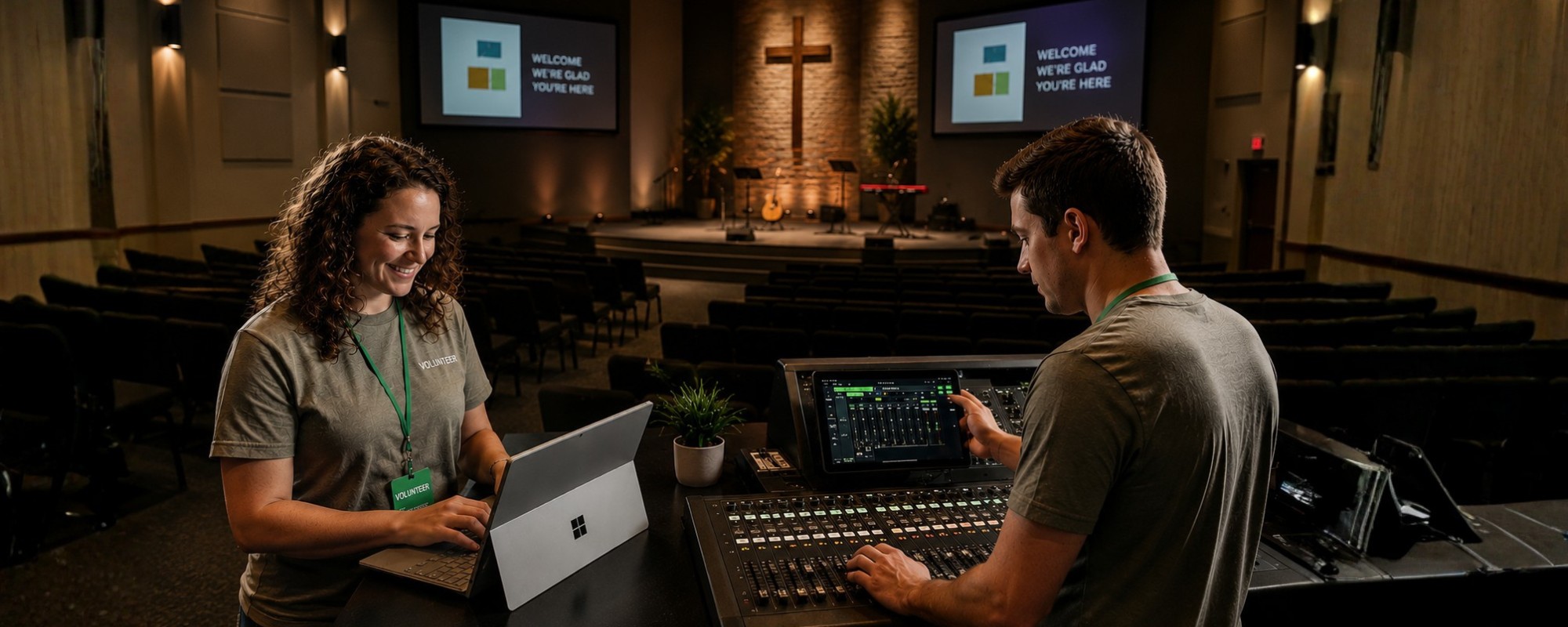
Volunteer-Friendly Church Tech
Aug. 13, 2026
5 Benefits of Cisco Meraki for Houses of Worship
Aug. 13, 2026
Secure & Connected

Aug. 07, 2026
Don’t Delay Mac Purchases to the Last Minute

Feb. 06, 2026
Keep Your IT Budget Working During a Slowdown

Jan. 02, 2026
How to Encourage Successful AI Use in Your Organization
Oct. 29, 2025
I.T. Worx: Your Trusted Authorized Apple Service Provider

Jun. 06, 2025
Consider Personal Cyber Insurance
View All Posts