



Protecting Your Church’s Network and Member Data
Churches store some of the most sensitive information of any community organization: donor records, member data, prayer requests, volunteer applications, counseling notes, financial details, and more.
Yet many ministries are running on networks that weren’t built for security or growth—often because the church has been focused (rightly) on people, not passwords.
The good news: you don’t need to be a cyber expert to keep your church safe. A few foundational protections make a major difference.
At I.T. Worx, we’ve spent years supporting churches, and we’ve learned something important: church security isn’t just “IT security with a cross on it.” Churches have volunteer turnover, shared logins, weekend-heavy operations, multiple ministries using the same spaces, and deeply personal data that deserves gentle, thoughtful protection. This guide is a ministry-friendly introduction to why security matters—without fear-based language or technical overwhelm.
Why Churches Are Targeted
Most attackers aren’t targeting churches because they’re churches. They target them because they assume churches:
- Have limited staff and a small tech bench (sometimes one very brave volunteer).
- Use older computers that haven’t been updated in a while.
- Rely on volunteers who rotate roles and may not have formal training.
- Store sensitive data like donor info, family details, and pastoral notes.
- Have less security training simply because ministry priorities are elsewhere.
These assumptions are often true—through no fault of the church. It’s simply the nature of ministry. And it’s exactly why church security should be calm, simple, and built for real-world church workflows.
These assumptions are often true—through no fault of the church. It’s simply the nature of ministry.
The Five Areas Churches Should Secure First
You don’t have to fix everything at once. In our experience with churches, these are the areas that create the biggest security improvement the fastest.

1) Staff & Volunteer Email
Email is the #1 place most attacks start—because it’s the easiest door to knock on.
A strong church email setup usually includes:
- Multi-factor authentication (MFA): so a stolen password doesn’t equal a stolen account.
- Strong filtering: to reduce phishing emails before anyone has to “spot the fake.”
- Cloud-based email systems: which are easier to manage, more secure, and more consistent across devices.
Churches often have shared inboxes and role-based emails (like “info@” or “kidsmin@”). Those accounts need extra care because multiple people may access them.

2) Wi-Fi Networks
Most churches need multiple networks, and they should be separated for safety and reliability. At minimum:
- Staff network (for church operations and admin work)
- Volunteer network (for approved ministry tools)
- Guest network (for attendees—easy access, limited risk)
- AV network (for livestream and service tech)
Keeping these separate helps protect sensitive information and prevents Sunday morning traffic from interfering with ministry-critical systems.
“One Wi-Fi for the whole building” tends to work… until it really doesn’t—usually right when the sanctuary fills up.

3) Donor Data & Finance Systems
This is stewardship territory. Donation platforms, financial tools, and donor records should be:
- Encrypted (protected if data is intercepted or accessed improperly)
- Password-protected with strong unique credentials
- Access-limited so only the right people can reach the right systems
This also includes tightening up who has admin access and ensuring finance processes don’t rely on one person’s memory (or one spreadsheet on one laptop).

4) Livestream & AV Systems
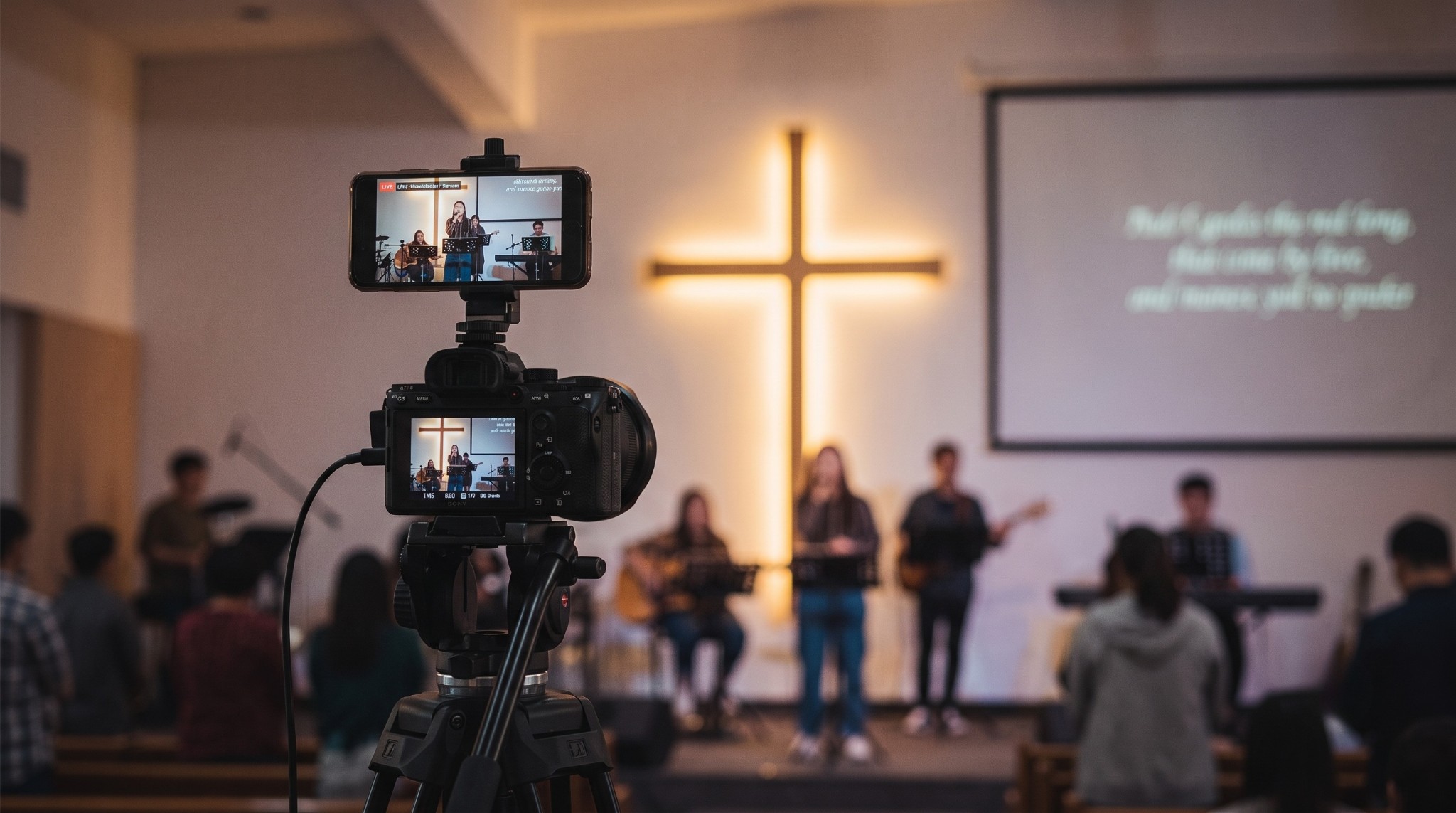
AV computers often get overlooked because they “aren’t the office.” But they’re still computers—often connected to the internet, sometimes used by many people, and sometimes running older software.
A simple security baseline for AV usually means:
- Keeping AV devices on their own network
- Updating systems regularly (on a schedule that won’t surprise Sunday)
- Limiting what’s installed and who can log in
Livestream rigs live in high-pressure environments with rotating volunteers. The setup has to be both secure and simple enough to operate consistently.

5) ChMS Access (Church Management Software)
Your ChMS can contain a lot of personal and family information. The best practice is simple:
- Give each person the least access needed to do their role well
- Review access periodically (especially after role changes)
- Avoid shared logins whenever possible, so activity is accountable and secure
This protects the church and protects the people serving—because clarity prevents accidents.
Why Cisco Meraki Works Well for Churches
Meraki can be a strong fit for churches because it makes network management more visual and easier to maintain—especially for teams that don’t want to live in a maze of technical settings.
Churches often appreciate that it’s:
- Cloud-based: so management and updates are centralized
- Simple to troubleshoot: issues can be easier to identify quickly
- Built to scale: helpful as ministries grow or add programs
- Well-suited to multi-building campuses: where coverage and consistency matter
- Volunteer-friendly: because the dashboard is visual and less intimidating than many traditional systems
And because it’s a visual dashboard, ministry teams don’t need deep IT knowledge just to understand what’s happening.
Security as Stewardship
Protecting member and donor information isn’t just smart—it’s part of caring for people well.
A secure church is a trustworthy church. And trust is hard to build and easy to shake—so it’s worth protecting with calm, steady practices that don’t create burden or paranoia.
How I.T. Worx Approaches Security for Churches
We make security understandable, not intimidating—because we know ministry teams are already carrying a lot.
Our church-focused approach looks like this:

- We listen to your team first (because every church runs differently)
- We start with the basics that create immediate protection without disruption
- We don’t push what you don’t need (security should be right-sized, not overbuilt)
- We prioritize volunteer-friendly solutions that are easy to repeat and easy to hand off
- We keep everything calm, simple, and organized so your team feels supported—not overwhelmed
Other IT companies may lead with tools. We lead with understanding how churches actually operate—Sunday rhythms, volunteer rotation, shared spaces, ministry priorities—and we design security that fits that reality.
Security shouldn’t feel heavy. It should feel reassuring. shouldn’t feel heavy—it should feel reassuring
Technology Should Support Your Ministry—Not Get in Its Way.
Every church works differently. I.T. Worx starts by listening, then helps create secure, dependable, easy-to-manage systems that fit your staff, volunteers and day-to-day ministry.
Recent Posts
Aug. 13, 2026
Streaming Without Stress
Aug. 13, 2026
Why Reliable Technology Matters in Worship
Aug. 13, 2026
Volunteer-Friendly Church Tech
Aug. 13, 2026
5 Benefits of Cisco Meraki for Houses of Worship
Aug. 13, 2026
Secure & Connected

Aug. 07, 2026
Don’t Delay Mac Purchases to the Last Minute

Feb. 06, 2026
Keep Your IT Budget Working During a Slowdown

Jan. 02, 2026
How to Encourage Successful AI Use in Your Organization
Oct. 29, 2025
I.T. Worx: Your Trusted Authorized Apple Service Provider
Jun. 06, 2025
Consider Personal Cyber Insurance
View All Posts