





A Simple Guide to Reliable AV Infrastructure for Churches
Livestreaming used to be an optional part of ministry. Now, it reaches shut-ins, traveling members, families with sick children, and people exploring faith from a distance. It’s become a lifeline for connection.
But for many churches, livestreaming is still the most stressful part of Sunday morning.
- “Will it drop this week?”
- “Will the audio work?”
- “Is the camera angle right?”
- “Is YouTube going to freeze again?”
In this guide, we’ll walk through how churches can build a simple, steady, stress-free livestream setup that supports volunteers and keeps viewers connected.
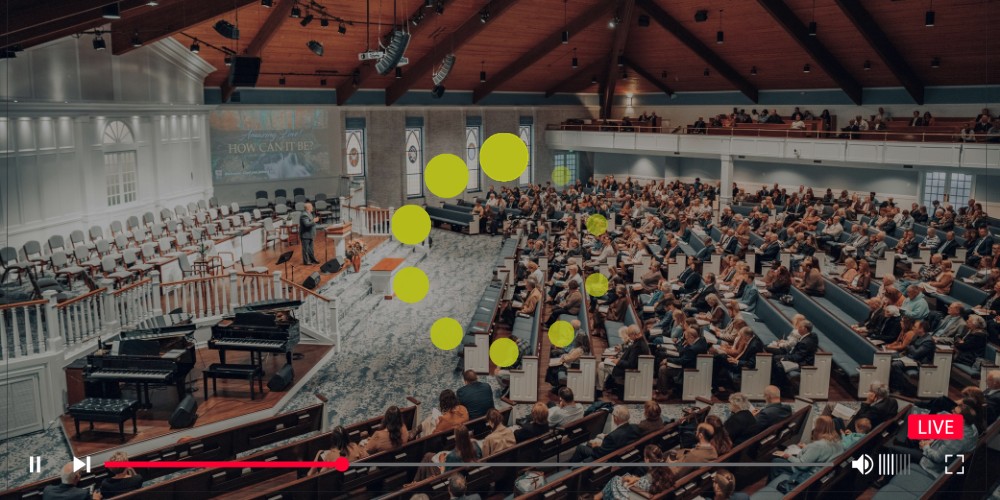
Why Livestreaming Fails (and How to Prevent It)
When we help local churches troubleshoot livestream issues, we see the same causes again and again—and they’re usually not “mystery glitches.” They’re fixable foundations.
1. Weak Wi-Fi or Internet Upload Speeds
Even if your download speed is fast, your upload speed may be too low. Streaming needs three things that churches don’t always realize they’re missing:
- Even if your download speed is fast, your upload speed may be too low. Streaming needs three things that churches don’t always realize they’re missing:
- A stable connection: If your internet drops for a few seconds, the stream may not recover gracefully.
- Consistent bandwidth: Streams struggle when bandwidth is unpredictable (like when everyone’s phones connect at once).
- Dedicated network space: If your livestream shares bandwidth with guest traffic, it’s competing with every phone in the room.
This is why “it works during the week” doesn’t mean it will work on Sunday. A half-full sanctuary behaves very differently than a packed service.
2. Outdated or mismatched equipment
Cameras, encoders, switchers, and computers from different eras often conflict. A newer camera paired with an older computer, or a modern streaming workflow forced through legacy hardware, can create instability that looks random—but isn’t.
What we see in churches: donated equipment and “it was free” upgrades are common. That’s understandable—but it often creates a system that’s technically functional and practically fragile.
3. Shared networks
If the livestream runs on guest Wi-Fi, it’s almost guaranteed to drop at some point. Guest networks are designed for convenience, not mission-critical stability.
Translation: your livestream is being asked to fight for oxygen while everyone else scrolls, streams, downloads, and updates.
4. Volunteers set up differently each week
Inconsistent setup leads to inconsistent results. Different people, different habits, different cables, different settings—and suddenly the system is “finicky,” when it’s really just not standardized.
Volunteer turnover isn’t a flaw—it’s a strength of church culture. The tech should be built to support that reality, not punish it.
5. No backup plan
If the primary stream fails, the service disappears. Most churches don’t need a complex broadcast plan—but they do need a simple safety net.
A backup can be as basic as a secondary connection, a backup recording, or a fallback platform that can be activated quickly.
The Foundations of a Stress-Free Church Livestream
Here are the essentials we recommend for every church—large or small.

1) A Dedicated AV Network
Keep A/V equipment separate from staff and guest Wi-Fi. This ensures the livestream doesn’t compete with everyone else’s devices and reduces the odds of random interruptions.
2) A Hardware Encoder
Hardware encoders are typically more stable than software-based options because they’re purpose-built to do one job consistently. This is often the difference between “it usually works” and “it works every week.”
3) A Minimum of 10–20 Mbps Upload Speed
More if you stream in 1080p. What matters even more than raw speed is consistency—your stream needs stable upload capacity that doesn’t collapse when the room fills up.
4) A Clean Audio Feed
Audio should come directly from the soundboard, not the camera mic. Viewers will tolerate imperfect video. They will not tolerate muffled, echo-y audio. Clean audio is the fastest “quality upgrade” you can make.
5) Two Monitoring Points
You need two perspectives:
- In-room monitoring to confirm what the congregation is hearing and seeing
- Online monitoring to confirm what viewers are actually receiving (because they can be very different)
6) A Backup Stream Plan
This doesn’t have to be dramatic. It just has to exist. Options include:
- A cellular hotspot ready to go
- A secondary platform or simplified stream option
- A backup recording so the message isn’t lost even if the live stream fails
For Volunteers: Make It Simple
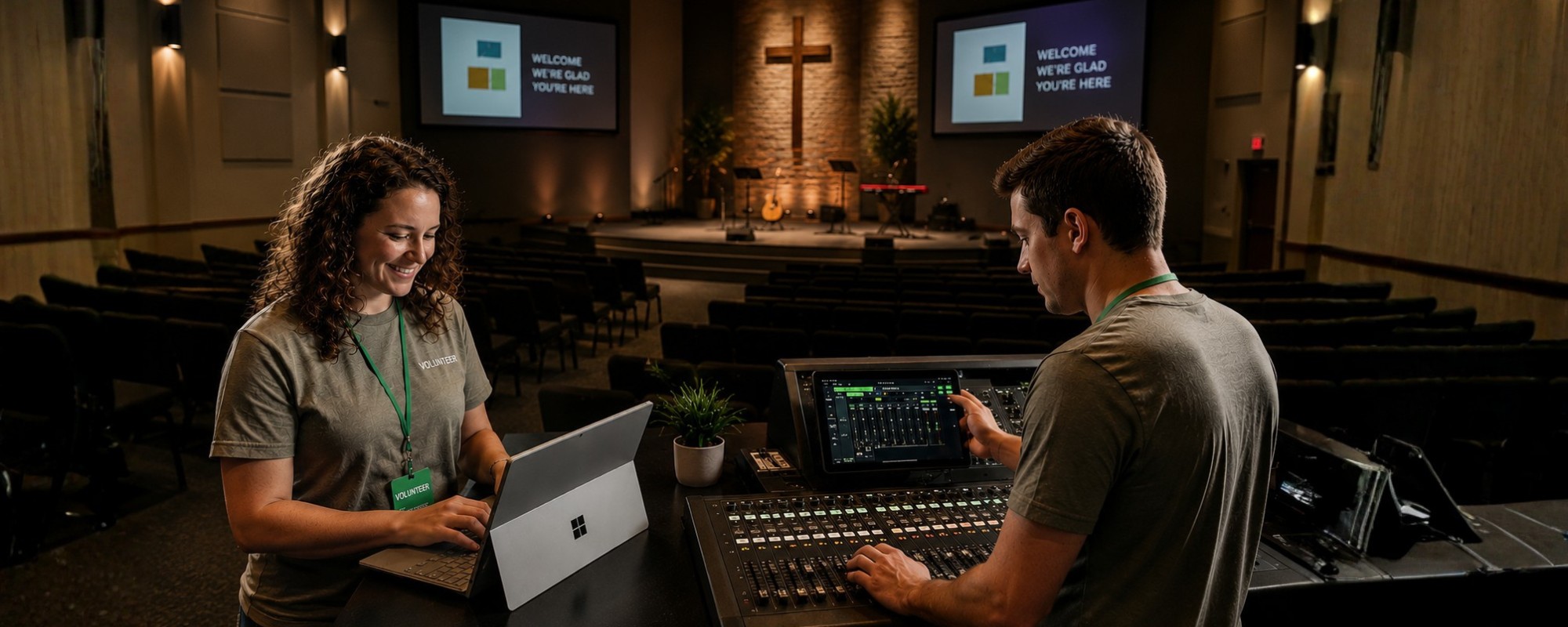
Volunteers thrive when the system is designed for humans—not audio engineers.
A dependable volunteer-friendly setup usually includes:
- Clear labels and cable management: so nobody has to guess what goes where
- Simple “power on” routines: fewer steps, fewer mistakes
- Consistent weekly workflow: the same setup every time, regardless of who’s serving
- Patient, repeatable training: because volunteers rotate and nobody wants to feel “bad at tech”
A good church A/V system isn’t a fancy one—it’s a simple one. Simple beats impressive every Sunday.
Why Apple Ecosystems Are Helpful Here
Apple devices aren’t required—but in many church environments, they’re often easier.
Macs, iPads, and iPhones can be helpful because they tend to offer:
- Stable performance over time (fewer weird slowdowns mid-service)
- Fewer system conflicts (especially when multiple devices need to work together)
- A simple interface for volunteers (less “where is that setting again?”)
- Straightforward audio/video routing
- Long-term reliability (helpful for churches that don’t refresh equipment often)
If your church is already using Apple devices, it can be worth leaning into that consistency.

How I.T. Worx Helps Churches Build Reliable Systems
Our approach is patient and respectful—because ministry doesn’t need a tech team that swoops in, changes everything, and leaves you with a system nobody understands.
We start with what matters most in a church setting: How does Sunday actually work here? Who runs this? What goes wrong most often? Where does stress show up?
Then we:
- Listen to your current challenges and identify what’s breaking the flow
- Find the smallest improvements that create the biggest impact (because budgets are real)
- Recommend equipment and infrastructure that fits your pace—not a one-size-fits-all “broadcast package”
- Set up systems your volunteers can confidently run (with clear steps and consistency)
- Stay available when you need help—especially when problems show up at the least convenient time
We don’t push unnecessary upgrades. We don’t treat your church like a corporate event venue. We build stability around the realities of ministry—so your tech supports the message instead of competing with it.
We don’t push unnecessary upgrades.
We just help make things work.
Technology Should Support Your Ministry—Not Get in Its Way.
Every church works differently. I.T. Worx starts by listening, then helps create secure, dependable, easy-to-manage systems that fit your staff, volunteers and day-to-day ministry.
Recent Posts
Aug. 13, 2026
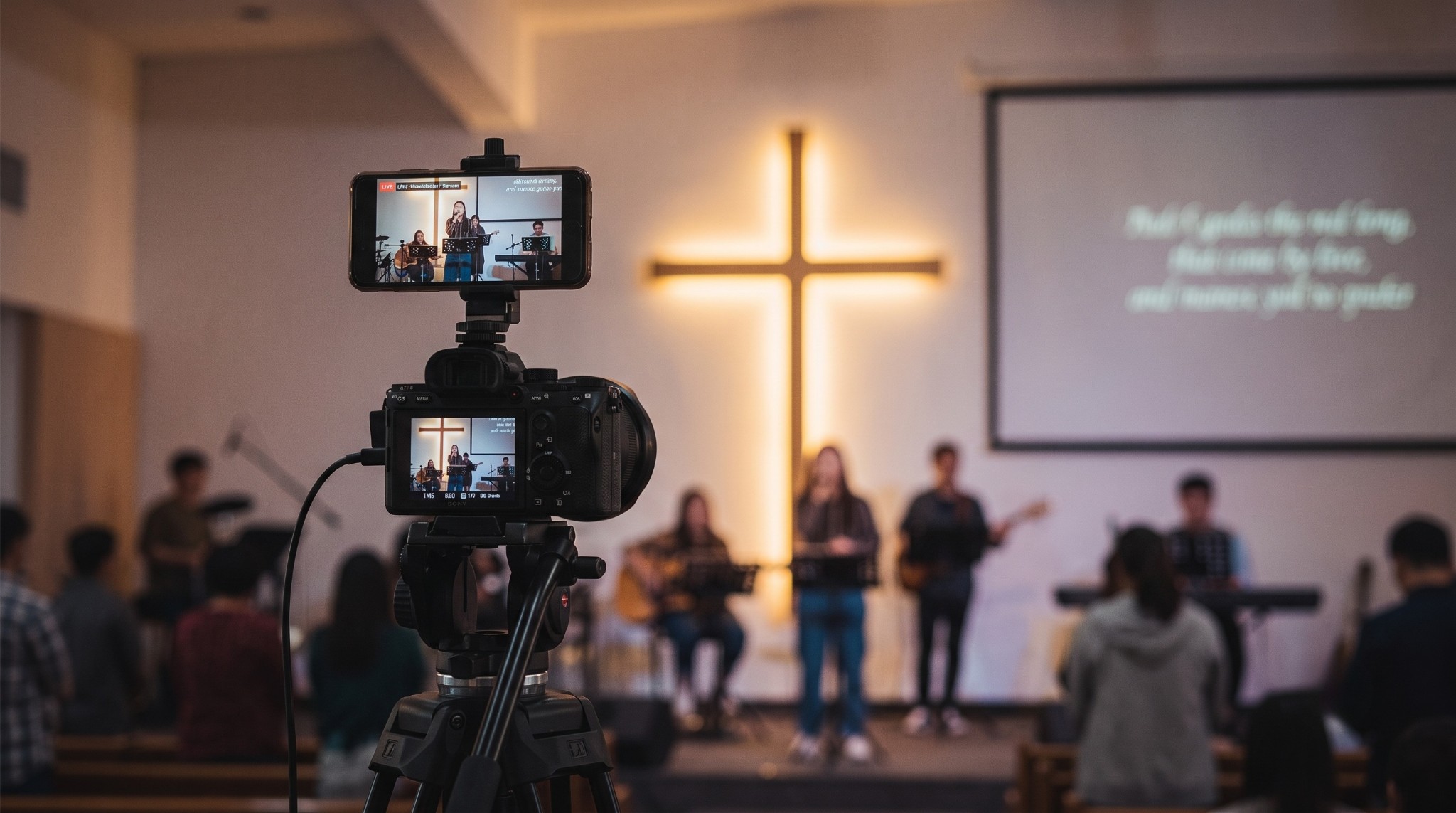
Streaming Without Stress
Aug. 13, 2026
Why Reliable Technology Matters in Worship
Aug. 13, 2026
Volunteer-Friendly Church Tech
Aug. 13, 2026
5 Benefits of Cisco Meraki for Houses of Worship
Aug. 13, 2026
Secure & Connected

Aug. 07, 2026
Don’t Delay Mac Purchases to the Last Minute

Feb. 06, 2026
Keep Your IT Budget Working During a Slowdown

Jan. 02, 2026
How to Encourage Successful AI Use in Your Organization
Oct. 29, 2025
I.T. Worx: Your Trusted Authorized Apple Service Provider

Jun. 06, 2025
Consider Personal Cyber Insurance
View All Posts