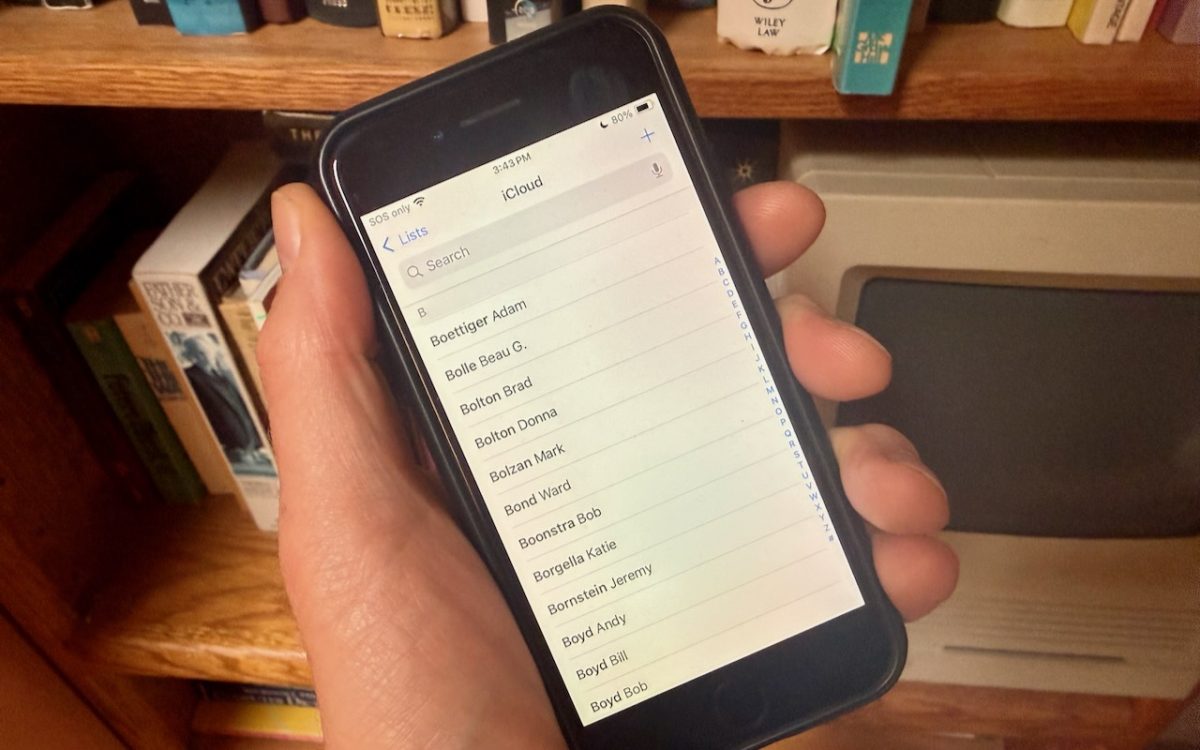
Most people prefer Apple’s default of sorting contacts by last name, so “Andy Anderson” appears near the start of the list and “Liliana Velasco” toward the end. But some would also prefer to display contacts with their last name first, such as “Anderson, Andy,” and “Velasco, Liliana.” That’s not the default, but if it’s what you want, here’s how to …
Keep Sensitive Data Private by Disabling AI Training Options
Most AI chatbots, including ChatGPT, Claude, and Google’s Gemini, let you control whether your conversations will be used to train future models. While allowing this could improve the AI, it also means that sensitive business information and intellectual property could become part of the chatbot’s training data. Once data is incorporated into AI training, it likely can’t be removed. Even …
Watch What You Say in AI-Recorded Meetings
You’re in a meeting with colleagues, and after everyone else has trickled out, you talk about a sensitive topic with a trusted friend. That would typically be no problem with an in-person meeting, but with a modern virtual meeting, where an AI records a transcript, summarizes what was said, and automatically emails it to all participants, you might not want …
When Should You Subscribe to AppleCare?
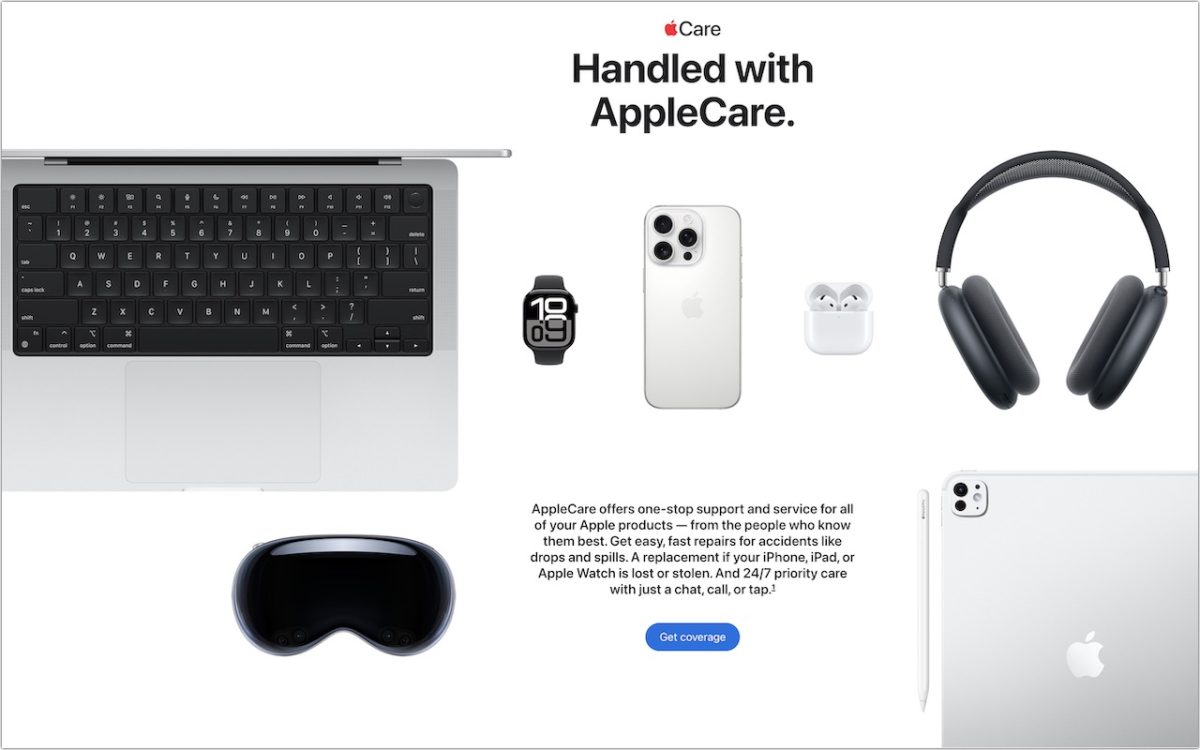
With Apple’s recent launch of AppleCare One, which covers multiple devices, and updates to its traditional AppleCare+ plans, you might be wondering what the best strategy is for post-warranty coverage of your Apple devices. Here’s what we suggest. Your AppleCare Choices First, to make sure we’re all on the same page, Apple now offers three AppleCare protection plans: AppleCare+: Apple’s …
When to Trust AI Tech Answers (And When to Call Us)
Recently, we’ve fielded a spate of questions from people who have used an AI chatbot to help with a technical issue and then asked us to confirm whether the information was accurate, helpful, or even safe. First off, we’re not offended. If you can work through simple problems on your own with the help of an AI chatbot, that lets …
Follow This Advice Before Switching to a New iPhone 17
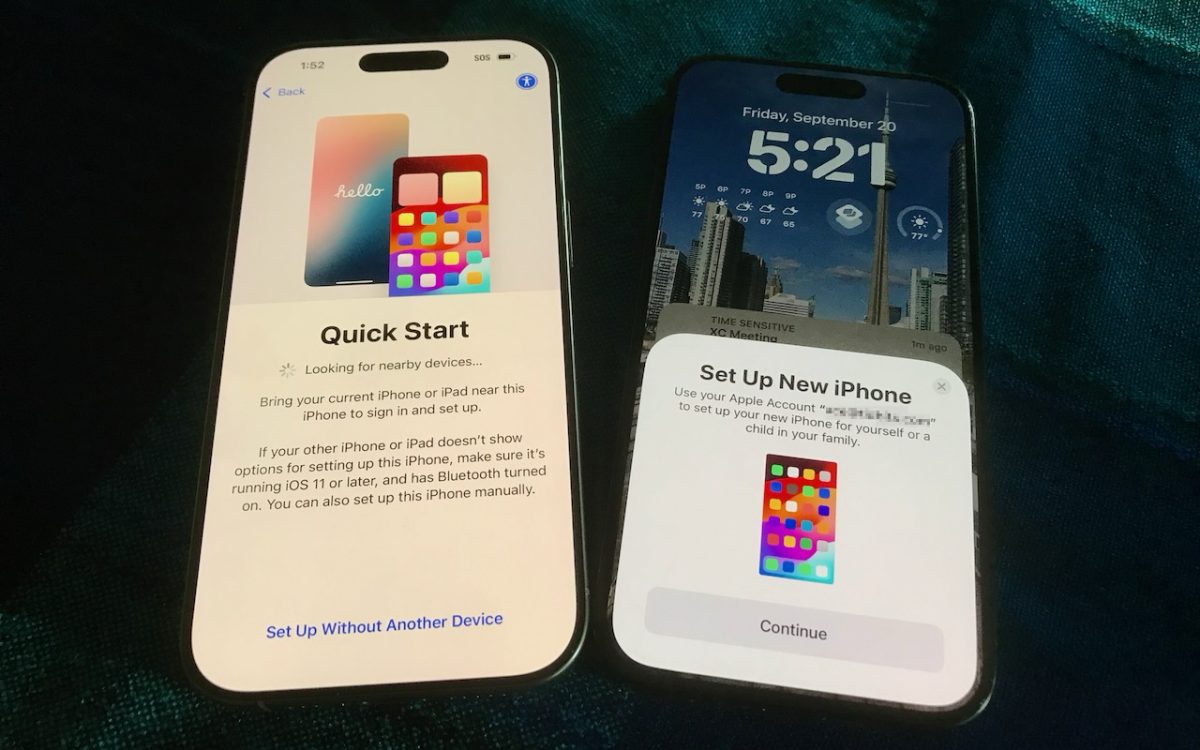
Are you considering getting one of the new iPhone 17 models? While it’s always tempting to unbox a new device and dive right in, taking a methodical approach to setup will save you from potential frustrations down the road. When you’re ready to transfer your data—and, for many people, that means much of your digital life—to the new iPhone, follow …
Recovering from a Failed Update with a Nearby iPhone or iPad
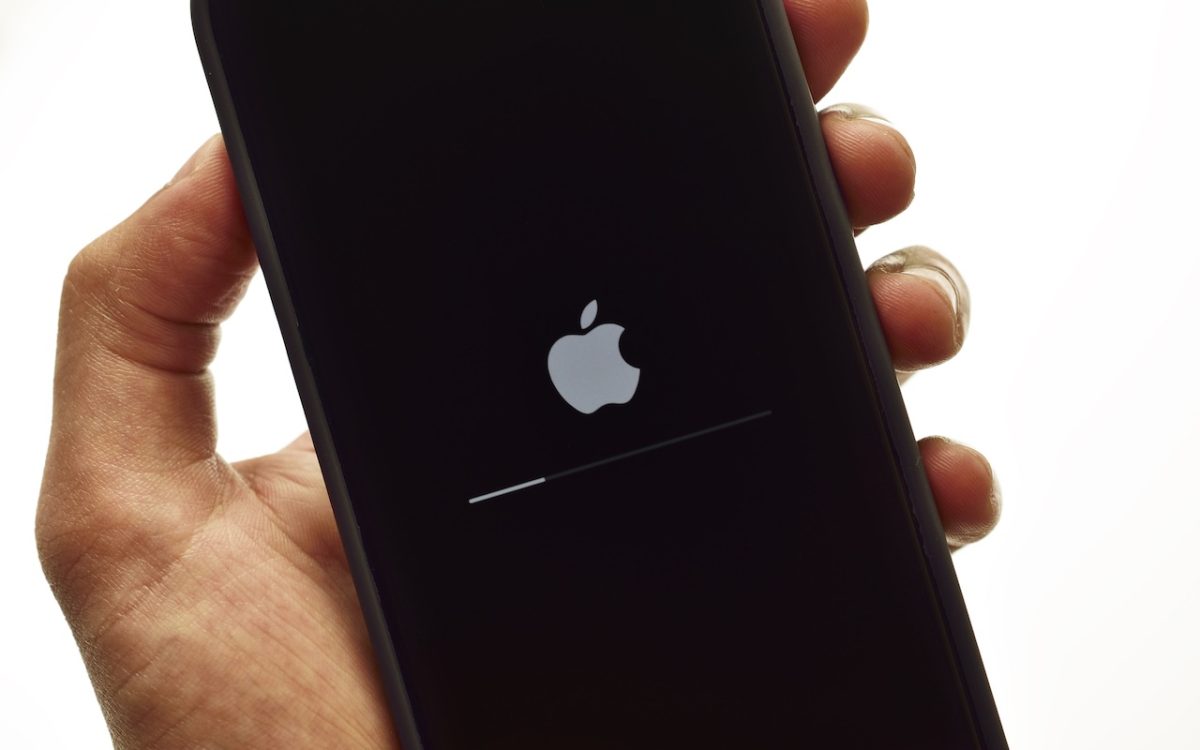
We hope you never need a new recovery option that Apple has added to the iPhone 16 and current iPad mini (with an A17 Pro chip). If a device gets stuck during an iOS or iPadOS update, you may see an animation of devices being moved close together, indicating that it’s in recovery mode. Apple’s new solution to a failed …
Apple Introduces AppleCare One for Multi-Device Coverage
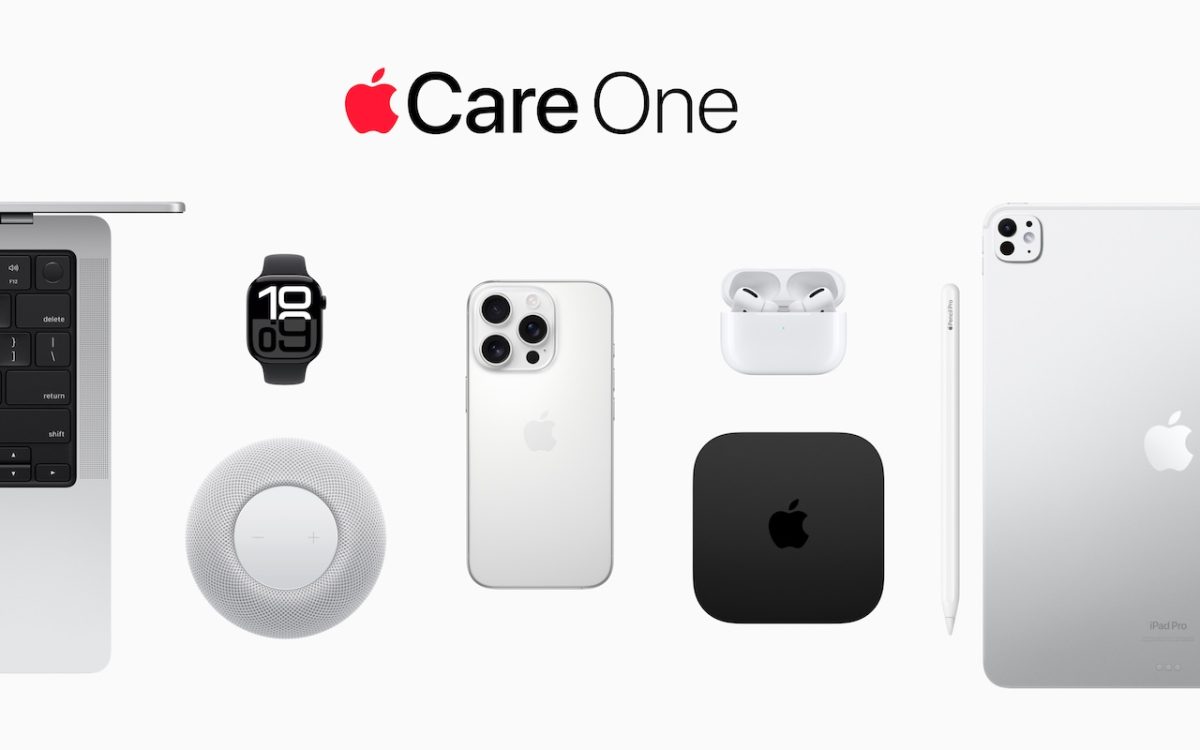
Apple has launched AppleCare One, a new device protection plan that consolidates coverage for multiple Apple devices into a single monthly subscription. For $19.99 per month, US customers can protect up to three devices, with any additional devices costing $5.99 each per month. The plan includes unlimited repairs of accidental damage, battery replacements when capacity drops below 80%, and up …
Press Control-Return in Sequoia to Open Contextual Menus
Those who prefer keeping their hands on the keyboard may appreciate Apple’s addition of a new shortcut in macOS 15 Sequoia. Instead of Control-clicking to open a contextual menu with commands to apply to the current selection, you can press Control-Return. Since it’s so new, it doesn’t work in some older apps or those that sidestep standard Apple frameworks, but …
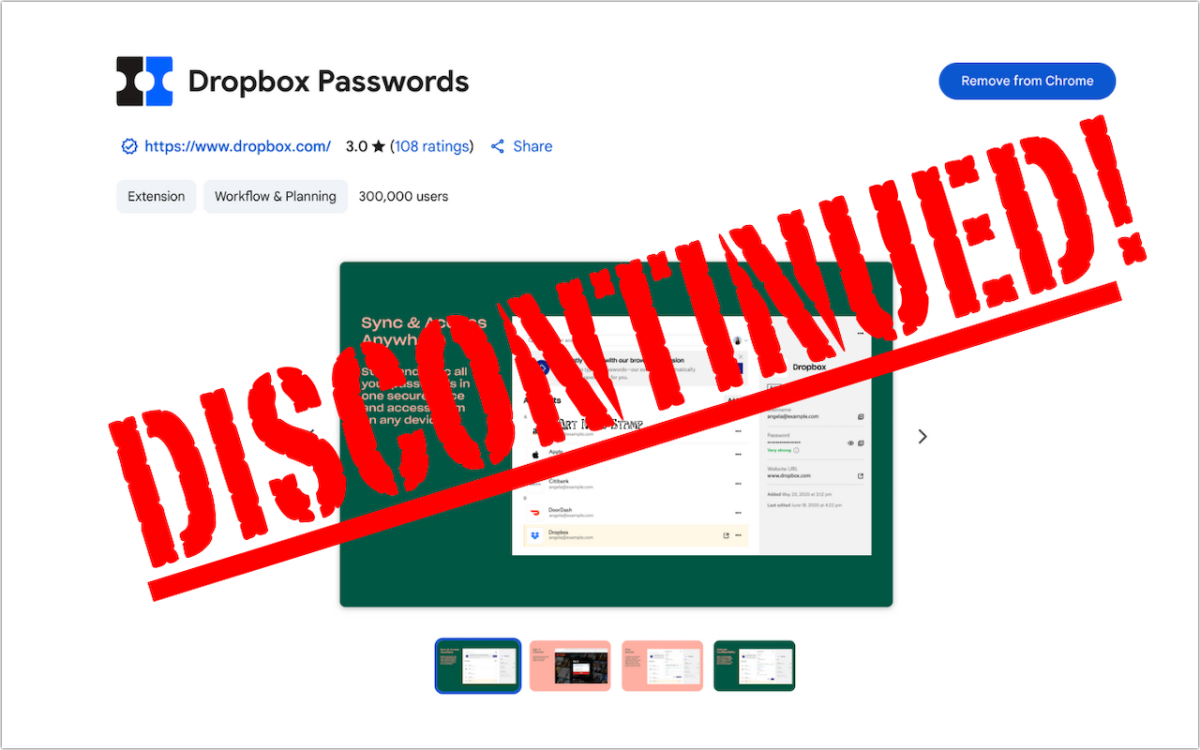
Dropbox Passwords Ending: Switch to 1Password Now
If you use Dropbox Passwords, it’s time to switch to a new password manager. Dropbox has announced it will discontinue the service on October 28, 2025, with key features being disabled in phases starting August 28. After the final shutdown date, all stored passwords will be permanently deleted. Dropbox recommends users switch to 1Password and has made that super easy. …