If you have trouble finding particular items across multiple shelves of books, labeled boxes, or anything else that’s clearly identified with a text name, take carefully composed photos that capture all the titles without glare. Later, you can search for any text in those photos to find them—tap the Search button in Photos on the iPhone or iPad, or use …

Find Some Ham Amidst Your Email Spam
Spam filters work pretty well—99% of the messages in your spam mailbox are probably spam. But it’s frustrating to miss an important message that was caught by an overeager spam filter. Here’s an easy way to find many good messages, also known as “ham,” amidst all the spam. Think of keywords that might appear in legitimate email to you: the …
Share 2FA Setup for Team Access to a Single Account
When your team or family shares access to a single account (such as for banking or social media, which seldom offer multi-user access), using two-factor authentication via SMS is awkward—whose phone receives the 2FA codes? One solution is to use an authentication app. Authentication apps are more secure, and multiple people can add 2FA support to the same account by …
Working Late on Your Mac? Turn on Night Shift to Help Your Sleep
Research suggests that exposure to blue light fools your body into thinking it’s daytime, making it harder to fall asleep if you work late on a Mac with a bright white (which has a lot of blue light) screen. To help, a macOS feature called Night Shift subtly changes the colors of the screen as the sun sets to reduce …
Tame the Tangle! Quick Cable Management Tips
Take a moment and look behind your Mac. Do you see a tangle of cables? The main downside of a mess of cables is that it’s a cluster of chaos that attracts dust bunnies. However, it’s possible for power cables—especially when tightly bundled or looped—to emit electromagnetic interference that can disrupt or degrade the signal carried by nearby data or …
Sorry, Apple Isn’t Going to Update the 27-inch iMac with Apple Silicon
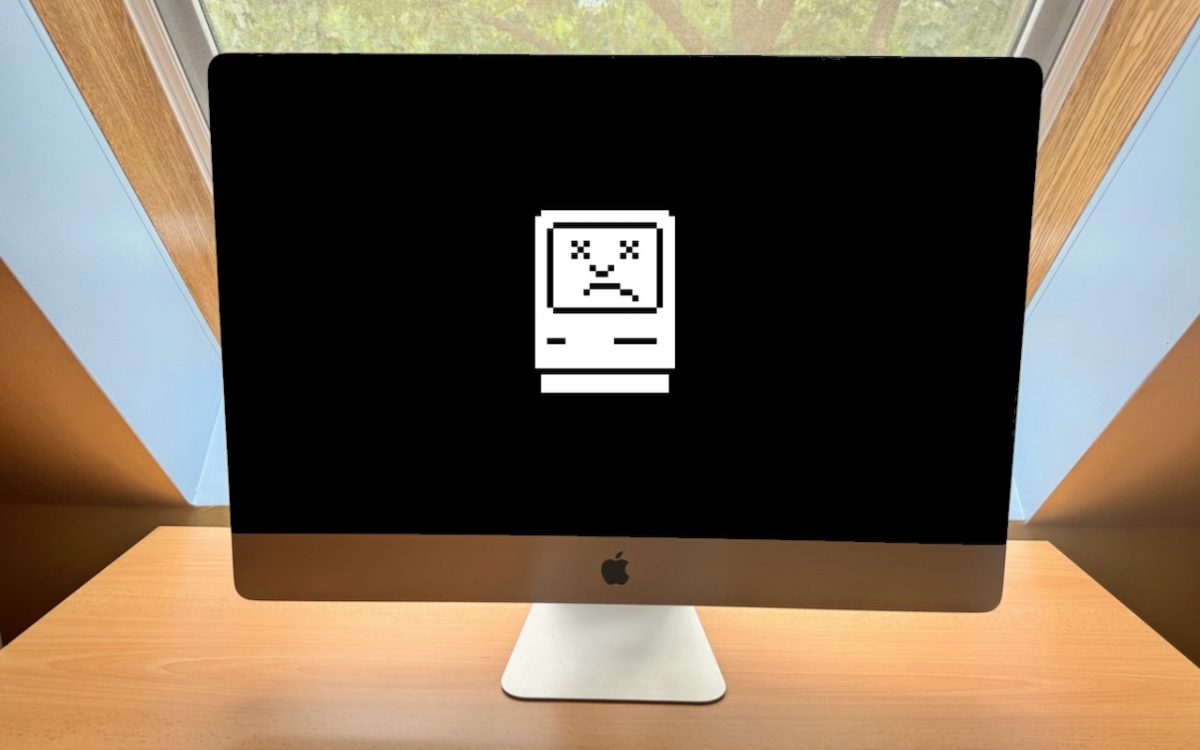
Are you a 27-inch iMac owner wondering when Apple will release a new model with speedy Apple silicon? We hate to be the bearer of bad news, but the answer seems to be an unequivocal “Never.” Late last year, Apple confirmed to The Verge that it would not be making an Apple silicon version of the 27-inch iMac. Technically, that …
How to Make Productive Use of Generative AI Chatbots and Artbots
Artificial intelligence dominates the tech news these days, but it’s hard to separate the hype from the reality. Every large company seems to have some major AI initiative in the works. Even Apple, which tends to stick to its own path, has started to tout features previously described as relying on “machine learning” as being “AI.” If you can get …
Apple Introduces New iPad Air, iPad Pro, Apple Pencil Pro, and Magic Keyboard
After no new iPads throughout 2023, Apple has unveiled new 11-inch and 13-inch iPad Air and iPad Pro models, plus a more capable Apple Pencil Pro and a redesigned Magic Keyboard for iPad Pro. The company also refined the iPad lineup by dropping the ninth-generation iPad and reducing the price of the tenth-generation iPad to $349. Only the iPad mini …
Select Non-Contiguous Text in Pages, Keynote, and Numbers 14
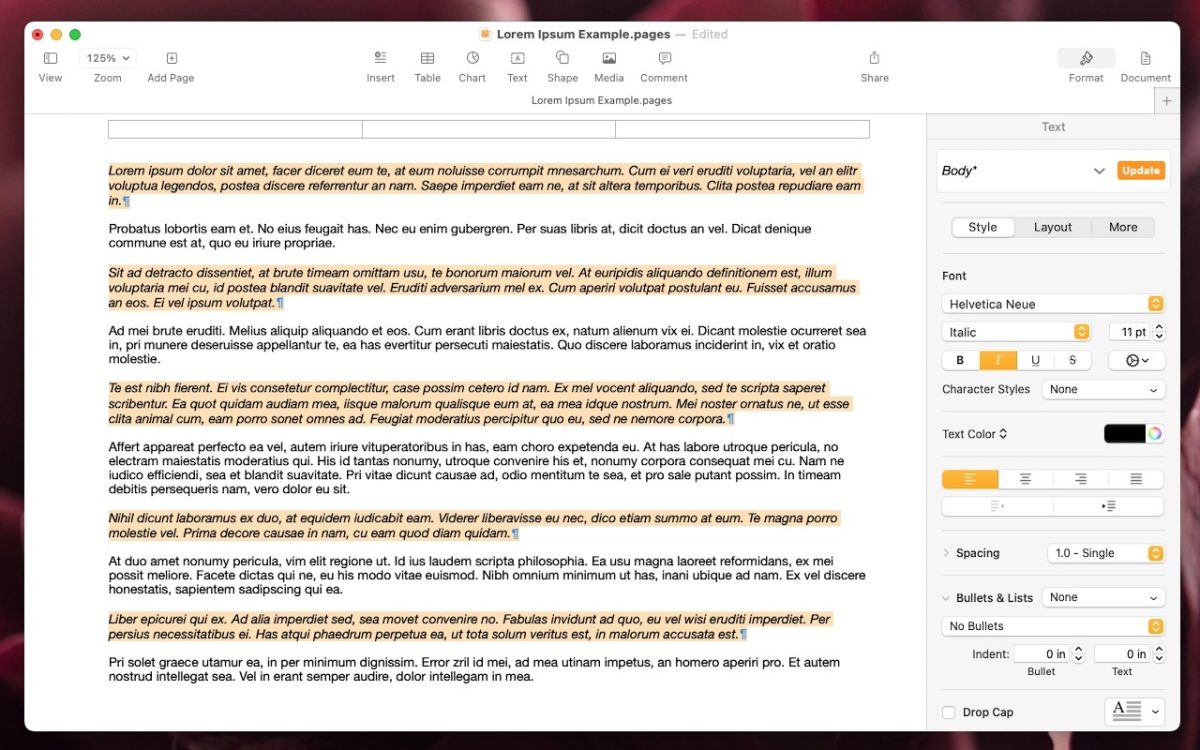
The latest versions of the Mac and iPad apps in Apple’s iWork suite—Pages 14, Keynote 14, and Numbers 14—have gained a helpful feature: non-contiguous text selection. By holding down the Command key, you can select chunks of text that aren’t next to each other. For example, imagine you want to make the first part of each item in a bullet …
Display an Album of Photos on Your iPhone or iPad Lock Screen
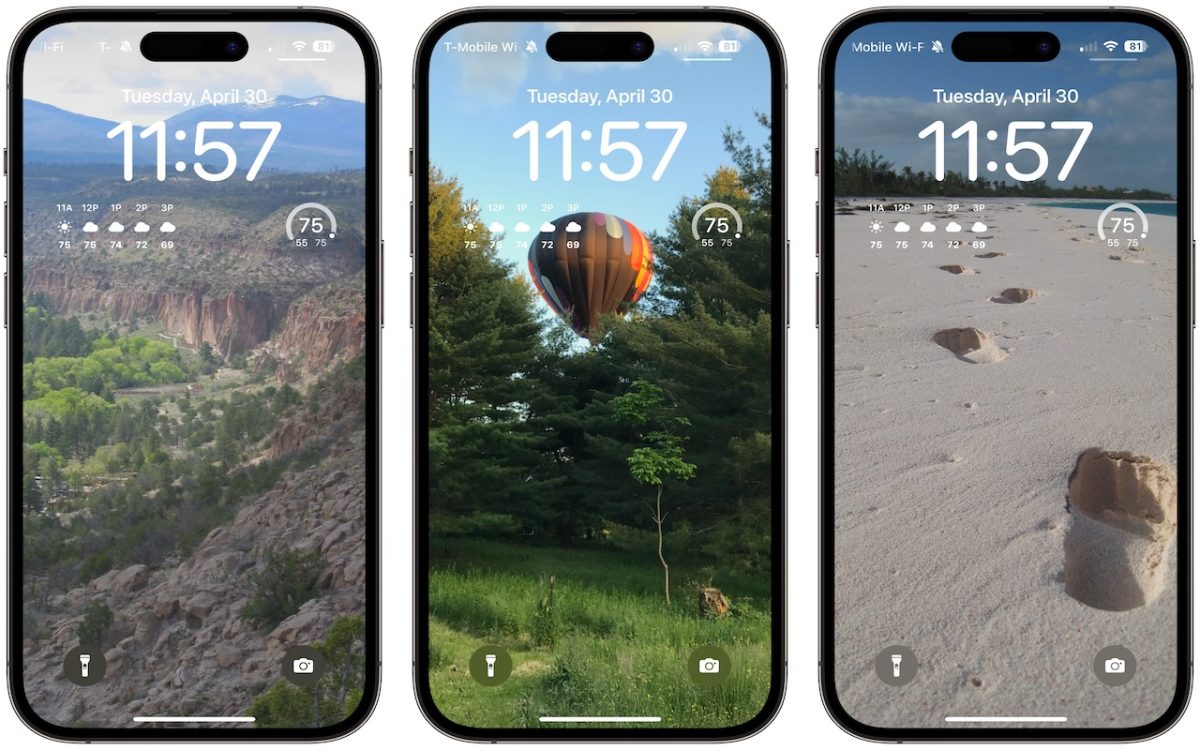
A popular feature of iOS 16 was the Photo Shuffle option for customizing the iPhone Lock Screen. It used machine learning to select photos in four categories—People, Pets, Nature, and Cities—and rotated through them when you tapped, on lock, hourly, or daily. If you didn’t like the automatic selection, you could pick photos manually, but it was clumsy. In iOS …