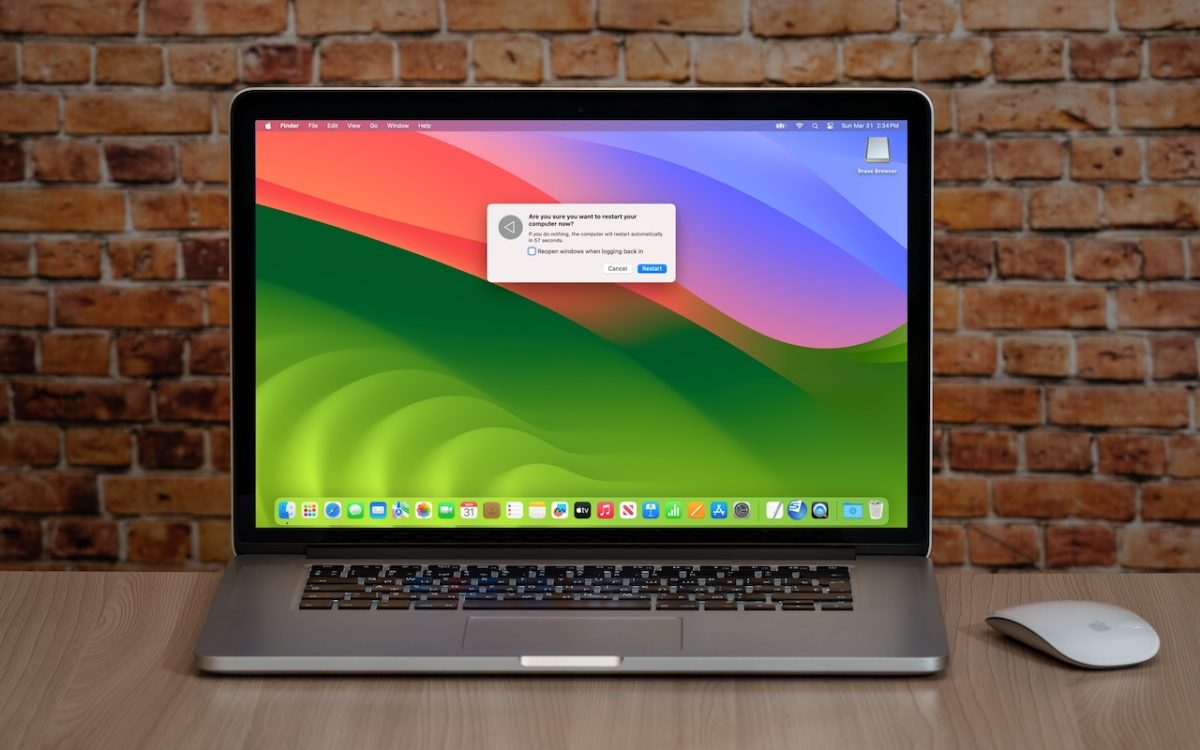
Long ago, before macOS was as stable as it is today, Mac users restarted their Macs regularly. Back then, Macs couldn’t sleep, either, so it was common for users to shut down at the end of the day and start up the next morning, effectively restarting daily. With modern Macs using the barest trickle of power in sleep and both …
SPF, DKIM, and DMARC: What They Are and Why You Need Them
The ease of sending and receiving email makes it an attractive way to run scams like phishing attacks. One telltale mark of a phishing attack is the sender’s address not matching their purported domain; attacks that appear to come from legitimate email addresses are much more likely to fool the victim. You can protect your organization’s email accounts from being …
Take Advantage of the Reference Library in Your Mac
You may be used to Mac apps using red underlines to mark misspelled words, but did you know that macOS has also long included a fully featured Dictionary app? It provides quick access to definitions and synonyms in the New Oxford American Dictionary and the Oxford American Writer’s Thesaurus, along with definitions of Apple-specific words like AirDrop and Apple ProRes …
Apple Announces New MacBook Air Lineup with M3 Chip
In November 2023, Apple unveiled the M3 chip in new versions of the 24-inch iMac and MacBook Pro, causing speculation about when other Mac models would be updated to match. If you’ve been longing for a MacBook Air with an M3 chip, your wait is over. (And we expect Apple to update the Mac mini soon.) Apple has now announced …
Did You Know Text Entry Boxes in Web Browsers Are Easy to Expand?
Have you ever noticed the shading in the corner of text area fields in Safari, Chrome, Firefox, and most other Mac Web browsers? These “handles” let you resize the field—always vertically and sometimes horizontally. That’s handy when the website designer has provided only a small text box and you want to enter more text than will fit. Just drag the …
Use 1Password to Enter Your Mac Login Password
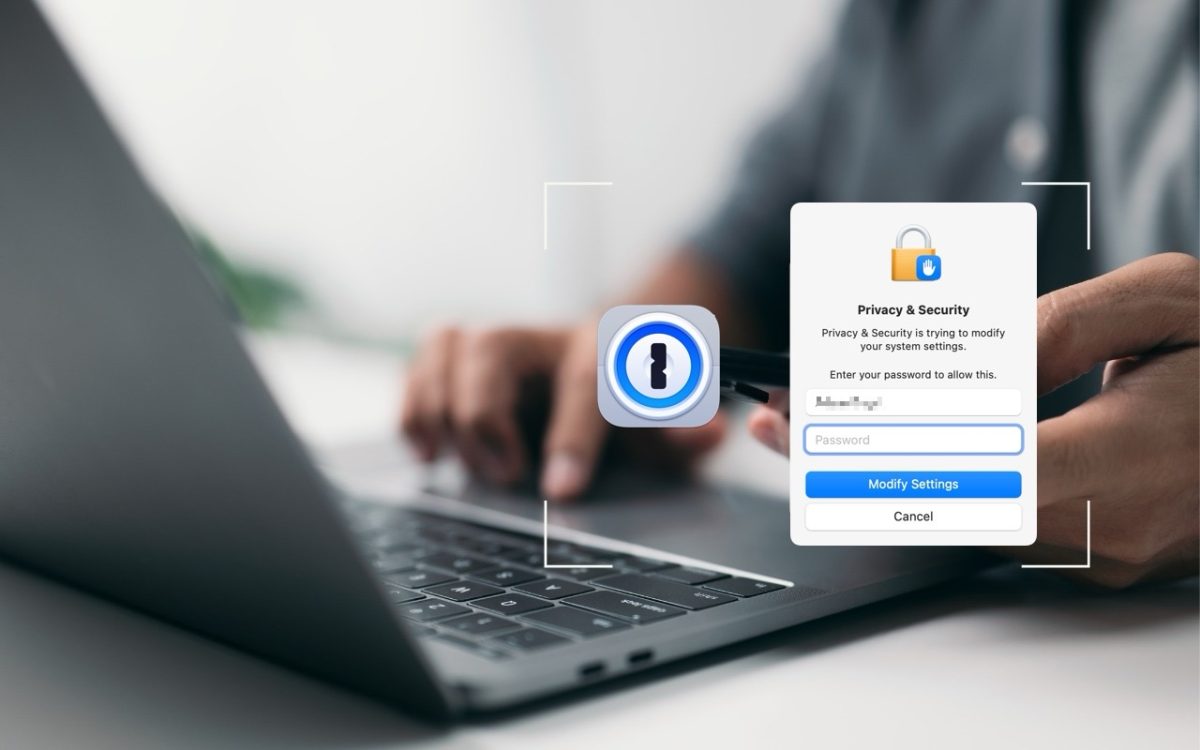
We think of 1Password as being helpful for entering passwords on websites and in iPhone and iPad apps. But its Universal Autofill feature has a hidden capability that lets 1Password enter your Mac login password when you have to provide it to change certain system settings, install apps, format drives in Disk Utility, and more. (But it won’t work to …
Use the Command Key to Rearrange and Remove Menu Bar Icons
Is your Mac’s menu bar overwhelmed with icons? They’re helpful little critters, but finding one can be difficult when you have too many and they’re in no particular order. The hidden trick to cleaning up your menu bar relies on the Command key. Rearrange the menu bar icons in an order that makes sense to you by Command-dragging them around. …
Send Photos in Messages Faster with This Hidden Shortcut
On the iPhone and iPad, to send a photo to a Messages chat, tap the ⊕ button and then tap Photos in the list that appears to reveal the photo picker. That’s not difficult, but it requires an extra step you can avoid with this tip. If you’re running iOS 17 or iPadOS 17, instead of tapping the ⊕ button, …
The Importance of Staying Updated
Does it feel like your Apple devices are always asking you to install operating system updates? You’re not wrong—from September 2022 to January 2024, we saw the following releases in Apple’s previous set of operating systems: macOS 13 Ventura: 20 releases iOS 16: 25 releases iPadOS 16: 20 releases watchOS 9: 15 releases tvOS 16: 12 releases Apple issued many …
Changing Passwords Periodically Doesn’t Increase Security
Does your organization or some financial website require you to create a new password periodically? This practice was recommended long ago, but some organizations haven’t kept up with current recommendations that discourage such policies. If you’re bound by a password expiration policy, you can use this article to encourage your IT department or financial institution to update its approach to …