Restrict Access to Sensitive Apps in iOS 18 and iPadOS 18

Restrict Access to Sensitive Apps in iOS 18 and iPadOS 18

Do you worry about family members with whom you’re otherwise happy to share your iPhone passcode reading your private diary in a journaling app? Or perhaps you want to keep your child out of apps where they could cause mischief. A new feature in iOS 18 and iPadOS 18 lets you use Face ID or Touch ID to restrict access …
Passwords Becomes a Real App in macOS 15 Sequoia, iOS 18, and iPadOS 18

Passwords Becomes a Real App in macOS 15 Sequoia, iOS 18, and iPadOS 18

Although we’re still fans of 1Password, and there are plenty of other good password managers out there, like BitWarden and Dashlane, Apple has finally removed the last hurdle to using its built-in password management capabilities. Starting in macOS 15 Sequoia, iOS 18, iPadOS 18, and visionOS 2, Passwords is now a real app rather than being trapped inside Safari, System …

In iOS 18 and iPadOS 18, Control Center Is Now Highly Customizable

In iOS 18 and iPadOS 18, Control Center Is Now Highly Customizable

Control Center has been a part of our iPhone and iPad experience for over a decade, first appearing in iOS 7 in 2013. It provides direct access to important controls so we don’t have to hunt through Settings or apps. On the whole, it has been a welcome addition. Although Control Center has changed a bit over the years, it …

Setting Up and Managing iCloud+ Storage

Setting Up and Managing iCloud+ Storage

Apple’s online iCloud storage underpins many of the company’s services, including iCloud Photos, iCloud Drive, iCloud Backup (for iPhones and iPads), iCloud Mail, and Messages in iCloud. Numerous independent apps also rely on iCloud storage to sync data between devices. Apple gives everyone 5 GB of storage for free, which is enough for core services, like iCloud Keychain, and to …

How to Minimize Downtime and Lost Work from Tech Failures

How to Minimize Downtime and Lost Work from Tech Failures

Macs are much more reliable than in the past, but it remains the case that computers and apps can fail in a wide variety of ways. And they’ve become so integral to daily life that an occasional failure is almost inevitable. Unfortunately, if you aren’t prepared for that eventuality, you may lose work and suffer from unnecessary downtime. A little …

Apple Announces iPhone 16 Lineup, Apple Watch Series 10, and AirPods 4

Apple Announces iPhone 16 Lineup, Apple Watch Series 10, and AirPods 4

It’s September, which brings the annual Apple crops: new iPhones, Apple Watches, and AirPods. At its recent Glowtime event, Apple unveiled the new iPhone 16 lineup, Apple Watch Series 10, and AirPods 4, alongside smaller announcements about existing products. As always, the enhancements in the new products are evolutionary, making them attractive to anyone already looking to buy a new …

Energy Saver Can Shut Down Your UPS-Equipped Mac in a Power Outage

Energy Saver Can Shut Down Your UPS-Equipped Mac in a Power Outage

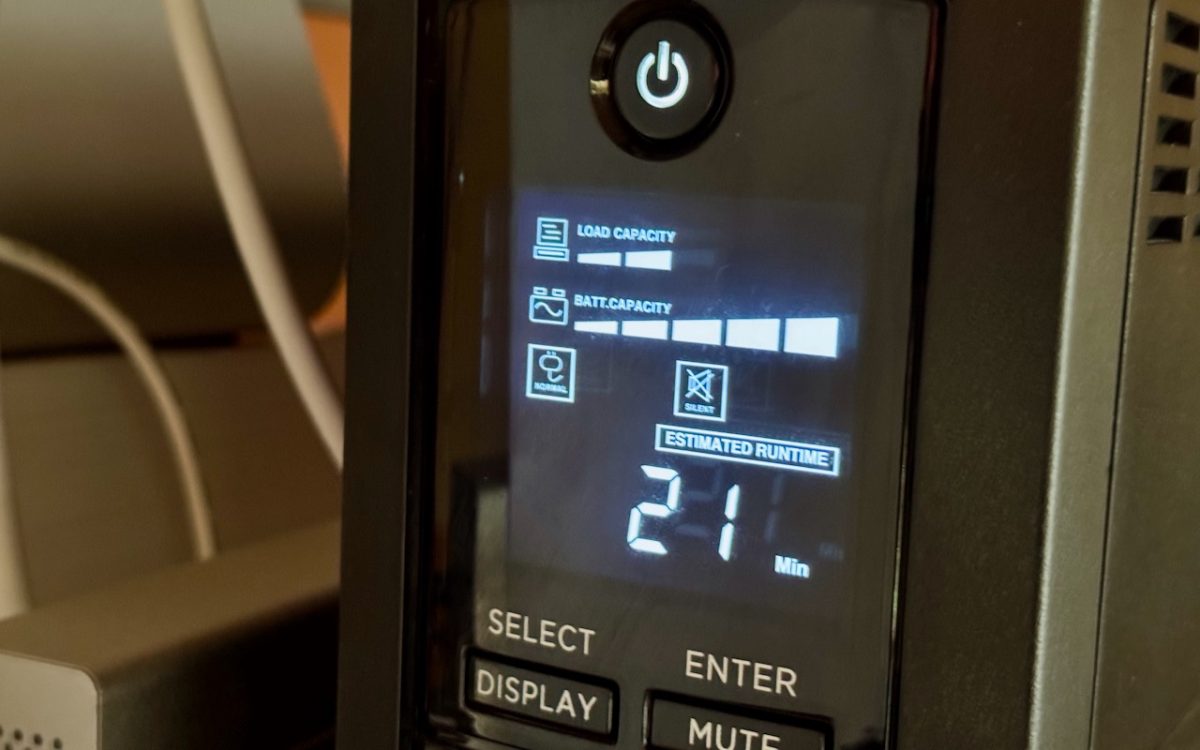
An uninterruptible power supply, or UPS, provides essential protection from power surges, spikes, brownouts, and outages. But if you’re not at your Mac when the power goes out, the UPS may run out of battery before you (or the power) return. Happily, if you connect your Mac to your UPS with a USB cable, macOS can detect the outage and …

Set macOS to Require a Password after Screen Saver Start or Display Sleep

Set macOS to Require a Password after Screen Saver Start or Display Sleep

Although paying attention to online security is of primary importance, don’t forget local security. You don’t want to go out for lunch and let someone wandering by your office poke through your email, messages, photos, and private files. To ensure this doesn’t happen, set your Mac to start the screen saver or sleep the display after a few minutes (on …

No More Ransom Website Offers Ransomware Decryption Tools

No More Ransom Website Offers Ransomware Decryption Tools

We’ve written in the past about how Apple-only companies can protect themselves from ransomware (strong security, isolated backups, monitoring software), but realistically, it’s primarily a threat to computers running Windows and Linux. If you, or anyone you know, is targeted by ransomware, look to the No More Ransom website, developed by Europol’s European Cybercrime Centre and the Dutch police, for …